Replatform, not upgrade
Sitecore’s Accelerate guidance treats XM/XP → XM Cloud (SitecoreAI) as a move to Headless SXA / Experience Edge patterns. MVC solutions need conversion; staying on managed cloud is the “lift XP as-is” option.
Moving from Sitecore XP/XM to XM Cloud (now part of SitecoreAI) is a replatform, not a simple version upgrade — Sitecore’s own guidance describes rebuilding for a headless, composable architecture, and personalization/xDB data does not carry over as-is.
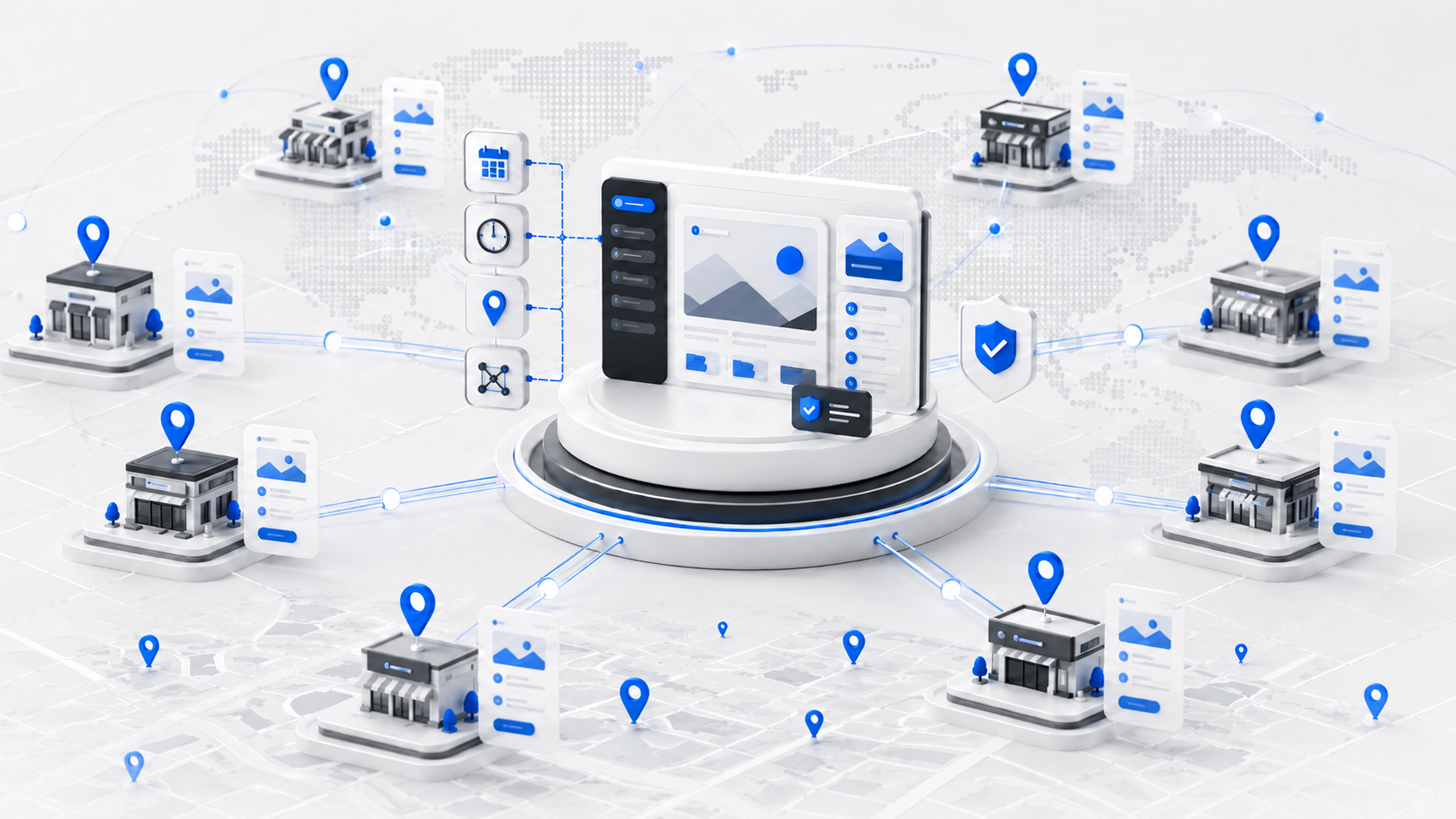
IMADO helps enterprise marketing and IT teams compare that path with a SEO-safe Sitecore to WordPress migration — including multi-brand groups that need shared governance via the IMADO Location Engine.

Get a Free Quote
Free proposal, no obligation. Fields marked * are required.
We’ve received your message and will get back to you shortly.
While you wait, feel free to explore:
10+ years
WordPress development experience
30+
5-star reviews on Clutch, Google & Sortlist
350+
completed projects
15+
long-term client relationships
Trusted by 60+ agencies and brands for launches, rebuilds and long-term support.






Your WordPress platform is designed for:
This is not a “basic CMS downgrade”. We implement WordPress as a modern enterprise CMS with clear information architecture.
Running several brands or venue networks? Read how Location Engine structures multi-brand WordPress sites.
Based on Sitecore’s public migration guidance (XM/XP → XM Cloud / SitecoreAI is a replatform). Dollar licence bands vary by contract — we do not invent Sitecore list prices here.
| Factor | Stay on Sitecore XP / Managed Cloud | Replatform to XM Cloud (SitecoreAI) | Migrate to WordPress |
|---|---|---|---|
| Nature of the project | Keep MVC/XP; ops & upgrades continue | Rebuild for headless / composable CMS | Rebuild on WordPress architecture |
| Sitecore product path | Managed Cloud keeps XP-like stack | Sitecore’s SaaS CMS direction | Leave Sitecore CMS licensing |
| Front-end | Existing MVC (or gradual change) | Typically Next.js / JSS + Experience Edge | Custom theme, blocks, or headless WP |
| Personalization / xDB | Existing XP capabilities | Must be rebuilt; xDB does not lift-and-shift | Rebuild with WP-appropriate tools |
| Best when | XP still fits; budget for specialists | You want to stay in Sitecore’s SaaS roadmap | Cost, editorial speed, agency capacity dominate |
| IMADO role | Limited — not a Sitecore XP shop | Advisory only on leave-vs-stay | Full Sitecore → WordPress migration |
Sources: Sitecore Developer Portal — Transition from XM/XP to SitecoreAI / XM Cloud migration FAQ (replatform, headless requirements, personalization rebuild).
For a deeper product comparison narrative, see our article WordPress vs Sitecore.
For Technical Teams
We speak your language - version control and performance budgets are part of our workflow. Every IMADO project follows modern engineering standards for scalability, maintainability, and long-term reliability.
All code is validated through PHP CodeSniffer (PHPCS) with WordPress Coding Standards (WPCS) rulesets applied. This ensures every commit meets consistent, high-quality standards - readable, maintainable, and fully aligned with WordPress core guidelines.
Our modular architecture allows content teams to manage flexible layouts safely - with reusable ACF or Gutenberg blocks following best coding and UX practices.
We use structured Git branching with pull requests, code review, and changelog documentation. Every project is version-controlled and auditable, keeping delivery transparent from start to deployment.
Strict input sanitization, escaping, and nonces ensure safe data handling. We apply least-privilege principles across user roles and API endpoints to minimize attack vectors.
Seamless integration with REST, GraphQL, and external APIs (CRM, ERP, booking, or payment systems) - built for stability and future scalability.
We work extensively with WooCommerce, LearnDash, Woo Subscriptions, WPML, Polylang, BuddyBoss, and other industry-standard plugins. From eCommerce to LMS and community platforms - we ensure smooth integration, scalability, and update safety.
The Gutenberg editor is WordPress’s modern, block-based editing system.
Instead of editing entire pages as one large piece of content, Gutenberg lets you build pages using individual blocks - such as headings, text, images, buttons, or custom components.
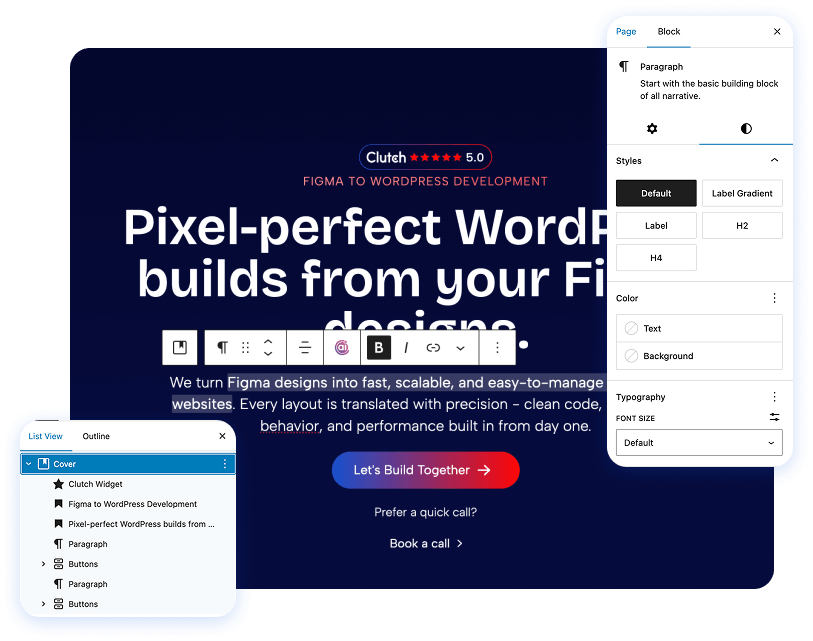
With Gutenberg, pages are built from structured blocks rather than hard-coded layouts. That means your team can update content without touching design or layout logic.
Each block represents a specific content element and can be edited, moved, or reused independently. This makes page management more intuitive, flexible, and significantly safer than traditional editors or page builders.
Sitecore vs WordPress and Sitecore to WordPress migration
No. Sitecore describes XM/XP → XM Cloud (SitecoreAI) as a move to a composable, headless CMS. MVC sites typically need conversion; personalization and xDB data do not carry over unchanged. See Sitecore’s Transition from XM/XP to SitecoreAI guidance.
When total cost of ownership, editorial speed and access to WordPress talent matter more than staying on Sitecore’s DXP/SaaS roadmap — and when your personalization and integration needs can be met with WordPress-appropriate tools.
We design the migration to preserve URLs, metadata and internal linking with a redirect map and launch QA. Outcomes still depend on baseline SEO and post-launch content ops.
Personalization is rebuilt for WordPress (or a connected CDP/marketing stack). Sitecore’s own XM Cloud path also requires rebuilding personalization rather than lifting xDB as-is.
Yes, when hardened correctly: least-privilege roles, update discipline, WAF/hosting controls and secure coding. Security is an operations model, not a logo on a licence sheet.
Yes. Multisite or a carefully modelled single install can serve multiple brands. For multi-location / franchise-style governance, see IMADO Location Engine.
Yes — maintenance and optimization are available.
Yes — redesign and migration can run together when IA and redirects are agreed first.