WordPress vs Squarespace is an operating-model decision. Squarespace bundles a managed site platform, while self-hosted WordPress gives a business more control over hosting, content structures, integrations, and governance. Choose by the work your site must support, not by company size.
Key takeaways
- The key question is whether the selected Squarespace plan meets the site’s page, publishing, and selling requirements.
- Self-hosted WordPress offers more control over content structures, code, hosting, and integrations. That control also creates maintenance work.
- Compare the cost of operating the site, not just the software license or monthly subscription.
- Revisit the platform when the team keeps working around the same content, integration, or checkout limitation.
- Treat a future move as a migration project with URL, content, analytics, and ownership checks.
WordPress vs Squarespace for a growing business: what is the real difference?
Self-hosted WordPress is open-source CMS software installed on hosting selected by the business. Squarespace is a hosted website platform that combines its editor, hosting, and plan features. Here, WordPress means the self-hosted WordPress software from WordPress.org; WordPress.com is outside this comparison.
The difference becomes visible in day-to-day ownership. A Squarespace team works inside one provider’s product and plan structure. A WordPress team chooses the host, theme, extensions, and maintenance model. That creates more decisions, but it also lets the business change parts of the system when its needs change. When IMADO builds a WordPress site, the client owns the code, the domain, and the hosting.
WordPress includes publishing features such as user roles, plugins, and custom content types. These can support a larger editorial team or a content model beyond standard pages and posts. WordPress.org’s feature documentation describes user management, plugins, and custom post types.
Squarespace’s current plans bundle hosting and selling tools, while the included commerce features vary by plan. Compare the current plan matrix with the actual features your team needs, not a price remembered from an older comparison. Squarespace’s current plan comparison lists included hosting and selling functionality, with plan features shown in its comparison matrix.
How do WordPress and Squarespace compare for a growing business?
Squarespace places the site within a managed provider’s platform and plan structure; self-hosted WordPress gives the team choices over content, integrations, hosting, and ongoing care. Compare those operating models against the requirements the business owns.
| Decision area | Squarespace | Self-hosted WordPress |
|---|---|---|
| Site operations | Provider manages the platform and hosting | Business chooses hosting and support |
| Content workflow | Built-in page and publishing tools | Core publishing plus configurable roles and content types |
| Custom requirements | Work within included features, plans, and supported extensions | Extend with plugins or custom development |
| Ecommerce | Selling tools are part of paid plans, with features varying by plan | WooCommerce can support a store tailored to its catalog and workflow |
| Cost model | Subscription and plan-specific selling costs | Hosting, implementation, extensions, and ongoing care |
| Technical ownership | Fewer infrastructure decisions for the site team | More control, with responsibility for updates and compatibility |
If a stable marketing site uses standard pages and selling features, the team may have no current requirement to move from Squarespace. Product configurators, custom publishing workflows, or internal-system integrations may require a WordPress implementation designed around those requirements.
When can a business stay on Squarespace?
A business can stay on Squarespace while the current plan supports its required pages, editorial workflow, and commerce, and the team accepts the platform’s managed operating model.
Choose it when the team can answer yes to these questions:
- Do the current templates and page types support the content plan?
- Can editors publish and approve work without custom permissions or workflows?
- Do the available commerce features support the planned catalog and checkout?
- Can the site operate without custom integrations that need a developer to maintain?
- Does the team prefer one provider to handle the website platform and hosting?
Growth alone is not a reason to migrate. A company can add products, staff, and content without changing platforms if its current requirements are still met. Start a platform review when a required feature is unavailable, a workaround creates recurring manual work, or the business cannot control a critical part of the customer journey.
When does WordPress fit better?
WordPress is worth considering when growth creates custom publishing structures, integrations, multiple editorial roles, or ecommerce behavior that needs more control. Plan for a technical owner, whether that is an in-house team or a support partner.
Content and governance
A business with several contributors may need roles, approval steps, reusable page structures, or custom content types. WordPress lets a development team design these around the publishing process. A small marketing team that only updates a few standard pages may not need that flexibility.
Ecommerce and integrations
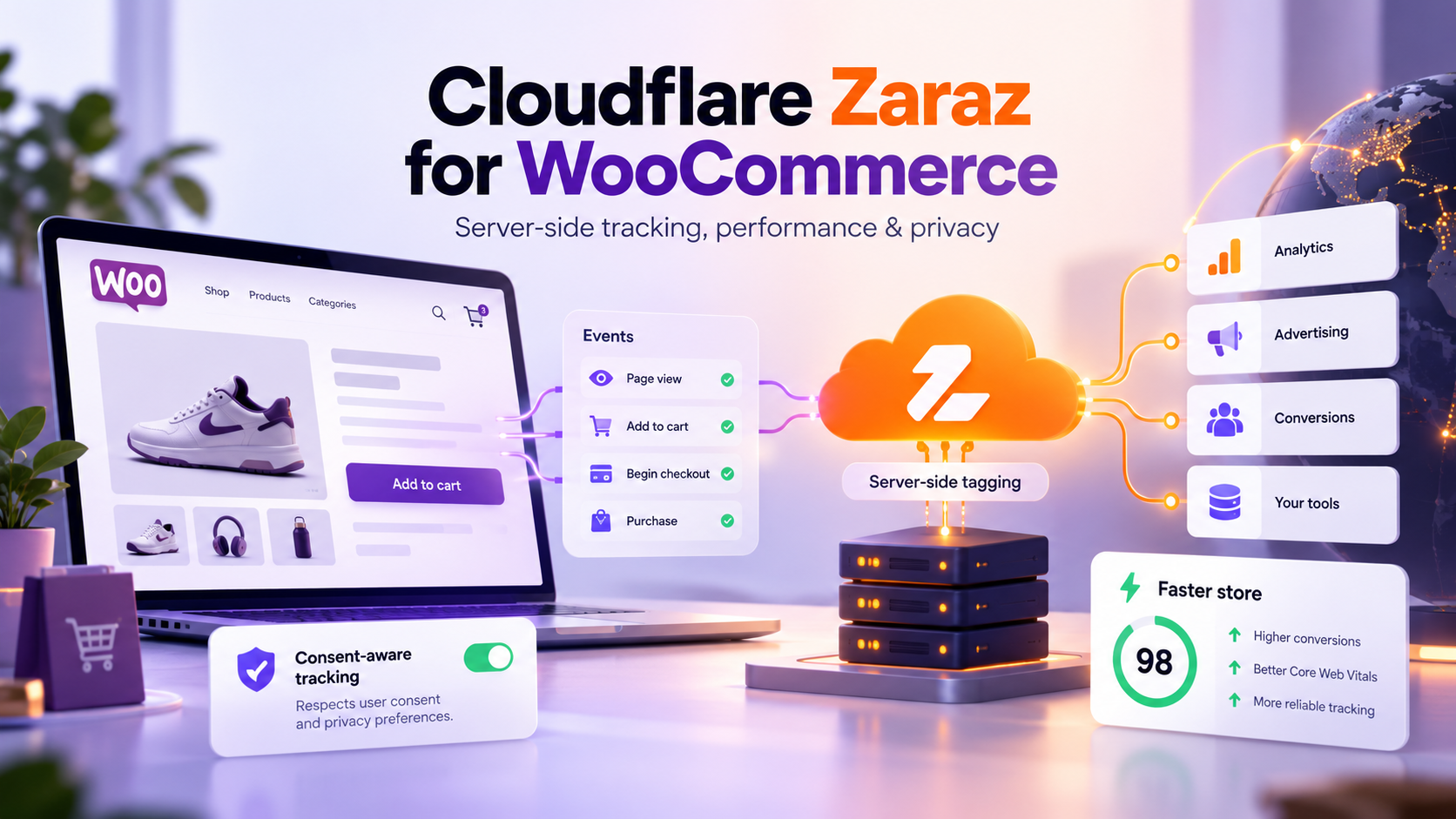
A WooCommerce build can be shaped around a store’s catalog, checkout, and order flow. That matters when standard product pages or checkout rules no longer fit. More flexibility also means the team must test updates and integrations, keep backups, and decide who handles issues after launch.
If custom integrations are needed, scope the data and ownership before choosing a platform. If the team needs help planning or building that system, IMADO’s WordPress development service works with business requirements rather than a fixed template.
Agency and white-label delivery
For an agency, platform choice also affects who builds and maintains the client site. WordPress can suit a bespoke client project where the agency needs control over theme code, content types, and deployment. If developer capacity is the constraint, white-label WordPress development can add engineering support behind the agency’s client relationship.
How much do WordPress and Squarespace cost over three years?
Neither platform is automatically cheaper. Compare the costs of the features and work your team needs across three years, including the time spent publishing and maintaining the site.
| Cost line | Squarespace | Self-hosted WordPress |
|---|---|---|
| Platform | Current subscription and plan terms | WordPress core license has no fee; add the chosen hosting plan |
| Launch | Template setup and any specialist design or development | Design, implementation, data setup, and launch QA |
| Features | Plan upgrades or supported extensions | Premium extensions or custom development |
| Commerce | Plan-specific selling terms and payment processing | Payment processing, hosting, WooCommerce extensions, and checkout work |
| Operations | Team time and any specialist help | Updates, backups, security, compatibility checks, and support |
| Future change | Rebuilds or workarounds if requirements exceed the platform | Development and migration work when requirements or hosting change |
Replace each row with a quote, invoice, or time estimate from your own team. Include internal hours. A subscription may appear lower at first glance while repeated workarounds consume staff time; a custom WordPress build may cost more to launch but remove a recurring constraint. The numbers are specific to your requirements, so a generic comparison table cannot decide the total for you. For a starting point on a WordPress budget, see IMADO’s pricing.
If ongoing technical care is part of the WordPress plan, define the scope before launch. WordPress support and maintenance can cover recurring site needs after the initial build.
WordPress vs Squarespace for SEO: which gives your team more control?
Neither CMS guarantees search visibility. Choose the one that lets your team maintain useful content, crawlable URLs, page metadata, internal links, redirects, and a publishing process it can sustain.
WordPress can add SEO extensions and custom technical behavior, but those options still need correct configuration and review. Check the SEO and mobile optimization controls available in the Squarespace plan you are comparing, then decide whether its fields and workflows meet this site’s requirements.
The more useful question is operational: can the team publish new pages without creating duplicate URLs, can it preserve the URL structure during redesigns, and can someone verify metadata and redirects before launch? If the answer is unclear, make those requirements part of the platform review instead of assuming one CMS will rank better.
What should you check before migrating later?
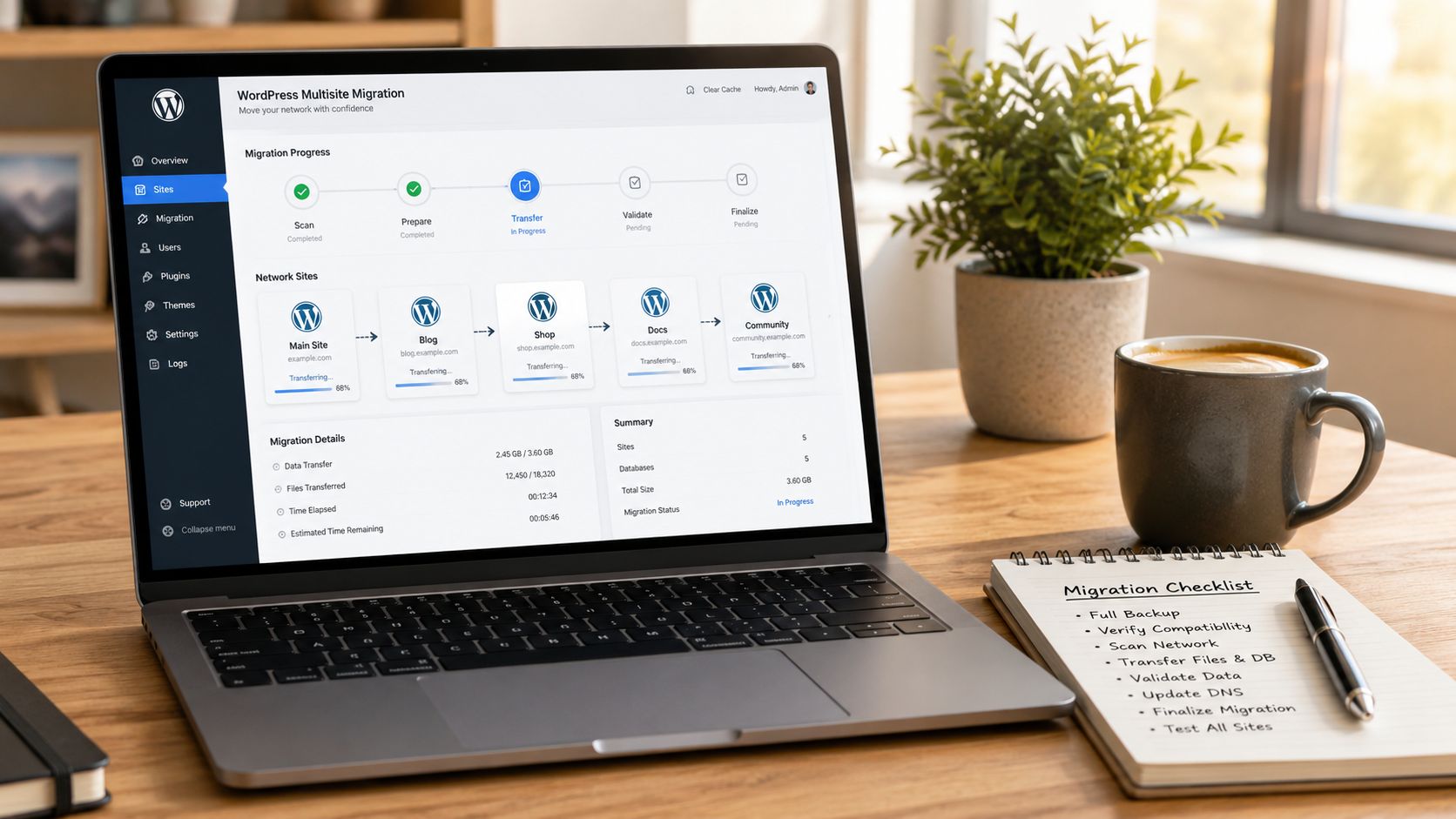
A platform switch is a content and operations project. Inventory URLs, page types, media, products, forms, analytics, and redirects before choosing a migration path.
Use this short checklist:
- Export a sample of the content and inspect what needs manual rebuilding.
- Record each live URL and map it to its destination.
- List product data, forms, integrations, and tracking that must keep working.
- Decide who owns redirects, testing, and post-launch checks.
- Compare the new editorial workflow with the work the team does today.
A migration plan should protect the business’s important pages and customer journeys, not just reproduce the old design. If WordPress is the target, plan the move with IMADO’s WordPress migration team.
How should a digital agency choose?
An agency should choose the platform that fits the client’s requirements and the agency’s delivery model, then make ownership clear before handoff.
If Squarespace’s available features meet the brief and the client wants fewer technical responsibilities, a WordPress build may not be required. WordPress may fit a project when the brief calls for custom content, WooCommerce, integrations, or a tailored publishing system. The agency should specify who manages updates, backups, and feature changes after launch.
WordPress vs Squarespace FAQ
Do professionals use Squarespace?
Yes, but that fact alone does not determine whether Squarespace meets a site’s requirements. Compare its available features, content workflow, and operating model with the project scope.
Is WordPress still worth it in 2026?
Yes, when the business needs control over content structures, integrations, ecommerce, or hosting and has a plan to maintain the site. If the site only needs standard pages and selling features, Squarespace may involve less technical overhead.
How much does Squarespace cost per month?
The amount depends on the current plan and billing terms. Check the official plan matrix for current pricing, then compare it with implementation, payment, support, and staff costs for your own requirements.
Is WordPress better than Squarespace for SEO?
Neither CMS guarantees search visibility. WordPress leaves more room for SEO extensions and technical customization, while Squarespace offers SEO controls that depend on the plan. The better choice is the platform your team can configure correctly and keep maintained.
Can you move from Squarespace to WordPress later?
Yes, but plan it as a migration project. Inventory URLs, page types, media, products, forms, analytics, and redirects first, and decide who owns testing and post-launch checks.
Which is better for a growing business, WordPress or Squarespace?
Neither platform is universally better. Squarespace may meet requirements that stay within its managed features; WordPress may fit when custom content, integrations, or commerce create a recurring need for control. Use those requirements to make the decision.
How should you choose now?
Start with the site work your business expects to do over the next few years. If the current platform supports standard pages, publishing, and selling requirements, document that as the team’s current fit. If custom content, integrations, or checkout behavior create recurring constraints, plan a WordPress build and assign an owner for ongoing care.