
A faster public site
The Astro front prepares pages in advance, so visitors do not wait for the site to be assembled on every visit.
Keep content management simple while gaining more control over the public site. We build headless websites with Astro on the front end and WordPress or Sanity for content, tailored to your publishing workflow.
Get a Free Quote
Free proposal, no obligation. Fields marked * are required.
We’ve received your message and will get back to you shortly.
While you wait, feel free to explore:
On a classic WordPress site, the admin and the public site are tightly connected. A headless setup separates them. Your team continues to write and publish in WordPress or Sanity.
Astro reads that content and serves a separate front end to visitors. With headless WordPress, your team keeps the WordPress editor; with Sanity, editors get a dedicated content studio. Your team keeps its editing workflow while the public site is built for speed and flexibility. We preserve the URLs customers and Google already know, and prepare redirects for any addresses that need to change.
Headless separates the CMS from the public site. It gives you more control over the front end and adds another system to build and maintain.
| Area | Traditional WordPress | Headless CMS + Astro |
|---|---|---|
| Content editing | Edit in the WordPress admin. | Edit in WordPress or Sanity. |
| Public site | The WordPress theme and admin are part of one platform. | A separate Astro front end presents the content. |
| Publishing | Content changes publish through WordPress. | Publishing can include a preview or site build step. |
| Plugins | WordPress plugins can support both admin and public-site features. | Front-end features may need an API connection or a separate implementation. |
| Performance | Depends on the theme, hosting and plugins. | The front end can be optimized separately; results depend on implementation. |
| Complexity | One platform to build and maintain. | The CMS and front end are built and maintained separately. |
We first list the content and the addresses, then we design the split between the CMS and the front, and only then do we build.
We list the pages, the addresses and what the team uses day to day in the editor.
We agree what stays in WordPress or Sanity, and what we build in Astro.
We tidy the look and the reusable blocks, so the new site stays consistent and easier to extend.
We build the front and connect it to the content the team still edits in the familiar admin.
We check addresses, redirects, forms, search and how Google sees the site, before anything goes live.
The new site goes live at your address, and we agree care after launch.
On mobile, imado.co loads in 0.6 seconds and scores 95/100 on PageSpeed.
For editorial teams that need a CMS, we can connect an Astro front end to WordPress or Sanity. Editors keep working in the CMS they already use while visitors get a separately built public site.
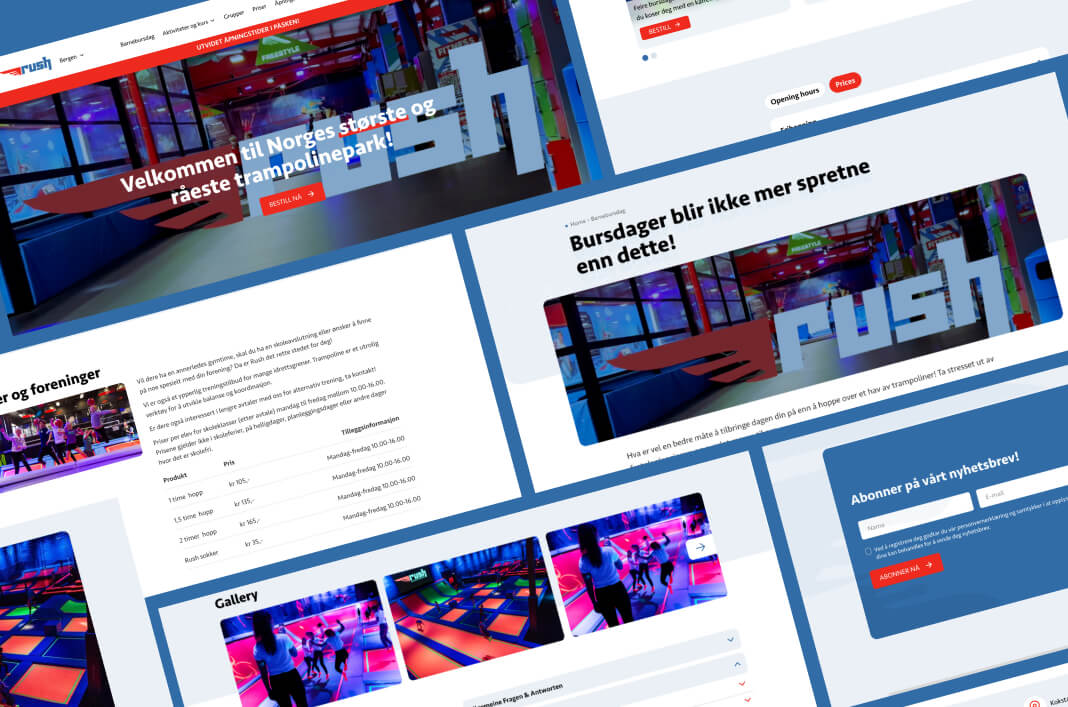
High-performance WordPress platform for a multi-country leisure brand, built to scale across Scandinavia.
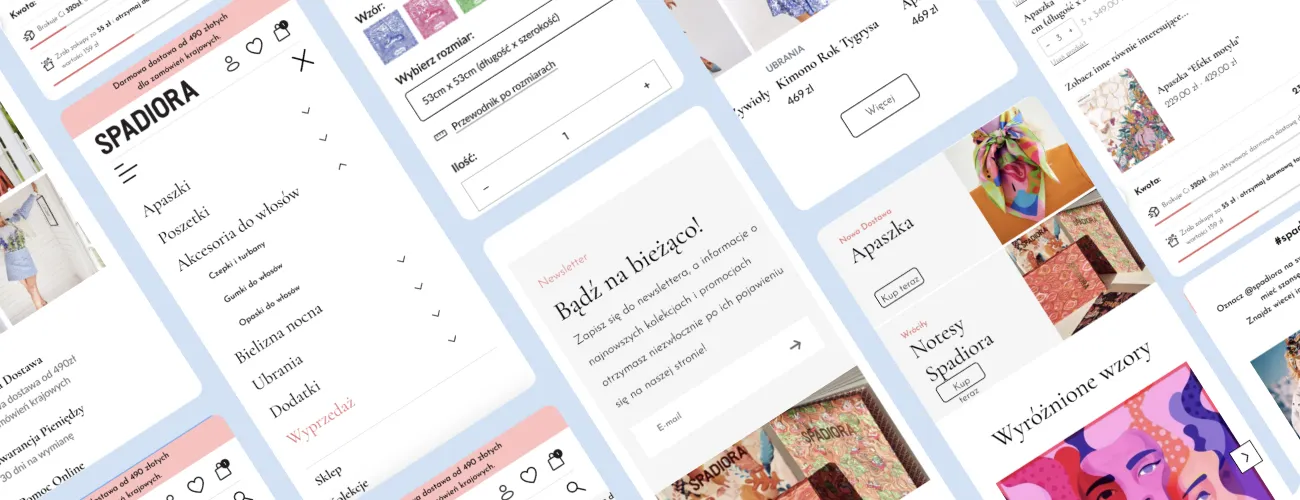
High-performance fashion eCommerce on WordPress with a custom checkout, multilingual support, and flexible promotions.
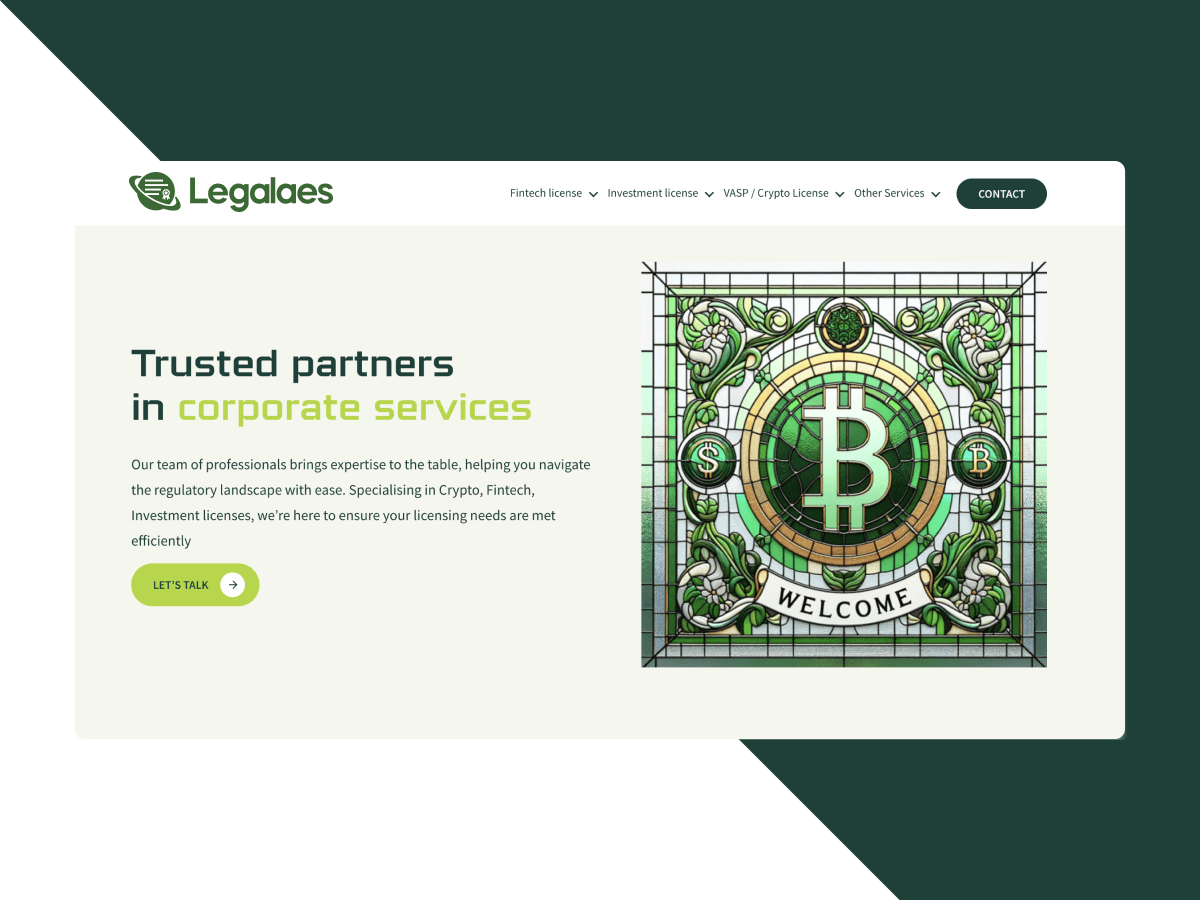
Fast, professional WordPress site for a law firm, focused on clarity, trust, and performance.
They were easy to work with, understood our requirements, and challenged us when needed.
IMADO team were transparent about the whole process and pleasant to deal with.
We were impressed by their attention to detail.
We highly recommend IMADO for any company that wants to achieve great results.
Their communication was exceptional despite the time difference.
Their speed and communication were impressive.
They gave us a professional website that's easy to use.
Their communication was always very fluent, and the work was always good, even with short deadlines.
In our industry, we are used to chasing suppliers; with IMADO, we never had to.
We are impressed with their speed of development.
Their creative approach to design and attention to user experience particularly stood out.

