 Ask Chatgpt to summarize Bespoke WordPress Development: What It Actually Means and When It’s Worth It
 Ask Grok to summarize Bespoke WordPress Development: What It Actually Means and When It’s Worth It
 Ask Claude to summarize Bespoke WordPress Development: What It Actually Means and When It’s Worth It
 Ask Perplexity to summarize Bespoke WordPress Development: What It Actually Means and When It’s Worth It
 Ask Gemini to summarize Bespoke WordPress Development: What It Actually Means and When It’s Worth It
Bespoke WordPress development means building a site from custom code — no off-the-shelf theme, no page builder, no inherited third-party logic. Every template, block, and integration is written specifically for your requirements. It costs more upfront and takes longer than a themed build, but eliminates the performance overhead, security exposure, and design constraints that come with generic solutions.
The catch: “bespoke” is one of the most misused words in WordPress services. Most agencies selling “bespoke WordPress development” are delivering customised commercial themes. Before you commission anything, you need to know what the word should actually mean.
Table of Contents
Bespoke WordPress vs. Theme Customisation — What the Difference Actually Is
The majority of agencies labelling their work “bespoke” are modifying a purchased or free theme. Custom CSS, adjusted settings, maybe some Elementor templates. The underlying theme — with its asset load, its update cycle, its inherited code — remains in place. That is not bespoke development. It is theme customisation, which is a legitimate service, but it is not the same thing.
What a genuine bespoke build includes
- A theme built from scratch or from a lean starter (no commercial parent theme with its own framework)
- Custom Gutenberg blocks written in PHP and JavaScript — registered via
block.json, not assembled in a page builder - No plugins handling functionality that belongs in custom code for the project’s scale
- Business logic implemented in a site-specific plugin, cleanly separated from the theme
What a customised theme looks like
- A commercial theme (Divi, Avada, Astra) with modified CSS and layout settings
- A page builder (Elementor, Bricks, Oxygen) responsible for page structure
- Site behaviour dependent on the theme vendor’s update cycle
- A performance ceiling set by the theme’s own asset architecture, not yours
The distinction matters because the two approaches have fundamentally different long-term characteristics. A bespoke build is code you own and can extend without a third party’s involvement. A customised theme is code you are renting the right to modify.
How the two approaches compare
| Bespoke build | Theme-based build | |
|---|---|---|
| Code ownership | Full — no vendor dependency | Partial — theme vendor controls core logic |
| Performance baseline | Defined by your requirements | Capped by theme’s asset load |
| Security surface | Minimal plugins, custom auth | Larger — more plugins, theme framework |
| Design flexibility | Unlimited | Constrained by theme’s architecture |
| Update dependency | Your codebase, your schedule | Theme + plugin update cycle |
| Long-term extension cost | Lower (clean codebase) | Higher (workarounds accumulate) |
| Suitable for | Complex requirements, scale | Standard content, limited budget |
When Bespoke WordPress Development Is Worth the Investment
Bespoke development is not the right choice by default. It is the right choice when your requirements exceed what commercial themes can cleanly deliver — and that is a specific set of circumstances, not a general preference for quality.
Signs your project genuinely needs a bespoke build
- Custom content architecture: non-standard post types, complex taxonomies, relationships between content entities that do not fit WordPress’s default structure cleanly
- Non-standard editorial workflows: multi-stage approval, role-scoped editing, content that requires different interfaces for different user types
- Third-party integrations: CRM, ERP, payment systems, or external APIs where plugin-based solutions either do not exist or cannot be made reliable at your scale
- Performance requirements: sites where load time is a business metric, not a nice-to-have — where you need control over every HTTP request and asset
- Design without compromise: layouts that require full block-level control, where page-builder workarounds would accumulate technical debt from week one
When bespoke is overkill
A bespoke build is not justified when:
- The site is a standard brochure or blog with no custom functionality
- Budget is below approximately £8,000–£12,000 — a genuine bespoke build cannot be delivered responsibly below this
- Timeline is under 6 weeks
- The internal team plans to maintain the site long-term without developer involvement on structure
If these conditions apply, a well-configured theme with selective custom development for specific features is a more honest recommendation than a “bespoke” label on top of Elementor.
What a Bespoke WordPress Build Actually Includes
A bespoke build has a specific set of deliverables. If an agency cannot describe these concretely, they are not delivering bespoke development.
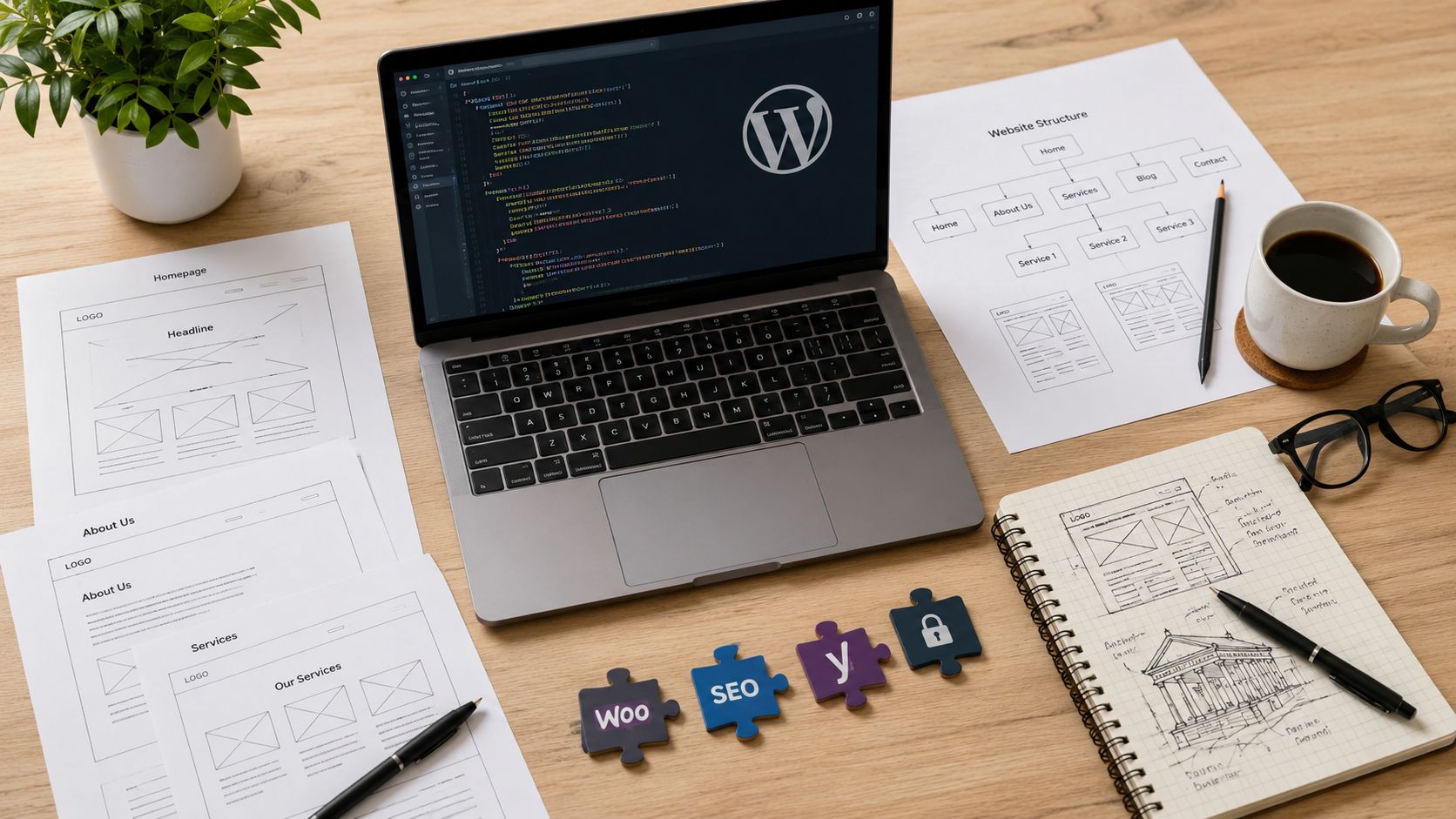
The custom theme and block library
The theme is built to WordPress coding standards from a clean starting point. No commercial parent theme. The template hierarchy is custom. Styles are scoped to components, not a single monolithic stylesheet inherited from a framework.
Blocks are the content-building units your editors use. In a bespoke build, each block is registered via block.json, rendered server-side in PHP, and contains only the attributes relevant to your content model. Your editors do not see a library of 200 generic blocks from a page builder — they see the 12 blocks that actually match your content requirements.
Design tokens — colour palette, typography scale, spacing system — are defined in theme.json and enforced across the entire site. Editors cannot break brand consistency by selecting arbitrary values.
Custom plugin architecture
Business logic belongs in a site-specific plugin, not in functions.php and not crammed into an existing plugin that was not designed for your use case. Custom post type registration, meta field definitions, REST API endpoints, integration logic — these live in the plugin layer, where they can be tested, versioned, and extended independently of the theme.
Third-party integrations are written to a defined contract: what data flows where, under what conditions, with what fallback behaviour. A plugin that wraps a CRM integration and handles failures gracefully is not the same as a generic CRM plugin bent into shape with hooks and filters.
What is explicitly not part of a bespoke build
Page builders are incompatible with bespoke development. Elementor, Divi, and Bricks generate their own markup, manage their own asset loading, and introduce their own update dependencies. Using them produces a customised theme, not a bespoke site. An agency offering “bespoke” development and mentioning a page builder in the same sentence is describing two contradictory things.
Performance and Security — The Mechanisms Behind the Claims
“Bespoke is faster and more secure” is accurate but meaningless without the mechanism. Here is what actually produces the difference.
Why bespoke builds are faster
A page builder like Elementor loads 15–20 CSS and JavaScript files on a typical page, including its own framework, its widget library, and its animation engine — regardless of what the page actually needs. A bespoke build loads exactly the assets required for the blocks on that specific page.
Beyond asset load:
- LCP assets (the largest visible element on page load) are identified during development and given loading priority from the start, not treated as a performance fix after launch
- Database queries are written for your content model, not generated by a generic plugin ORM that cannot anticipate your query patterns
- Unused WordPress features (comment system, trackbacks, XML-RPC, unnecessary REST endpoints) are disabled rather than left active because the theme never needed to account for them
Why bespoke builds are more secure
According to Patchstack’s 2024 State of WordPress Security report, 97% of newly discovered WordPress vulnerabilities originate in plugins, not in WordPress core. Bespoke development reduces the plugin count to what the site actually requires. There is no commercial theme with its own plugin dependencies, no page builder with its own widget ecosystem, no “starter kit” of bundled plugins included with the purchase.
Custom input sanitisation, capability checks, and authentication flows are written to the requirements of the site. You are not relying on a plugin author’s interpretation of what your access model should look like. A WordPress website audit of an existing theme-based site typically surfaces 8–15 active plugins that could be replaced by a few hundred lines of custom code.
Realistic Costs and Timelines
The ranges below reflect European/UK market rates for senior WordPress engineers. North American pricing runs approximately 20–40% higher.
Cost and timeline by project type
| Project type | Typical scope | Cost range | Timeline |
|---|---|---|---|
| Small bespoke | Custom theme, 6–10 block types, no integrations | £5k–£10k | 6–10 weeks |
| Mid-range | Custom blocks, 1–2 API integrations, editorial roles | £10k–£25k | 10–18 weeks |
| Complex | Multi-role CMS, ERP/CRM sync, performance-critical | £25k–£35k+ | 18–32 weeks |
| Enterprise rebuild | Full platform migration + new bespoke build | £35k–£100k+ | 6–12 months |
What drives cost up
- Number of distinct custom block types (each requires design, development, and editorial UX)
- Integration complexity: a simple REST API call is a few days; a bidirectional real-time sync with an ERP is several weeks
- Editorial governance: approval workflows, role-scoped block access, and content moderation add scope that is consistently underestimated
- Migration from an existing site, particularly if content needs rearchitecting rather than straight import
Post-launch: what bespoke costs to run
Owning the code means you own the maintenance responsibility. Realistic ongoing costs:
- Hosting: managed WordPress hosting with appropriate resources — £60–£300/month depending on traffic and infrastructure requirements
- Website maintenance: security updates, dependency audits, performance monitoring, and incident response — £300–£900/month for a properly maintained bespoke site
- Feature development: billed per sprint or day rate, not tied to a platform’s upgrade or licensing cycle
The ongoing cost model is more predictable than a theme-based site, where a major theme or page builder version change can break large parts of a customised layout without warning.
Migrating an Existing Site to a Bespoke Build
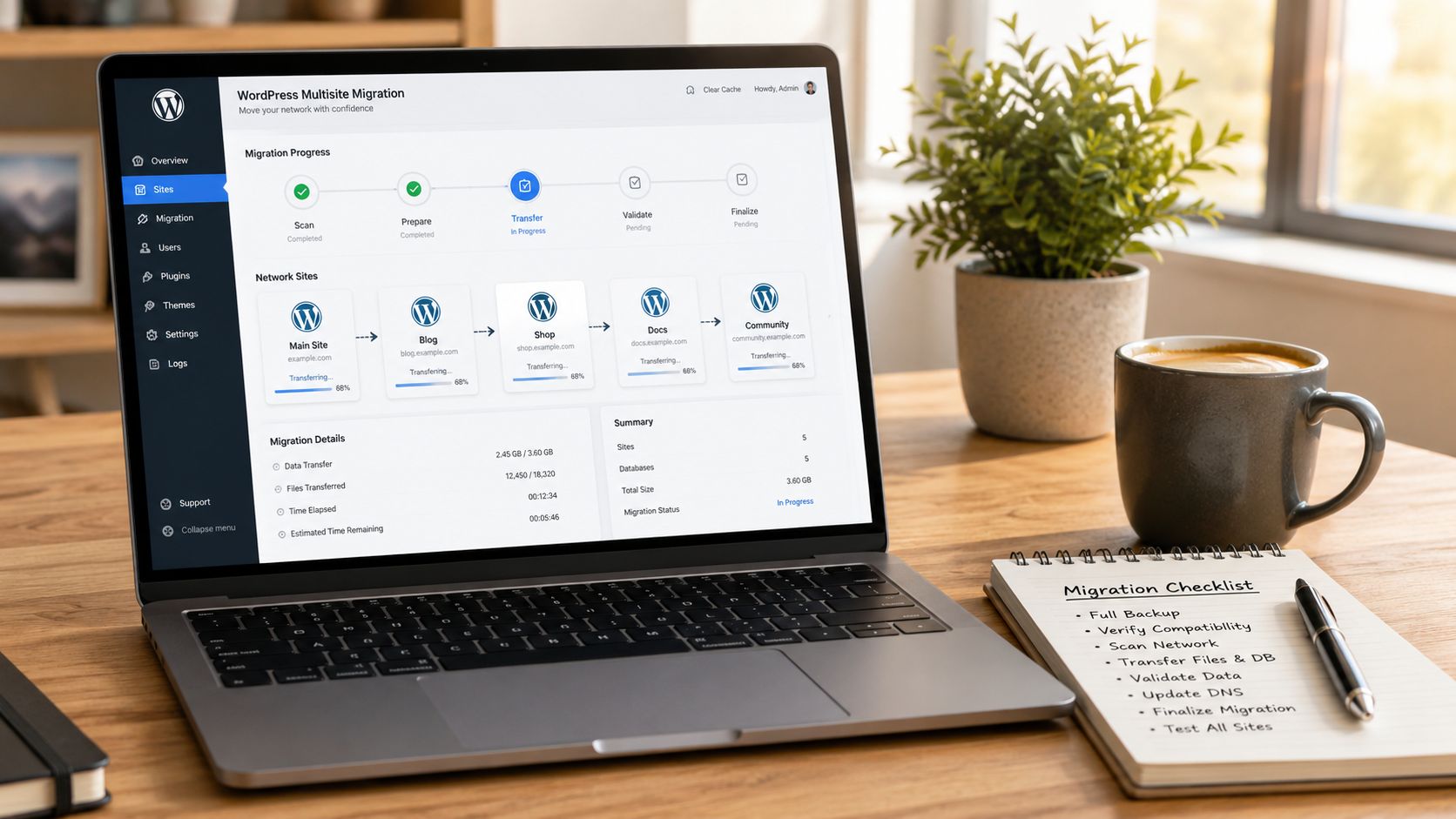
Most bespoke projects are not greenfield builds — they are commissions to replace an existing site that has reached the limits of what its theme or page builder can deliver cleanly. Migration is consistently the most underestimated part of the scope.
What migration actually involves
- Content audit: identify which content transfers cleanly to the new architecture and which needs rearchitecting — meta fields, custom field structures, and relationships between post types rarely map directly
- URL structure: the new site’s URL structure should match the existing one where possible; where it changes, a complete 301 redirect map must be prepared and verified before cutover
- SEO preservation: canonical tags, meta data, and structured data must be replicated or improved in the new build; Search Console verification happens post-launch, not as an afterthought
- Parallel running: a mature migration keeps the existing site live until the new build has passed quality assurance — switching audiences before QA is complete is where SEO damage happens
The scope of a migration is directly proportional to how much technical debt has accumulated in the existing site. A five-year-old Divi site with 200 pages of mixed content types, custom fields built in three different plugins, and a URL structure nobody documented will take longer to migrate than a clean Gutenberg site on a modern theme.
How to Choose a Bespoke WordPress Development Agency
The market conflates “bespoke” with “we will customise a theme carefully.” Distinguishing genuine bespoke capability requires asking specific technical questions, not evaluating portfolios.
What to ask
Show me the code, not the screenshots. A genuine bespoke agency can walk you through a block’s block.json registration, the custom plugin’s architecture, the theme.json configuration. If they default to showing you Figma designs and case study PDFs when you ask technical questions, that is information.
What is your Gutenberg block development approach? In 2025 and 2026, any agency building bespoke WordPress without native Gutenberg blocks is building on the wrong foundation. Page builder output is not bespoke output.
What does post-launch ownership look like? You should own the repository, the infrastructure credentials, and the deployment pipeline. If the agency’s answer describes a proprietary system that requires their involvement to access your own site, that is vendor lock-in, not bespoke development.
What WordPress developers are available post-launch for ongoing feature work? A bespoke build without a clear path for extensions becomes expensive to maintain with a new agency every time.
Red flags
- The word “bespoke” appears on the website but the portfolio shows Elementor or Divi sites
- No mention of Gutenberg in a 2025/2026 scoping conversation
- Vague answers about what “custom” means: “everything is custom for the client” is not a technical description
- No ability to show staging environments, repositories, or existing codebases
- Pricing below £4,000–£6,000 for a “full bespoke build” — the maths does not work at senior engineer rates
FAQ
Is bespoke WordPress development worth it?
For sites with specific functional requirements, custom content architecture, or performance and security constraints that off-the-shelf themes cannot meet cleanly – yes. For standard brochure sites with budgets below £5,000 — a well-configured theme is a more honest recommendation. The answer depends on requirements, not a default preference for custom code.
How long does bespoke WordPress development take?
Minimum 6–8 weeks for a small project with a custom theme and limited block types. More typical timelines are 10–18 weeks for a mid-range build with custom blocks and one or two integrations. Complex projects with multi-role CMS architecture or ERP integration run 4–8 months. Any agency quoting 2–3 weeks for a “full bespoke build” is describing something else.
What is the difference between bespoke and custom WordPress development?
The terms are used interchangeably in practice. “Bespoke” is more common in UK and European markets; “custom” is more common in North America. Both refer to a site built from purpose-written code rather than a modified commercial theme — when the agency using the word actually means it.
Can my team update a bespoke WordPress site without a developer?
Editorial content — posts, pages, custom block fields — is updated through the Gutenberg editor exactly as it would be in any WordPress site. The editor exposes only the blocks and fields relevant to your content model, so editors work within a constrained, well-defined interface. Structural changes — new block types, layout modifications, new integrations — require developer involvement, which is by design.
Bespoke Development Is a Specific Technical Commitment, Not a Premium Label
The value of a bespoke WordPress build is real: full code ownership, a performance baseline you control, a security surface you define, and an architecture that extends cleanly as requirements grow. But it is only available from agencies that actually build that way — and the word “bespoke” on a website does not guarantee it.
If you are evaluating whether a bespoke build is the right approach for your project, or looking for an agency that can actually deliver one, our WordPress engineers are worth talking to before you write a brief — the scoping conversation changes depending on what you actually need.
Let’s build something exceptional
Tell us about your project – we’ll help you launch a fast, scalable, SEO-optimized WordPress platform built for growth.