Astro vs WordPress depends on how your team changes the site. WordPress offers a familiar dashboard; Astro does not. IMADO runs its own Astro site this way: nontechnical owners request changes in chat with an agent, review a preview, and approve them before publication.
Key takeaways
- WordPress combines content management with a public-site workflow. Astro is a frontend framework that uses project files or a connected CMS.
- Astro pre-renders pages by default. Selected routes can render on demand when a server adapter is configured.
- Astro has no built-in editor; IMADO runs its own site with chat-based change requests, previews, and approval before publication.
- Keep WordPress when its editorial workflow and existing features still fit.
Astro vs WordPress: the core difference
WordPress usually combines content management and the public website. Astro handles the frontend and needs content files or a connected CMS. The difference determines how editors publish and how developers release changes.
With WordPress, editors work in an online dashboard and can use the platform’s plugin ecosystem. Astro has no admin screen of its own. Content can live in project files or a separate CMS, including an existing WordPress site.
Astro pages are pre-rendered at build time by default. Routes that need fresh or personalized data can render on demand with a server adapter. That gives developers options for how pages are delivered, but it does not decide who manages content or production releases. Read Astro’s on-demand rendering guide.
Astro vs WordPress: compare the publishing workflow
WordPress suits teams that want to edit and publish directly in a dashboard. Astro has no admin of its own, but IMADO’s managed Astro service lets nontechnical owners request changes in a chat with an agent, review a preview, and approve publication. See IMADO’s WordPress-to-Astro migration service for this workflow.
Before choosing, map a typical content change:
- Who drafts, reviews, approves, and publishes?
- Can the editor preview the page before it goes live?
- How are scheduled posts, translations, and corrections handled?
- Can marketing change page layouts, or does that need development?
- How quickly must a published change appear?
WordPress provides a dashboard and publishing tools, though the actual workflow depends on the site’s configuration. Astro can use a headless or Git-based CMS, but the preview, roles, and publishing trigger must fit the team’s process.
Have the people who publish test a representative page before you choose. Ask them to change text, review a preview, request a correction, and approve it. Confirm whether translations, scheduled posts, images, and layout changes are included. If the flow slows them down, a leaner frontend may not be the better business system.
Astro vs WordPress: a practical comparison
The table compares WordPress, Astro’s default operating model, and an Astro site managed through an AI-agent workflow. The last column describes IMADO’s managed approach; it is not a built-in Astro feature or a promise that every request can be automated. A well-built WordPress site can be fast and secure, while any Astro setup still needs a clear editing and support plan.
| Decision area | WordPress | Astro | Astro + AI agent |
|---|---|---|---|
| What it provides | CMS and public-site workflow in one platform | Frontend framework using files or a connected CMS | Astro frontend with a chat-based workflow for supported changes |
| Everyday editing | Dashboard and publishing tools | No built-in editor; use a CMS or developer | Request content changes in chat, review a preview, and approve publication |
| Page changes | Editors can use configured blocks and tools | Template changes usually need a developer | Agent can implement scoped page changes from a request; review them in preview before release |
| Integrations | Plugins and extensions, depending on setup | Integrations and services are selected or built for the project | Agent can help implement scoped integrations; access and testing still need an owner |
| Page delivery | Commonly rendered through the WordPress theme; caching depends on setup | Pre-rendered by default, with on-demand rendering available | Same Astro rendering model as a standard Astro setup |
| Search setup | Depends on the theme, plugins, and site configuration | Metadata, structured data, and URL handling need implementation | Same SEO requirements; review metadata, structured data, and URLs when making changes |
| Ongoing work | Core, plugins, themes, hosting, and backups | Code, dependencies, builds, deployments, CMS, and integrations need an owner | Agent can assist with scoped changes; technical ownership, access, testing, and production approval remain necessary |
Astro can reduce work at request time for pages that are pre-rendered. That may help when it addresses a measured performance issue. It does not make every Astro site faster than a well-built WordPress site. Images, fonts, analytics, and third-party scripts still affect page loading.
Neither platform guarantees search rankings or removes technical maintenance. Content quality, page structure, internal links, and migration work still matter. Choose based on the actual implementation, then measure representative pages and search results.
When Astro fits a growing business
Astro is worth considering when the public site is mostly content, the team has a defined publishing workflow, and a developer, agency, or managed service will own code and deployments.
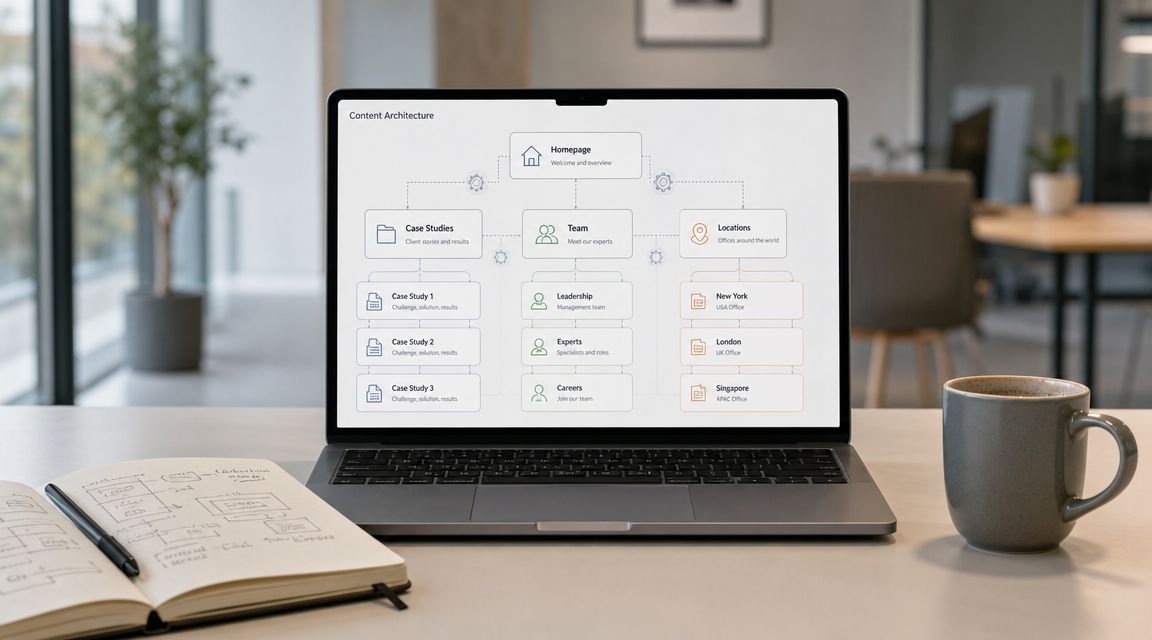
It can fit service pages, case studies, articles, and campaign pages where the frontend needs control. A CMS can give editors a dashboard while Astro renders the public site. That setup makes sense when the separation solves a requirement, not simply because Astro is newer.
Name the problem before committing. It might be a measured performance bottleneck, frontend requirements that are hard to support, or an operating burden a new architecture can reduce.
Astro is a poor fit if nobody will manage the codebase, review dependency updates, handle failed builds, and maintain forms or integrations. That owner can be an internal developer or a service provider. IMADO’s chat workflow gives nontechnical owners a way to request content changes, while technical ownership still needs to be clear. Static output changes where the work happens; it does not remove it.
When WordPress remains the better choice
WordPress is often the better business choice when editors rely on its admin, the site depends on mature extensions, or the current platform already meets its requirements.
Stay with WordPress when marketing teams create pages themselves, when WooCommerce or membership workflows are business-critical, or when a focused audit can fix the main issue. A migration creates its own work: content mapping, rebuilding features, redirects, training, and ongoing support.
Do not replace WordPress because Astro is newer or static pages sound simpler. Identify the constraint first, then compare a targeted fix with the cost and risk of moving. IMADO can help scope WordPress development and support when improving the current platform makes more sense.
Astro CMS: WordPress as a headless CMS
WordPress can remain the content backend while Astro renders the public site, but the team must operate both systems.
A headless setup can suit editors who want the WordPress dashboard while developers need a separate frontend. It needs an API, preview flow, permissions, and a publishing trigger that updates the Astro site. WordPress features that generate frontend markup may need an alternative implementation.
For a broader comparison of editing workflows and architecture tradeoffs, see headless CMS vs traditional CMS.
A hybrid adds operating work. Decide how quickly content must appear, who fixes build or API failures, and who supports both platforms. Keep it only if its editorial and frontend benefits justify the added work.
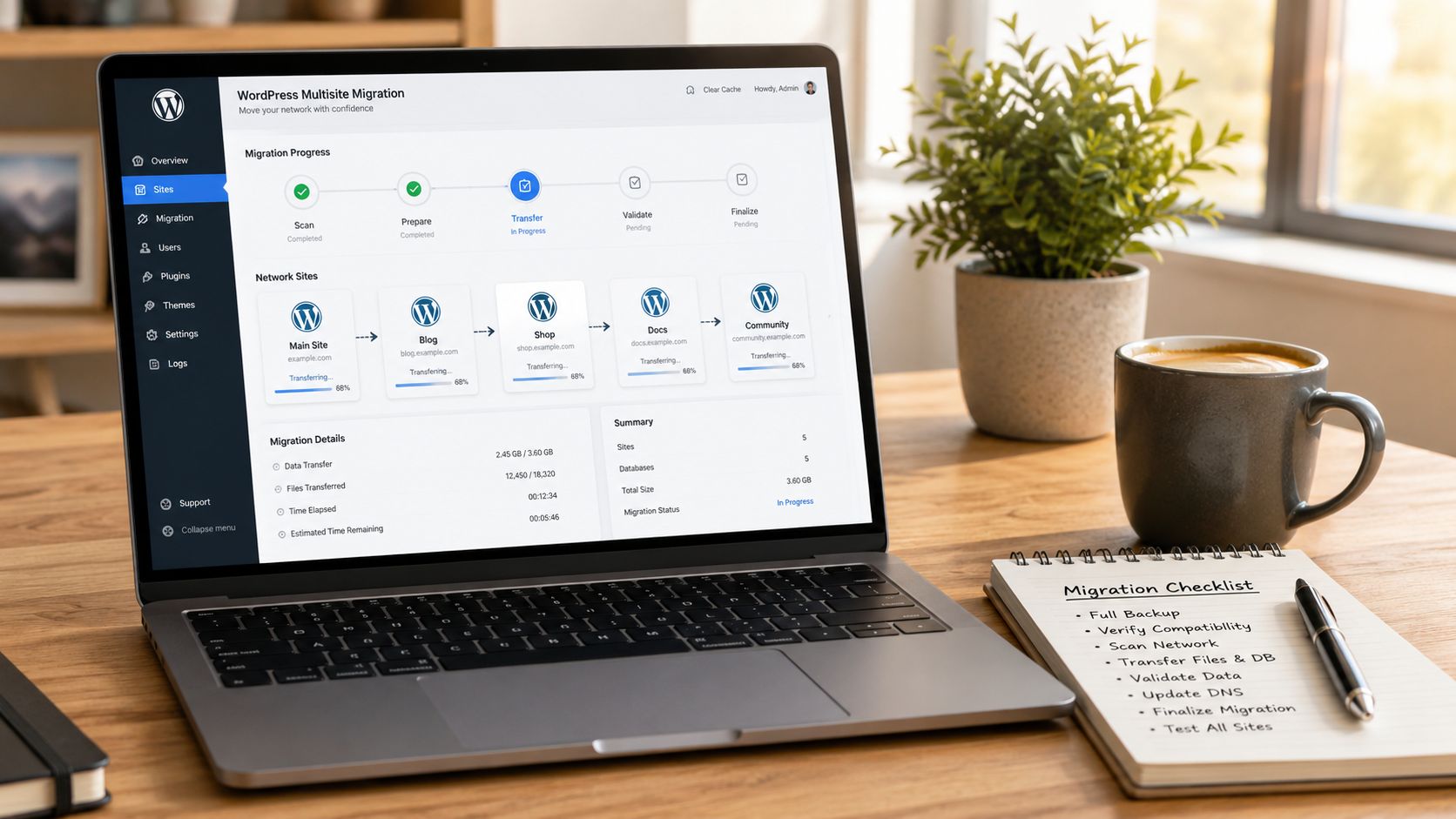
Protecting SEO during a WordPress-to-Astro migration
A migration should preserve the URLs, content, and business functions that still matter. Test the replacement before cutover so visitors do not discover missing pages or broken forms.
Use a migration inventory:
- Crawl the site and list important pages, posts, media, forms, integrations, and languages.
- Decide which content to keep, rewrite, merge, or retire.
- Map retained or changed URLs to relevant destinations.
- Carry over useful metadata, canonicals, structured data, internal links, and language relationships.
- Test redirects, status codes, forms, analytics events, consent, and key journeys on staging.
- Compare priority pages against a dated performance baseline.
- Have content owners test drafting, preview, publishing, and correction.
- Prepare rollback steps and monitor search and analytics after launch.
Google recommends testing the new site, mapping old URLs to their new destinations, configuring redirects, and monitoring traffic and indexing during a move. See Google Search Central’s site-move guidance.
If you are unsure whether the platform is the problem, start with the website audit checklist.
Comparing the full cost of ownership
Compare the same scope over the same period. Include the build, content migration, CMS or plugin fees, hosting, integrations, maintenance, support, and your team’s editing time.
Astro may reduce some request-time infrastructure for pre-rendered pages, while a CMS-backed setup adds a content platform and deployment process. WordPress may need extension work, but can reduce developer involvement in day-to-day publishing. Compare what each team must do, not only the software bill.
Ask each vendor to show who owns the repository, hosting, CMS accounts, backups, updates, previews, releases, and incident response. IMADO’s pricing information can help scope a WordPress engagement.
A decision rule for growing teams
A growing team should keep the platform it can operate and migrate only when a new architecture resolves a measured business constraint.
- If WordPress meets the site’s needs and the team can support it, keep it.
- If performance or maintenance is a concern, measure it and test a focused fix.
- If the frontend is the constraint, compare an Astro rebuild with headless WordPress.
- Choose Astro only when the editing workflow, integrations, and technical owner are clear.
- Tie a migration to a business outcome and measure it after launch.
Frequently asked questions
Is Astro faster than WordPress?
Astro can pre-render eligible pages before a visitor requests them, reducing server work for those routes. Actual speed still depends on implementation, images, scripts, hosting, and caching. Test representative pages instead of assuming the framework decides the result.
Is anything better than WordPress?
No platform is better for every business. Astro may suit a content-led site when the team has a clear way to request and approve changes and someone owns the technical work; that owner can be an agency or managed service. WordPress may suit teams that want direct dashboard editing and established plugins.
Is WordPress still worth using?
Yes. WordPress remains practical when its editing workflow, extensions, and support model fit the business. A working site does not need a migration just because another framework is available.
Is Astro a CMS?
No. Astro is a web framework, not a CMS or admin panel. Content can live in project files or a separate CMS, including WordPress used as a headless backend. IMADO’s managed AI-agent workflow can handle supported content, page, and integration changes through chat, preview, and approval; it is a service model, not a built-in Astro feature.
Can you use WordPress as a CMS with Astro?
Yes. WordPress can provide content to an Astro frontend. The team still needs to plan API access, preview, publishing updates, and maintenance for both systems.
Is Astro better than WordPress for SEO?
Not by default. Astro gives developers control over rendered pages and metadata, while WordPress can also support search-friendly content. Content quality, site structure, and migration execution matter more than the platform label.