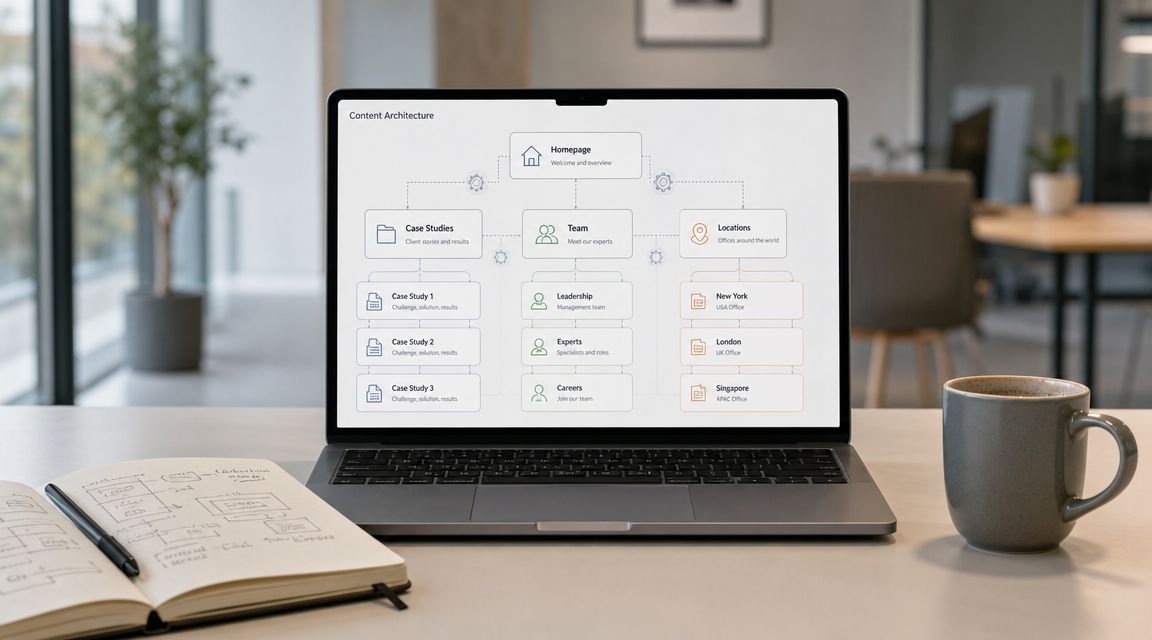
Headless CMS vs traditional CMS compares an integrated publishing system with a content backend and separate frontend. A traditional CMS usually suits one website. Choose headless when content must serve multiple experiences and your team can support the frontend.
This comparison focuses on editing, preview, delivery, search, and ongoing maintenance. For broader build context, see IMADO’s web development services.
Key takeaways
- A traditional CMS connects editing to the public website in one system.
- A headless CMS separates content from page rendering, so a separate frontend must be built and maintained.
- WordPress can power a headless frontend through its REST API, but this adds frontend and preview responsibilities.
- Choose headless for a specific channel or product requirement, not because the architecture is newer.
Headless CMS vs traditional CMS: what changes?
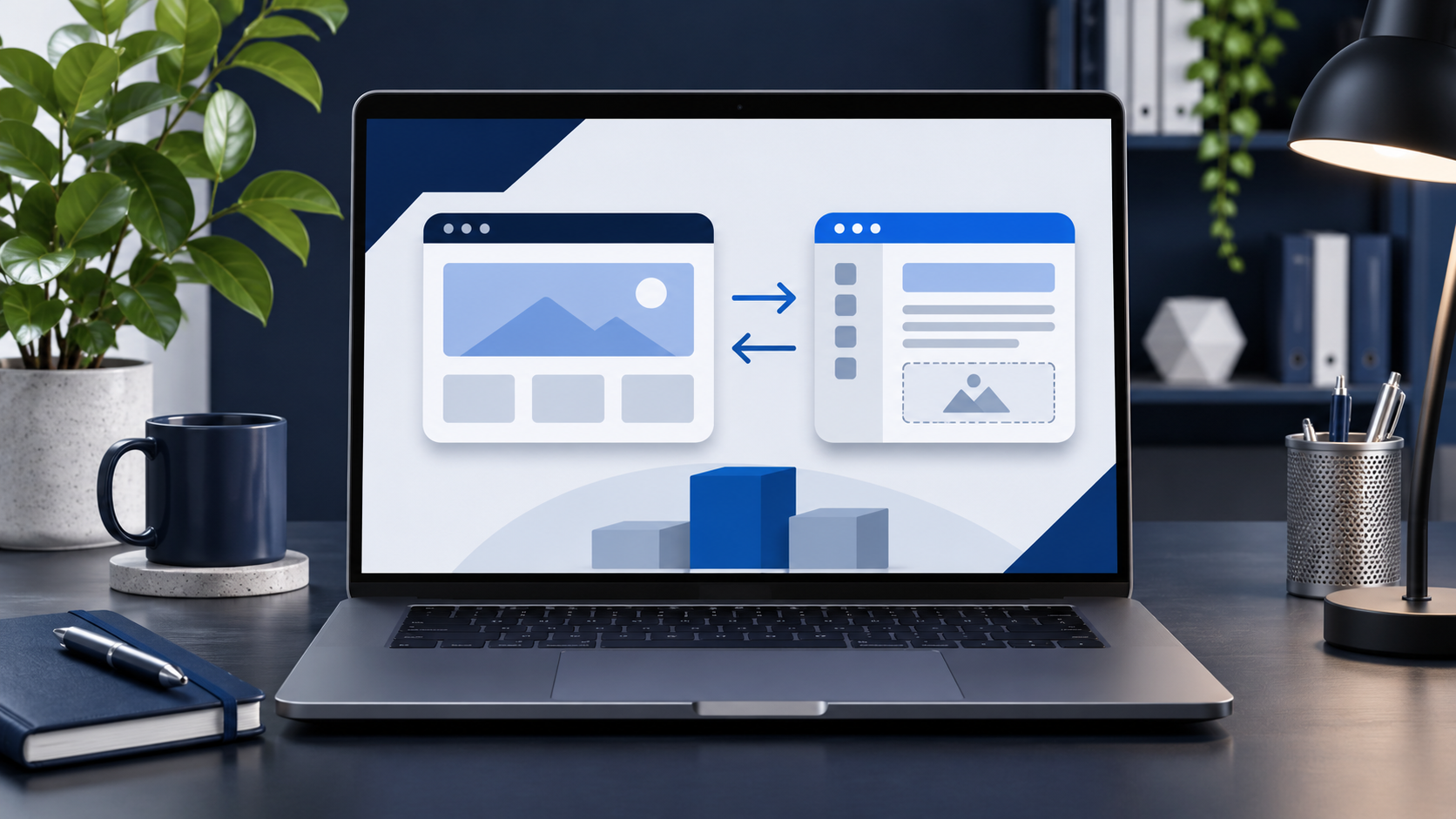
A traditional CMS manages content and renders the website through the same platform. A headless CMS delivers content through an API to a separately built frontend. The practical difference is who owns the visitor-facing page and the work required to publish it.
In a traditional or coupled CMS, editors update and preview pages through the site’s theme or templates. Developers maintain that theme, extensions, hosting, and integrations. A headless CMS stores content for another frontend to render. Engineers own its routing, templates, deployment, metadata, and editor preview.
A hybrid setup might keep a CMS-rendered marketing site and add an API-fed product application. This can limit migration scope, but the team needs clear rules for shared content, previews, URLs, and support. These labels describe architecture, not quality. Evaluate the actual workflow your team will operate.
Headless CMS vs traditional CMS comparison at a glance
The main tradeoff is how much control the team needs over the frontend and how much of the publishing workflow the CMS should provide.
| Decision area | Traditional CMS | Headless CMS | Question to answer |
|---|---|---|---|
| Page rendering | CMS theme or templates render pages | A separate frontend renders pages | Who owns the visitor-facing experience? |
| Editing | Editors work close to the page model | Content is entered in structured fields | Can editors work with this content model? |
| Preview | Often part of the CMS workflow | Must connect drafts to the frontend | Can editors preview the actual page? |
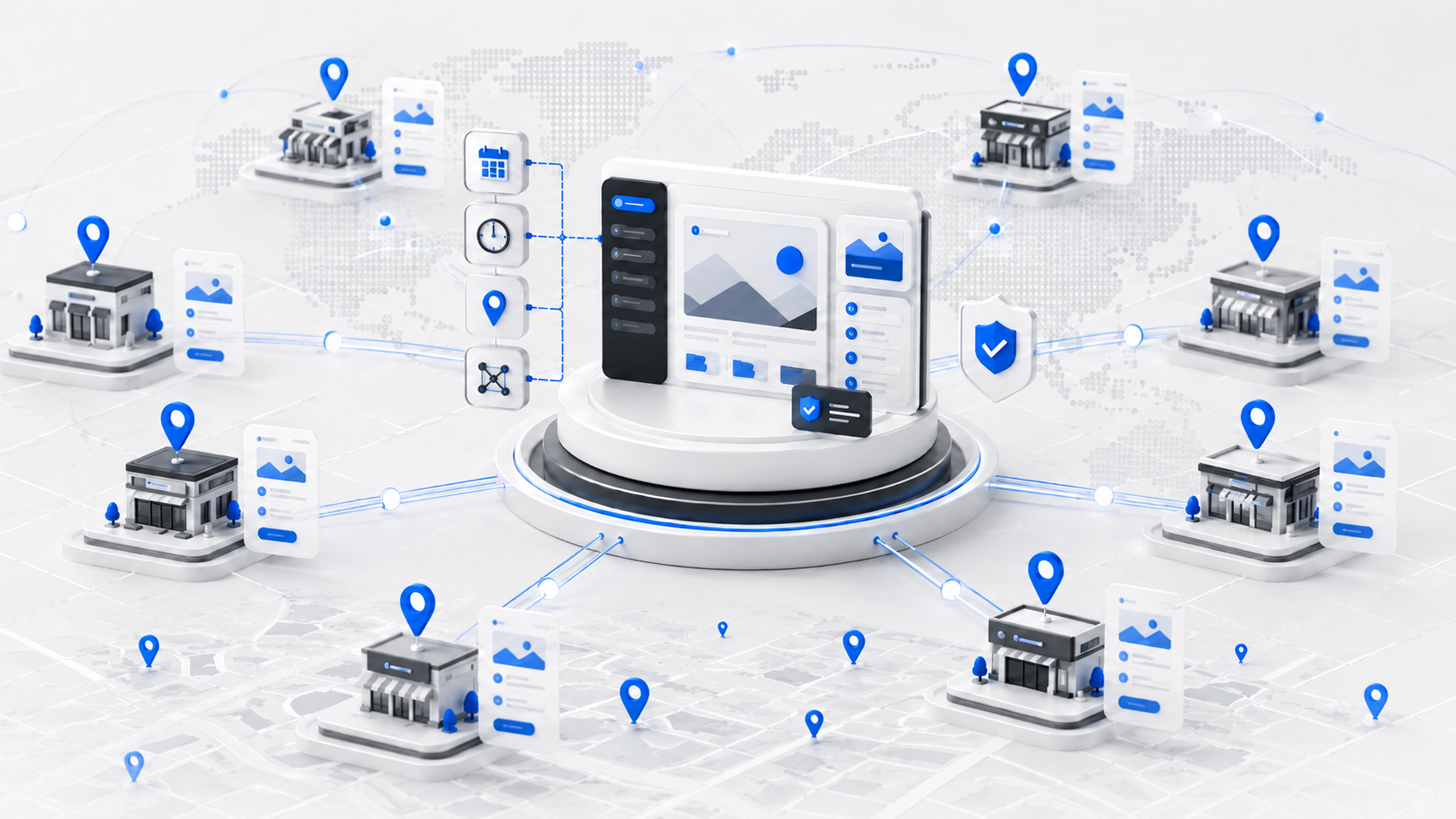
| Channels | Usually centered on the CMS website | API content can serve separate frontends | Do you need content in distinct experiences? |
| Integrations | CMS extensions may cover common jobs | API or frontend integrations may need custom work | Who owns forms, search, commerce, and accounts? |
| Ongoing work | CMS, theme, extensions, and hosting | CMS, frontend, deployments, and integrations | Which team supports the full system? |
Neither column guarantees a better outcome. Compare the implementation, editing workflow, and support plan, not just CMS features.
How does WordPress fit into the headless CMS vs traditional CMS choice?
WordPress is often used with a theme that renders its pages, but it can also deliver content to a separate frontend through its REST API. The architecture depends on how the site is delivered, not just on which CMS stores the content.
The WordPress REST API Handbook says applications can exchange WordPress data as JSON and bring WordPress content into separate applications, including a new frontend. This makes a headless WordPress frontend possible.
Traditional WordPress
With a WordPress theme, editors publish in WordPress and the theme renders public pages. Developers can create custom templates and integrations while marketing manages content in one system. This can fit when the website is the main destination and the team wants a connected publishing workflow.
For custom themes, integrations, or complex publishing needs, review IMADO’s WordPress development services.
Headless WordPress
In a headless setup, WordPress manages content while another application renders the website. The frontend owns navigation, templates, metadata, URLs, previews, and releases. Keep this setup when a separate frontend solves a documented product or channel requirement.
Astro is one option for that separate frontend. Compare its publishing and support model with WordPress in Astro vs WordPress: when a static-first site fits.
If your decision is specifically between WordPress and Strapi, read the WordPress and Strapi comparison as a follow-up to this architecture guide.
Which CMS approach fits your website and team?
Choose the CMS model that supports today’s publishing tasks and has a named owner for ongoing work. A possible future need alone does not justify a separate frontend.
A traditional CMS fits a site-first publishing workflow
Choose a traditional CMS when one main website is the destination for your content and editors need to publish pages directly. It fits teams that update service pages, articles, landing pages, and site content through an interface connected to the public website.
Without an assigned frontend owner, keep rendering in the CMS. APIs and custom development remain possible. If the problem is the current theme or editing workflow, check whether it can be fixed before planning a rebuild.
A headless CMS fits a defined multi-frontend requirement
Consider headless when structured content must appear in distinct frontends, or when the CMS’s rendering model cannot support a requirement the business has already committed to. Your engineering team must be able to build and maintain the frontend.
Test draft-to-preview-to-publish with real content. Confirm editors can review the actual frontend and that a named team owns releases, accessibility, forms, search, and other site features. Without that ownership, headless creates an operational gap.
A hybrid setup can limit migration scope
A hybrid architecture may fit when one experience needs separate delivery while the existing CMS still works for other pages. Document which system owns each content record, where canonical URLs live, how previews work, and who supports the connection.
Avoid duplicating the same pages across platforms without a content ownership rule. Parallel copies make updates and search signals harder to coordinate.
What changes for SEO and AI discoverability?
Headless does not create a search advantage by itself. The frontend must still expose crawlable content, titles, descriptions, canonical URLs, and working links.
Google Search Central describes three phases for JavaScript pages: crawling, rendering, and indexing. It says server-side or pre-rendering can help users and crawlers, and notes that not every bot can run JavaScript (JavaScript SEO documentation).
For either architecture, assign an owner to check rendered content, page titles and descriptions, canonical URLs, redirects, structured data, and sitemap coverage. For generative search, use descriptive headings, explain technical terms, keep service details consistent, and support factual claims. CMS architecture alone does not make content more likely to appear in AI answers.
What should you plan before changing CMS architecture?
Include editing, preview, integrations, deployment, and support in each proposal, not only the CMS license. Write down the operating work before comparing options:
- Content: List page types and fields; identify content that needs a reusable structure.
- Editors: Name the people who draft, review, approve, and publish.
- Preview: Show how an unpublished change appears in the final frontend.
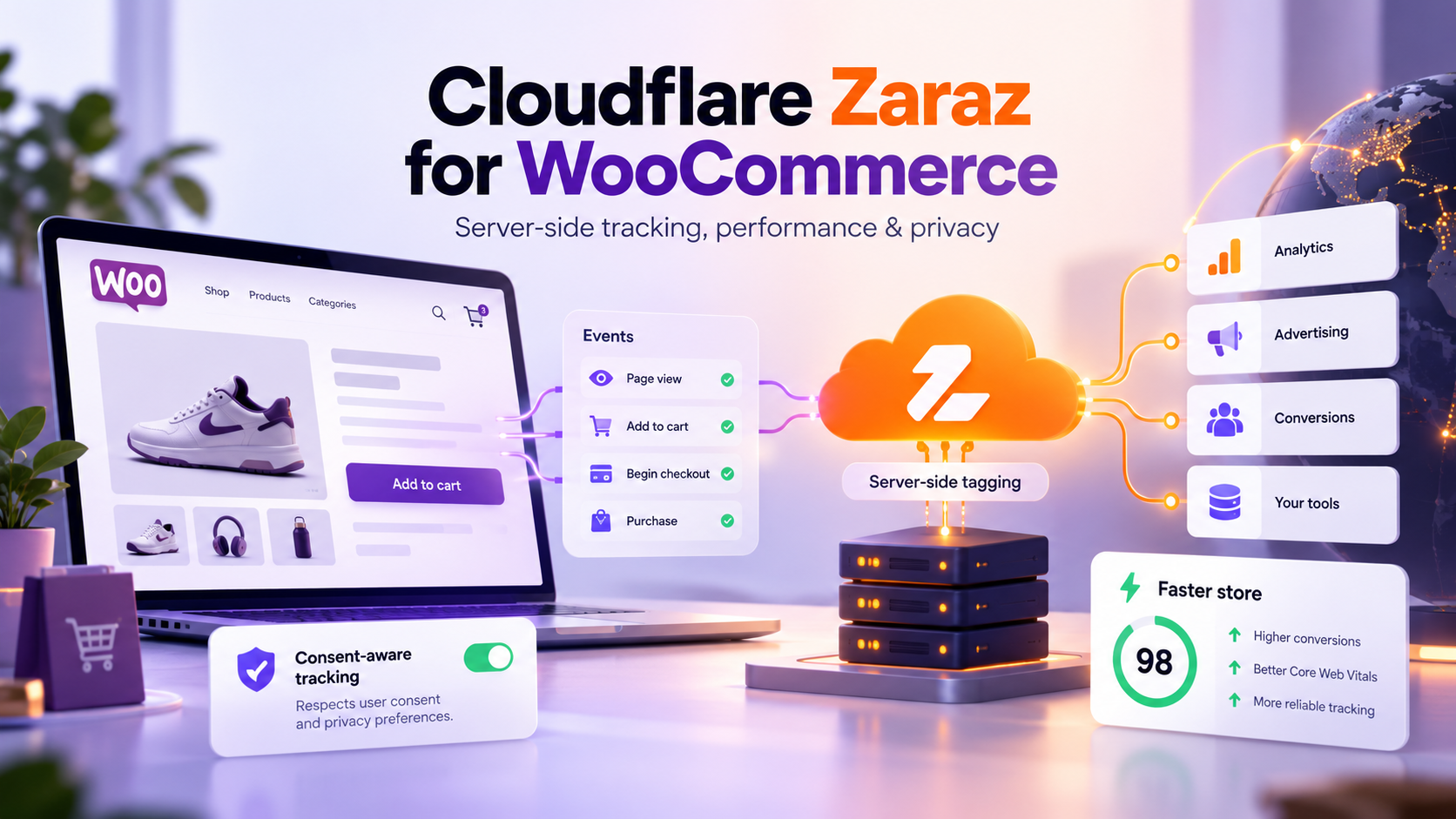
- Integrations: Assign owners for forms, search, commerce, analytics, consent, and CRM.
- Frontend: Name the team that maintains components, code changes, and deployments.
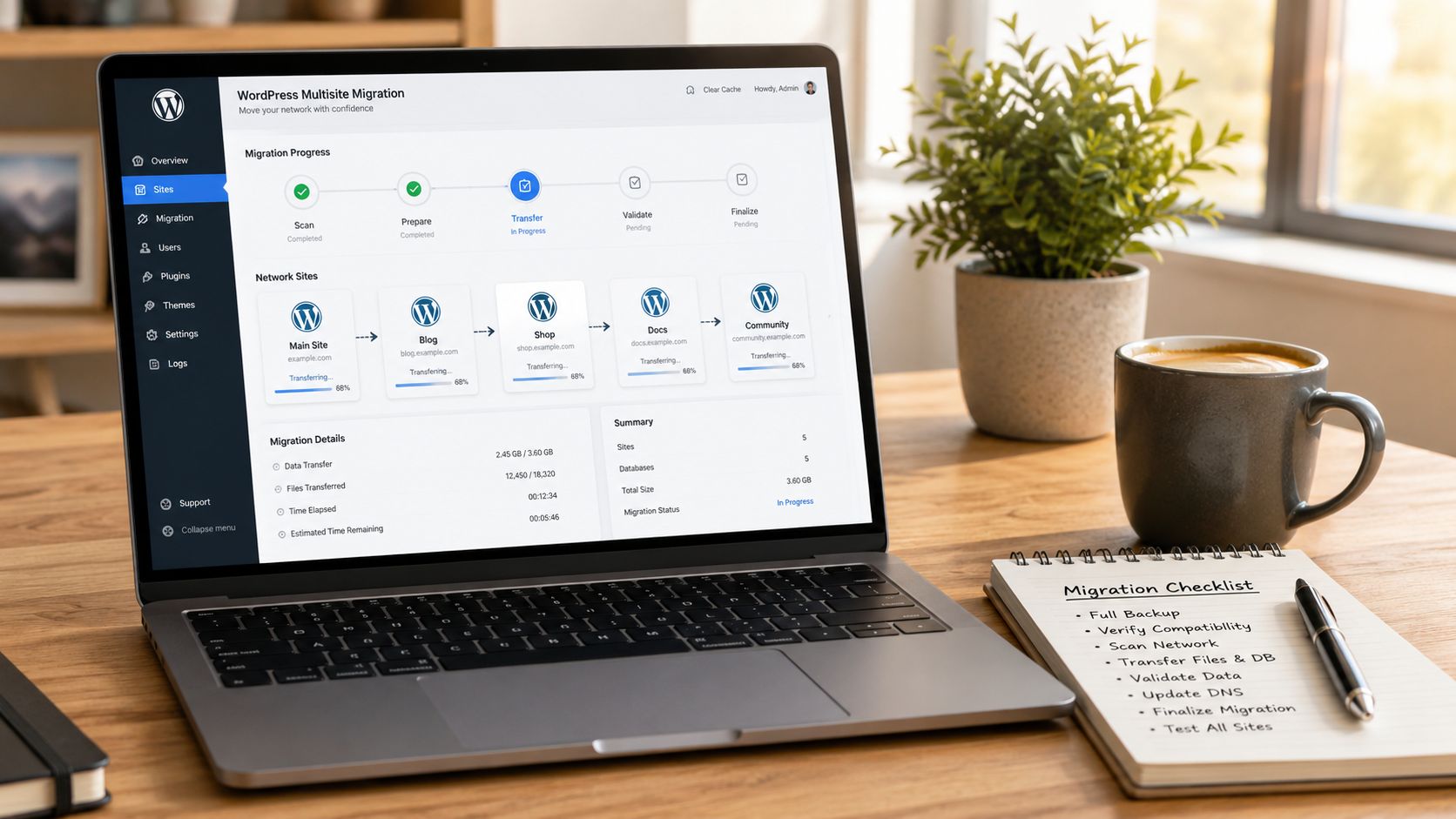
- Migration: Map content, media, links, and old URLs to the new system.
- Support: Include CMS updates, extensions, frontend dependencies, hosting, backups, and monitoring.
Estimate the complete build and ongoing support for each option. A headless proposal should include the frontend, integrations, preview, deployment, and maintenance. IMADO’s pricing information can help scope an engagement.
FAQ
What is a CMS for a website?
A content management system helps a team create, organize, and publish website content. It can render public pages itself or deliver content through an API to another frontend.
Is Strapi a CMS?
Yes. Strapi is a content management system often used as a headless content backend. Evaluate its content model, editing workflow, preview, hosting, and support needs against the project.
Which CMS is better than WordPress?
No CMS is better for every website. WordPress may suit a team that wants editing and page rendering in one platform. Another CMS may fit a requirement the current setup cannot handle well.
What is the best open-source headless CMS?
There is no universal best option. Compare content modeling, editing roles, preview, APIs, hosting, security practices, and the team’s ability to maintain the frontend. Test with representative content.
Is WordPress a headless CMS?
WordPress is usually used as a traditional CMS, but its REST API can provide content to a separate frontend. This makes WordPress a possible content backend for a headless implementation.
Does a headless CMS improve SEO?
Not by itself. Search visibility depends on the content and signals delivered by the frontend. The team must make important pages, metadata, links, and URLs available to crawlers.
Can we move to a headless CMS later?
Yes. A team can keep its current CMS while structuring content or building a separate frontend for a defined use case. Plan content mapping, previews, URLs, redirects, and long-term ownership.
Choose the architecture your team can operate
Choose the CMS around the publishing workflow and name the team responsible for the public experience. Use a traditional CMS when it meets the site’s needs. Add a separate frontend when a product requirement justifies the build and ongoing support.
For a project-specific option, see our headless CMS development service.