 Ask Chatgpt to summarize Multi-Location Website Design for Franchises: Architecture, Brand Governance, and Local SEO
 Ask Grok to summarize Multi-Location Website Design for Franchises: Architecture, Brand Governance, and Local SEO
 Ask Claude to summarize Multi-Location Website Design for Franchises: Architecture, Brand Governance, and Local SEO
 Ask Perplexity to summarize Multi-Location Website Design for Franchises: Architecture, Brand Governance, and Local SEO
 Ask Gemini to summarize Multi-Location Website Design for Franchises: Architecture, Brand Governance, and Local SEO

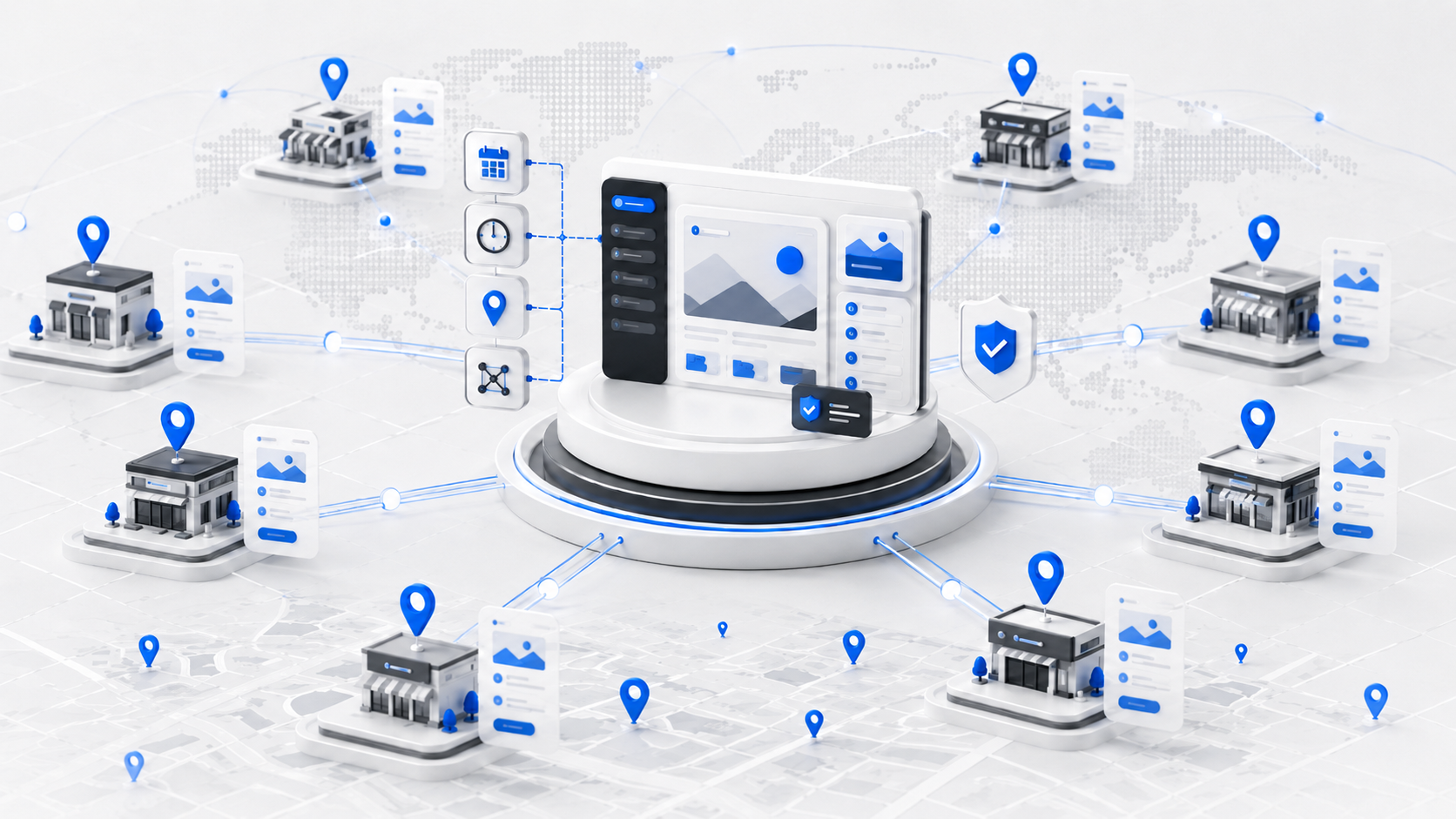
A multi-location website for a franchise needs a shared WordPress infrastructure with location-specific pages built on a repeatable template. The right architecture – whether that’s a subdirectory structure on a single WordPress install or a Multisite network – lets corporate maintain brand standards while giving individual franchise locations enough flexibility to rank in local search. Getting this decision right on day one saves months of remediation later.
Most franchise websites fail not because of bad design, but because of an architectural choice made too early, without understanding the SEO and operational tradeoffs. This guide covers what to decide, in what order, and why.
Key Takeaways
- Subdirectory URL structures are the practical default for most franchise websites — they simplify analytics, internal linking, content governance, and crawling under one domain. Google states it can rank subdomains and subdirectories equally; the choice is primarily architectural, not an SEO ranking decision.
- A single WordPress install handles most franchise networks efficiently. Multisite makes sense when locations need genuine operational isolation — separate admins, distinct permissions, or multiple franchise brands sharing one WordPress engine rather than maintaining separate codebases.
- Location pages need genuinely distinct content — not just swapped city names. In IMADO’s implementations, we build each location page around at least five location-specific elements to keep pages meaningfully different from each other.
- LocalBusiness structured data gives Google explicit machine-readable information about each physical location and can support eligible local Search experiences. It is consistently underimplemented on franchise websites.
- Performance requirements on franchise sites scale with traffic volume and query complexity, not with location count. CDN and object caching become important when you have high-traffic location pages, expensive geo queries, or dynamic per-location integrations — not simply because you passed a page count threshold.
Table of Contents
URL Structure for Franchise Websites: Subdirectory, Subdomain, or Separate Domains?

For most franchise websites, subdirectories are the right call. The path structure domain.com/locations/chicago/ keeps all content under one domain, which simplifies crawling, internal linking, analytics, and content governance. The choice is not primarily about SEO ranking — Google states it can rank subdirectory and subdomain structures equally.
The case study data leans toward subdirectories. When IWantMyName moved from a subdirectory to subdomains, organic traffic dropped 47% according to a case study documented by CognitiveSEO. Pink Cake Box went the other direction — from subdomains to subdirectories — and gained 40% organic traffic. These are useful data points, though Google’s own guidance is that it can rank both structures equally. Make the decision based on what’s operationally simpler to manage.
Subdomains have one legitimate use case: franchises where individual locations operate as legally or brand-distinct entities, each with its own Google Business Profile, different services, and content that diverges significantly from corporate. Even then, a well-structured subdirectory setup usually performs better from a pure SEO standpoint.
Separate domains per location are almost never worth the operational overhead unless you’re running a true multi-brand portfolio, not a franchise with a unified brand identity.
| Factor | Subdirectory | Subdomain | Separate Domain |
|---|---|---|---|
| SEO equity pooling | Best | Fragmented | Fully fragmented |
| Corporate governance | Easiest | Moderate | Most complex |
| Per-location content editors | Possible (role-based) | Easier | Easiest |
| Setup complexity | Low | Medium | High |
| Recommended for franchises | Yes | Edge cases only | Multi-brand portfolios only |
WordPress Multisite vs. Single Install: Which Architecture Fits Your Franchise?
The right architecture depends on operational isolation requirements, not location count. A centrally managed network of 100 locations can work well on a single install with a Location Custom Post Type (CPT). Eight franchisees who need separate admins, independent plugin configurations, or distinct brand management under one shared engine — that’s a Multisite case.
Multisite adds real operational overhead. Every plugin must be Multisite-compatible, and network-wide changes require super admin access. Theme updates cascade across all subsites simultaneously, which is powerful when it works and disruptive when it doesn’t. For any network where corporate controls all content, that overhead buys you nothing.
For WordPress Multisite development to make sense, at least one of these should be true: franchisees need to manage their own content independently, individual locations need distinct plugin configurations, or your legal structure requires data separation between location entities. Multisite is also a natural fit for franchise groups running multiple distinct brands from one WordPress engine — it’s significantly cheaper than maintaining separate codebases for each brand.
As a rough starting point, we typically evaluate Multisite around 20+ locations — but that number is secondary to the operational question.
| Scenario | Recommended Architecture |
|---|---|
| Centrally managed content, any location count | Single install + Location CPT |
| Per-location editors, independent configurations | WordPress Multisite |
| Multiple franchise brands, shared WordPress engine | WordPress Multisite |
What Every Location Page Must Contain
In our franchise implementations, we build each location page around five location-specific content elements. Google’s doorway page guidance warns against “many similar pages, each slightly altered for a different city” — the goal is pages that are genuinely useful to a visitor in that location, not just templated with a swapped city name.
The five signals that make a location page genuinely distinct: a location-specific headline referencing the local area (not just the city name inserted), the full NAP (name, address, phone number), an embedded Google Map, a unique service description that mentions local context — nearby landmarks, service radius, local customer references — and reviews pulled specifically from that location’s Google Business Profile.
Minor formatting differences such as “Suite” vs. “Ste.” are rarely meaningful — Google is good at address normalization. Focus instead on keeping the actual business identity accurate across your website and GBP: business name, physical address, phone number, website URL, and opening hours. These are what Google uses to determine relevance and build the local entity.
Embedding Google Maps without hurting Core Web Vitals requires lazy-loading the iframe. Load it only when the user scrolls the map into view, not on initial page load. A franchise site with 30 location pages, each loading a full Google Maps embed on arrival, will have consistent LCP failures across the board.
Pulling in location-specific reviews dynamically requires a connection to the Google Business Profile API or a review aggregation service. The reviews displayed on each location page should reflect that specific location’s GBP listing, not a generic corporate feed.
Brand Governance: How Corporate Controls the Template Without Freezing Franchisees
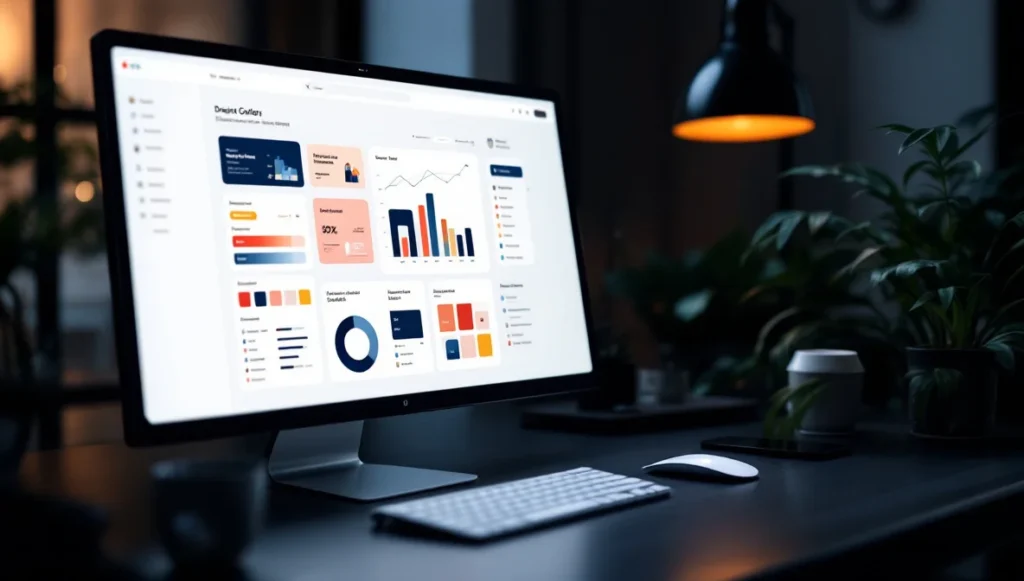
The cleanest governance model locks the global header, footer, typography, and color palette at the WordPress theme level, then exposes franchisees to an ACF-powered editing interface with predefined field groups. Franchisees edit content, not structure. They cannot access the Gutenberg editor’s full block library, and they cannot touch the theme.
This is an engineering decision, not a policy decision. You cannot solve brand drift with a style guide PDF. You solve it by building a CMS where the wrong choice is unavailable.
WordPress roles and capabilities give you fine-grained control. A franchisee editor role can be configured to access only specific post types (their location page), only specific ACF field groups, and no access to theme customization, plugin settings, or other locations’ content. The WordPress mapmetacap filter lets you extend this to arbitrary granularity if the default roles aren’t sufficient.
Brand asset synchronization across locations is handled at the theme level. Color tokens, typography definitions, and logo files live in the theme’s configuration, not in individual location page settings. When corporate updates the primary brand color, it updates everywhere simultaneously. Franchisees do not get a field to override it.
When a franchisee does violate brand standards — uploading an off-brand photo, overriding a headline with promotional language that conflicts with corporate messaging — the recovery workflow matters. WordPress’s revision system covers post content; for ACF fields, ACF 6.8.1 introduced a datastore that integrates field values with WordPress revisions, allowing editors to inspect and restore previous field values through the native Revisions screen. For detailed actor/action logging, add a dedicated activity log plugin. Identify the violation, revert to the last approved version, and communicate to the franchisee what the correct content should be.
For projects where the design layer needs full attention alongside the technical architecture, our UI/UX design for WordPress work covers both the design system definition and the Figma-to-WordPress implementation for franchise clients.
For franchise groups that do not want to engineer this infrastructure from scratch, IMADO Location Engine provides a production-ready WordPress architecture for multi-location websites. It centralizes location data such as opening hours, pricing, events, promotions, and booking information while giving each venue controlled access to its own content. New locations launch from a proven blueprint with local pages, structured data, navigation, permissions, and integrations already built into the platform — allowing a network to grow without rebuilding the same functionality for every new venue.
Local SEO Implementation: Schema, GBP, and Internal Linking
Each location page needs LocalBusiness schema with the correct address, opening hours, telephone number, and geographic coordinates. LocalBusiness structured data gives Google explicit machine-readable information about each physical location and can support eligible local Search experiences. It is consistently underimplemented on franchise websites.
The schema should be implemented as JSON-LD, injected into the of each location page. WordPress does not add LocalBusiness schema by default — RankMath and Yoast SEO both support it through their local SEO modules, or you can implement it via a custom plugin that reads location page field data. The @type should be set to the most specific subtype that applies: LocalBusiness, FoodEstablishment, AutoRepair, LegalService, etc. More specific types improve entity recognition.
Each location page should carry a self-referencing canonical tag pointing to its own URL — standard practice to prevent duplicate content issues if the page is ever accessible via multiple paths. Separately, in each location’s Google Business Profile, set the Website field to point to the corresponding location page URL. That is how Google associates the GBP listing with your website, not through the canonical tag. Google’s own structured data documentation for LocalBusiness details the required and recommended properties. Google’s documented local ranking factors remain relevance, distance, and prominence — LocalBusiness schema is not a direct ranking boost, but gives Google structured information and can improve eligibility for local Search experiences.
Internal linking from your root domain to location pages passes authority down the hierarchy. The locations index page (domain.com/locations/) should link to every individual location page. Category pages (domain.com/locations/new-york/) should link to city-level subpages if your network is large enough to warrant that depth. The root domain’s main navigation should include a “Find a Location” link pointing to the locations index. This is basic, but it’s missing on a significant number of franchise sites.
Keyword cannibalization between location pages is a real risk. If you’re targeting “plumbing services Chicago” on the Chicago page and a blog post also targets that phrase, they compete. The solution is to canonicalize clearly: location pages own local transactional keywords, and blog content targets informational keywords. Do not write a blog post titled “Best Plumbing Services in Chicago” if you have a location page for Chicago.
Performance at Scale: CDN and Caching for 50+ Location Pages
WordPress handles thousands of location posts without performance issues when queries are properly structured and indexed. The performance challenge on franchise sites isn’t location count — it’s query complexity and traffic volume.
CDN caching and a WordPress object cache (Redis or Memcached) become important when you have: significant traffic to individual location pages, expensive geo or radius queries in a location finder, third-party API calls per location (review feeds, inventory, availability), or dynamic content that varies by user location. Google’s research on mobile speed found that 53% of mobile users abandon sites that take more than 3 seconds to load — location pages with unoptimized map embeds and review widgets are often the slowest pages on a franchise site. Add these caching layers when the workload justifies them.
Full-page caching for location pages is complicated by dynamic content. Pages that display real-time reviews, current business hours, or live inventory cannot be fully cached at the edge without going stale. The correct approach is to cache the static shell of each location page at the CDN, then load dynamic content (reviews, hours) via JavaScript after the initial page render. This keeps the Largest Contentful Paint fast while allowing content freshness where it matters.
Our WordPress speed optimization service handles this layer specifically: CDN configuration, Redis object caching, query optimization for location-heavy WordPress sites, and Core Web Vitals measurement per location rather than just the homepage.
For Core Web Vitals targets on location pages: LCP under 2.5 seconds, CLS below 0.1, INP below 200 milliseconds. Map embeds are the most common LCP and CLS offender on location pages. Lazy-load them. Serve location photos in WebP format with explicit dimensions to prevent layout shift.
Monitor performance per location, not just the homepage. A franchise with 40 location pages where three of them consistently fail Core Web Vitals is a problem you won’t find by checking the homepage. Use Google Search Console’s Core Web Vitals report filtered by URL pattern, or set up a scheduled Lighthouse run against a sample of location pages.
Analytics Tracking Per Location in GA4
Google Analytics 4 supports location-level segmentation via custom dimensions. The implementation requires tagging each location page with a location_id parameter in GA4’s configuration, then building Exploration reports that break down traffic, engagement rate, and conversion events by location.
Set up a custom dimension called location_id in GA4 with a scope of “event”. Pass the parameter via the gtag config or via Google Tag Manager using a variable that reads the location identifier from the page URL or a data layer push. Once the dimension is populated, you can segment any standard GA4 report by location.
Goal tracking per location should cover at minimum: form submissions (contact or quote requests), phone number click events, and “Get Directions” clicks on the embedded Google Map. Each of these should be tracked as a conversion event in GA4, with the location_id dimension attached. This gives corporate a clear view of which locations are converting and which need attention.
For Search Console, set up one GSC property for the root domain and use the Performance report’s page filter to segment by location URL pattern (/locations/). You do not need separate GSC properties per location unless you’re using separate domains. The root domain property will capture all subdirectory data automatically.
Frequently Asked Questions
Should a franchise use WordPress Multisite or separate installs for each location?
The decision depends on operational isolation requirements, not location count. A single install handles most franchise networks, even large ones. Multisite makes sense when locations need separate admins, independent plugin configurations, or when you’re running multiple distinct franchise brands from one WordPress engine. As a rough starting point, we typically evaluate Multisite around 20+ locations — but location count alone should not drive the decision.
What is the best URL structure for a franchise website?
Subdirectories are the default recommendation for franchise websites. The structure domain.com/locations/city-name/ pools domain authority under a single root, is easier for corporate teams to govern, and avoids the SEO equity fragmentation that subdomains cause.
How do franchise websites maintain brand consistency across all locations?
Brand consistency is enforced at the CMS level, not through policy documents. Lock global design elements (header, footer, fonts, colors) in the WordPress theme, then give franchisees access only to predefined ACF field groups for their location page content. This makes non-compliant edits structurally unavailable, not just discouraged.
What schema markup should a franchise website use for each location?
Use LocalBusiness schema (or the most specific subtype that applies) implemented as JSON-LD in the of each location page. Include the address, telephone, opening hours, geo coordinates, and the URL of the location page itself (e.g., example.com/locations/chicago/). The url property in LocalBusiness schema should reference the webpage, not the Google Maps or GBP listing URL.
How do you prevent location pages from being flagged as duplicate content?
Each location page needs at least five unique content signals: a location-specific headline, local service description, NAP data, Google Maps embed for that address, and reviews from that location’s GBP listing. Thin pages that only swap the city name in a shared template are at risk of Google’s doorway page penalty.
Summary
Multi-location website design for franchises is primarily an architecture decision, not a design decision. Get the URL structure right first (subdirectory), then choose between single install and Multisite based on your location count and who controls content, then build location pages with genuine uniqueness rather than city-name substitution. Brand governance, local SEO, and performance at scale all follow from those foundational choices.
The WordPress development services at IMADO cover this full stack: architecture scoping, Multisite setup, ACF-based editorial interfaces, LocalBusiness schema implementation, CDN configuration, and GA4 per-location tracking. We build franchise platforms for networks ranging from 5 to 100+ locations.
Talk to our franchise WordPress engineers to scope your project.
Let’s build something exceptional
Tell us about your project – we’ll help you launch a fast, scalable, SEO-optimized WordPress platform built for growth.