 Ask Chatgpt to summarize 10 Best WordPress Security Plugins for 2026 (Enterprise)
 Ask Grok to summarize 10 Best WordPress Security Plugins for 2026 (Enterprise)
 Ask Claude to summarize 10 Best WordPress Security Plugins for 2026 (Enterprise)
 Ask Perplexity to summarize 10 Best WordPress Security Plugins for 2026 (Enterprise)
 Ask Gemini to summarize 10 Best WordPress Security Plugins for 2026 (Enterprise)
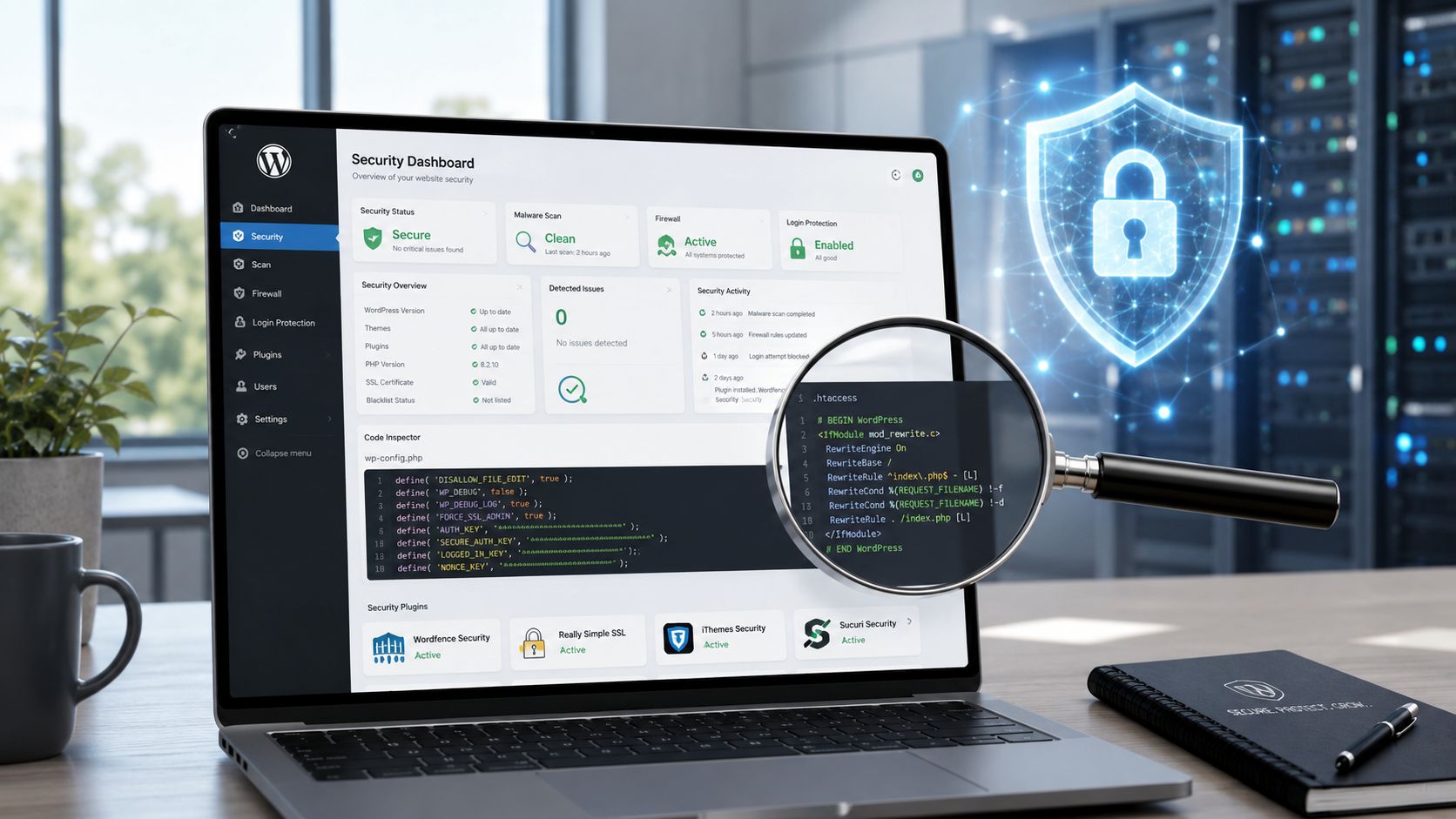
You’re probably dealing with one of two situations right now. Either your WordPress site has grown past “install a plugin and hope for the best,” or you manage a portfolio of client sites where one weak plugin, one missed update, or one noisy firewall rule can turn into downtime, checkout failures, or a support fire drill. In both cases, the usual roundup of the best wordpress security plugins doesn’t help much, because most lists treat a small brochure site and an enterprise WooCommerce build as if they have the same risk profile.
For enterprise WordPress, security is never just about feature count. It’s about how a tool behaves on multisite, whether it plays nicely with reverse proxies and custom login flows, how much operational noise it creates for your team, and whether it helps or hurts performance under load. WordPress powers 43% of all websites, which is exactly why hardening has to be practical, repeatable, and compatible with real production workflows.
That’s also why a plugin alone rarely finishes the job. Strong security depends on hosting, patch cadence, backups, access control, incident response, and someone diligently reviewing alerts. If your team needs the broader playbook, The Ultimate Guide to Cyber Security for Companies is a useful companion read.
Table of Contents
1. Wordfence Security
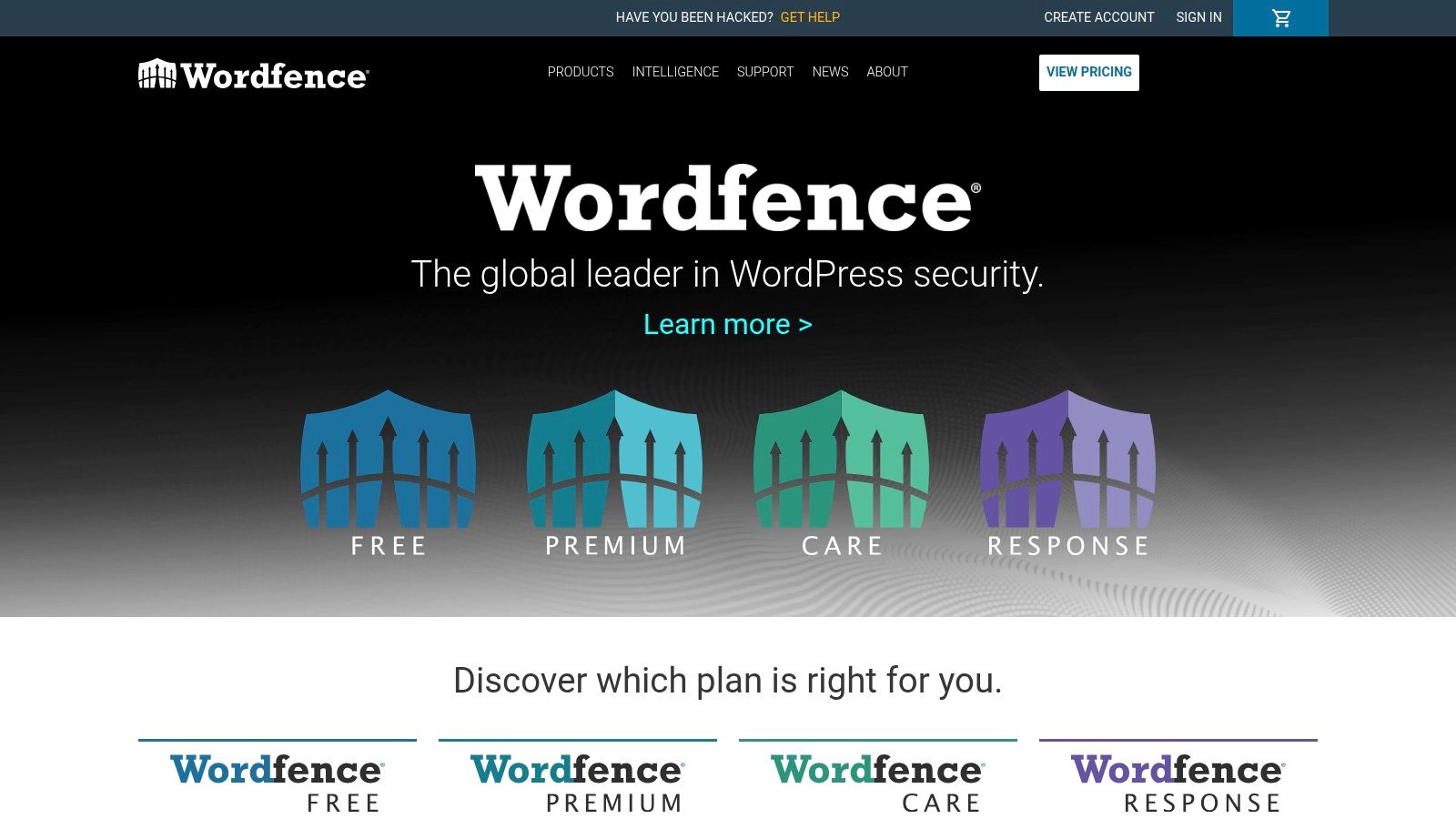
Wordfence Security is the default recommendation when a site needs broad coverage fast. It combines a firewall, malware scanning, login security, rate limiting, vulnerability alerts, and centralized management in one stack. For agencies, that “single control plane” matters because it cuts down the number of tools you have to check during a live issue.
Its scale also matters. Wordfence has over 5 million active installations and more than 389 million total downloads, which is a practical advantage, not just a vanity metric. Big install bases usually mean faster issue discovery, stronger community familiarity, and easier handoff between internal teams and outside engineers.
Where it fits best
Wordfence works well on agency-managed portfolios, content-heavy sites, membership builds, and WooCommerce stores that need clear alerting and solid login protection. The built-in 2FA and brute-force controls are useful when you’ve got large editorial teams, external contractors, or clients who won’t follow perfect password hygiene.
I also like it when a team needs straightforward logging and visibility. During incident review, activity trails and login events are often more useful than flashy “AI security” messaging.
Practical rule: Tune scans before you judge the plugin. On underpowered hosting, default scan behavior can feel heavy. On well-configured infrastructure, it’s much easier to live with.
Trade-offs that matter
Wordfence can be resource-intensive if you leave every scan and check running aggressively on a small server. That’s the main reason some teams call it “slow.” In most cases, the actual issue isn’t the plugin itself. It’s poor scan scheduling, weak hosting, or too many overlapping security tools doing the same work.
The free tier is still useful, but there’s a meaningful limitation. Firewall rules and malware signatures in the free version lag behind the premium feed. If you’re securing revenue-generating sites, I wouldn’t build a serious stack around delayed protection.
2. Sucuri Security
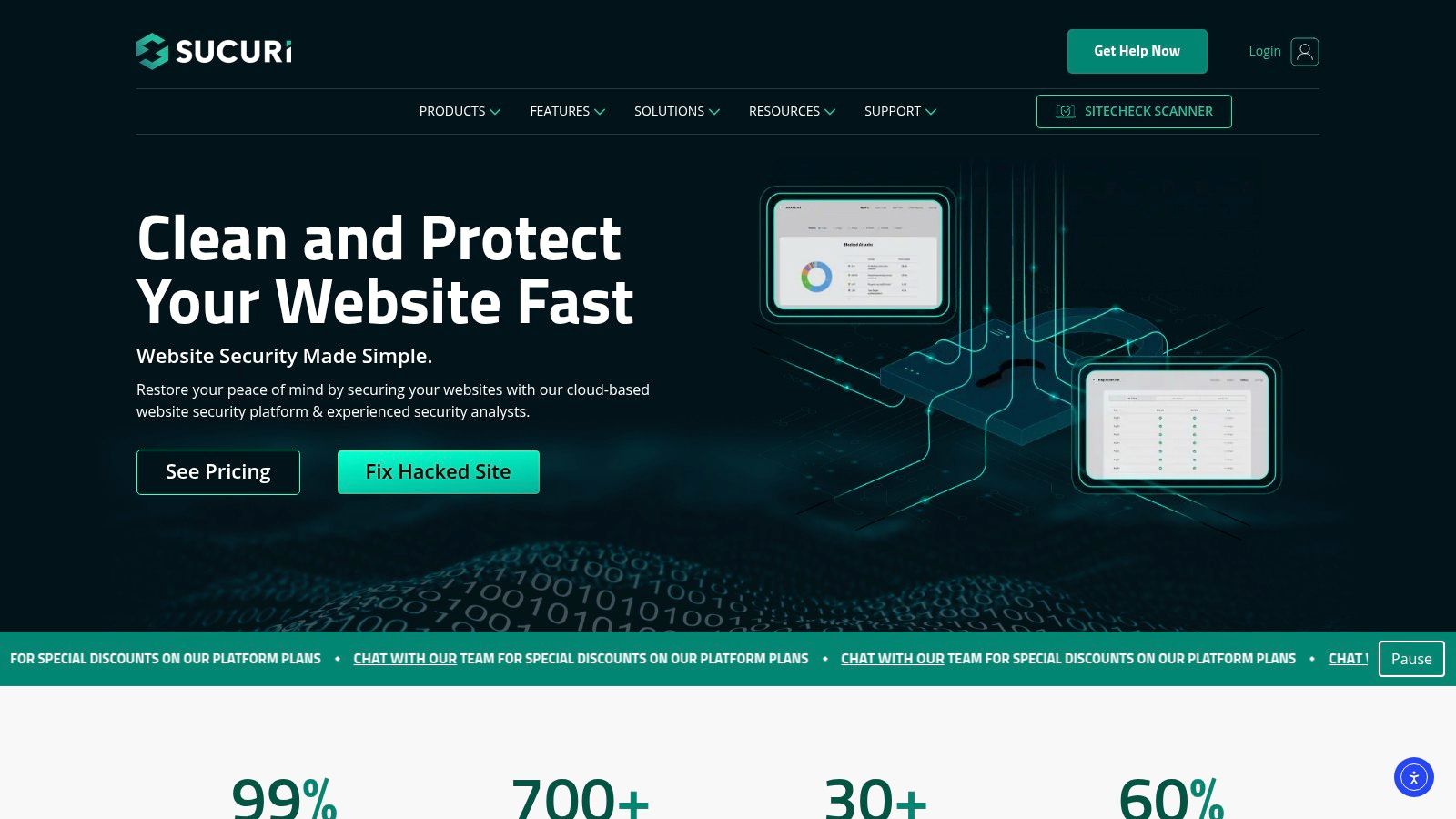
A marketing site gets featured in a national campaign, traffic spikes, bots pile on, and the origin starts struggling before anyone can even log into wp-admin. That is the kind of situation where Sucuri earns its place. The free plugin covers file integrity monitoring, audit logs, and basic hardening, but its primary value is the cloud WAF sitting in front of WordPress. For agency teams and enterprise owners, that changes the conversation from “what can this plugin block inside PHP?” to “how much bad traffic can we stop before it reaches the app?”
That edge-first model is why Sucuri makes more sense on high-traffic WooCommerce stores, multilingual marketing sites, and enterprise builds with several moving parts. It can take pressure off the origin, reduce attack noise, and give teams a cleaner perimeter to work with during an incident. On headless WordPress and multisite, that separation can also be useful because protection is less tied to one wp-admin environment or one overloaded application server.
Cleanup is part of the appeal too. Many security plugins are strongest at alerts. Sucuri is more useful when you also need remediation support and a service layer around the site. If a client is dealing with reinfections, suspicious redirects, or repeated spam injections, I would not treat any plugin as the whole answer. That is usually the point where a proper technical website audit for WordPress infrastructure and application risk saves more time than another round of plugin tweaks. Teams working through an active or recent compromise should also review IMADO’s guide on mastering WordPress security issues.
Where it fits best
Sucuri works best when the security problem starts before WordPress itself. That includes bot floods, brute-force traffic, layer 7 abuse, and situations where uptime matters as much as malware detection. I also like it on agency-managed portfolios where clients have uneven hosting quality, because pushing filtering to the edge can reduce the dependence on a perfectly tuned origin stack.
It is also one of the more practical options for teams that need a security layer across mixed environments. If one client runs WooCommerce, another uses multisite, and another has a partially headless setup, a cloud WAF can be easier to standardize than trying to make every in-app scanner behave the same way on every stack.
Practical rule: Sucuri is strongest as an edge service with response support. The plugin alone is not the main reason to buy it.
Trade-offs that matter
The biggest operational hurdle is the DNS cutover. On small sites, that is a minor task. On enterprise environments, DNS changes involve hosting teams, CDN owners, SSL review, change windows, and rollback planning. That extra coordination is manageable, but it is real, and it slows adoption more often than product marketing admits.
There are compatibility checks to make as well. Cached checkout flows, custom headers, API endpoints, and headless front ends all need validation after the WAF goes live. Most issues are solvable, but agencies should budget testing time instead of assuming the switch will be invisible.
The other trade-off is simple. If you only install the free plugin and never use the paid platform, you are missing the feature set that makes Sucuri stand out in the first place.
3. Solid Security by SolidWP
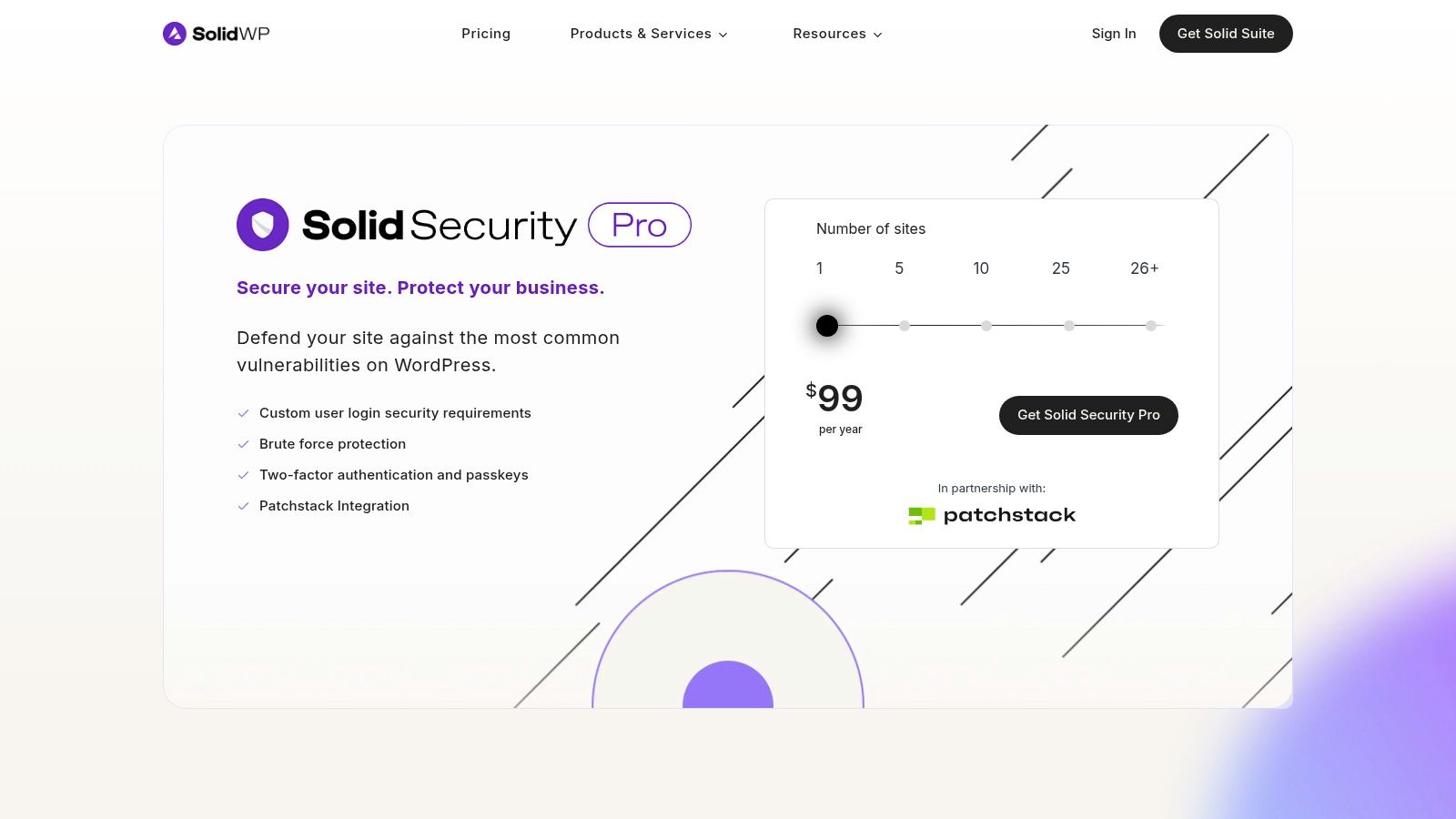
Solid Security is a strong fit when login security is the main weakness. Some sites don’t need a heavyweight malware response platform as much as they need better authentication, stricter access rules, and cleaner policy control for lots of users. That’s where Solid Security stands out.
The product’s authentication focus is especially useful on editorial, membership, and client-managed sites where account sprawl creates a genuine risk. Passkeys, passwordless options, trusted devices, 2FA, brute-force lockouts, and role-aware controls are more valuable than another scan screen if the site’s biggest exposure is human behavior.
Why operations teams like it
Solid Security Pro integrates Patchstack-powered virtual patching. That matters because there’s often a dangerous gap between “a vulnerability is known” and “the plugin author has shipped a safe update that your team has tested.” Virtual patching helps bridge that gap, particularly on agency portfolios where updates can’t always go live immediately.
It also fits more naturally into operations workflows than some beginner-oriented tools. WP-CLI support and scheduling are useful if your team automates deployments, maintenance windows, or recurring checks.
- Best for multi-user teams: Strong authentication controls make it easier to protect editorial and marketing users without custom development.
- Best for update lag: Patchstack integration helps when you need mitigation before a production-safe plugin update is approved.
- Best for policy control: You can enforce access rules with more granularity than you’ll get from simpler plugins.
The real limitation
Solid Security doesn’t replace malware cleanup or deep incident response. If a site is already compromised, or if you need somebody to actively clean and restore it, this isn’t the plugin I’d rely on by itself.
Configuration also matters a lot. Aggressive lockdown settings can confuse users, break expected login flows, or create support overhead if you roll them out carelessly across client fleets.
4. MalCare
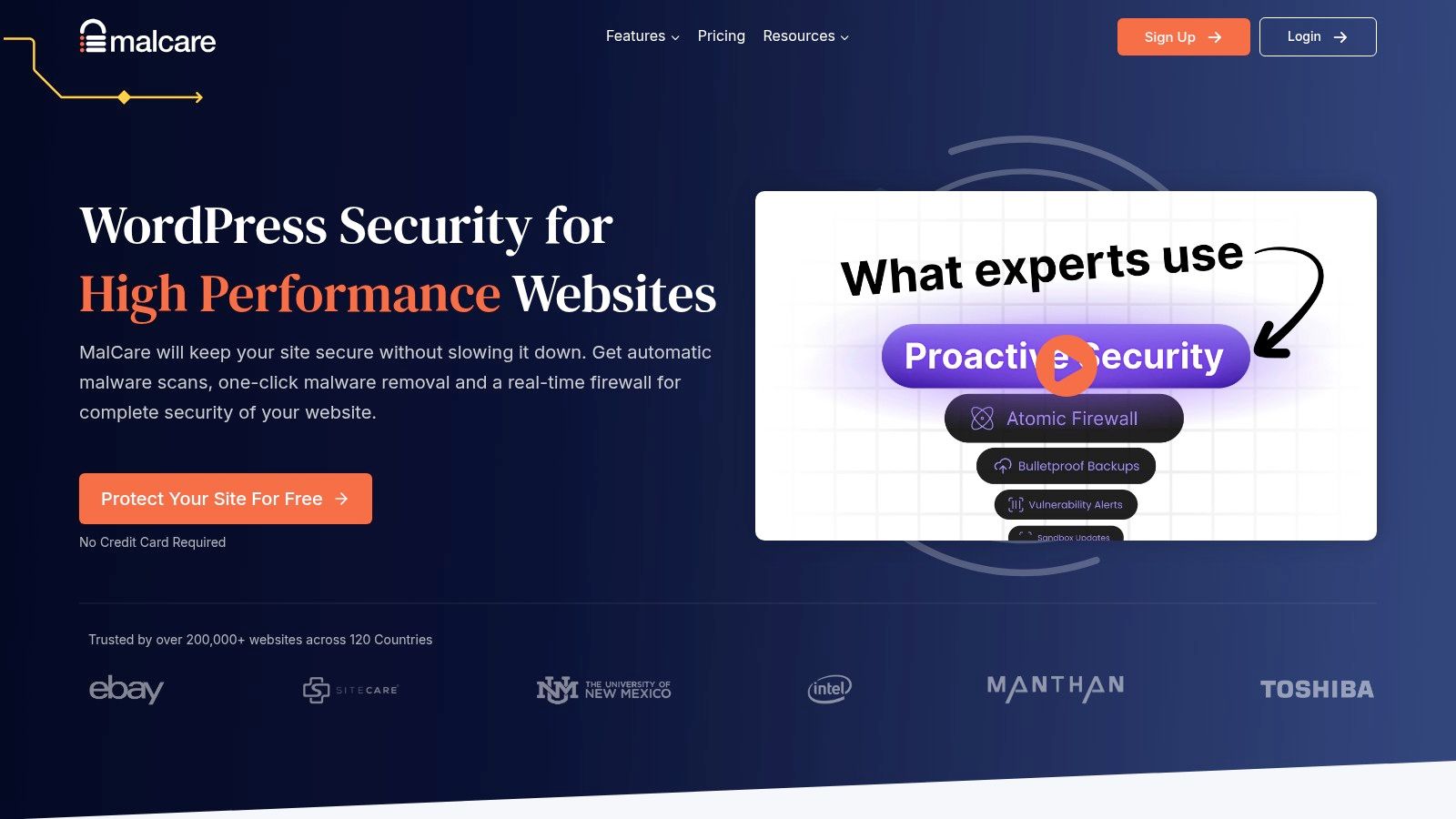
A WooCommerce store under load does not have much tolerance for heavyweight security scans. If admin actions slow down, background jobs pile up, or checkout requests compete for the same server resources, the security plugin becomes part of the problem. That is the main reason MalCare gets serious consideration on agency-managed sites.
Its core appeal is architectural. MalCare pushes scanning work off the WordPress server, which usually makes it easier to protect busy sites without adding noticeable strain to PHP workers, database activity, or logged-in admin sessions. On larger portfolios, that trade-off matters more than a long feature list.
Where MalCare fits well
MalCare is a practical option for teams that want malware scanning and cleanup without loading more work onto production hosting. That makes it easier to justify on WooCommerce builds, content-heavy publishers, and client sites running on hosting plans with limited headroom.
I also see the appeal for agencies that need a cleaner operational model. One-click cleanup is useful when a maintenance team needs to respond fast, document the action, and avoid a long manual triage process for every incident.
For multisite and headless setups, the fit is more conditional. It can still work, but I would test the workflow carefully before standardizing on it across a complex estate. Security tools that feel simple on a single brochure site can create blind spots once you add custom authentication flows, decoupled front ends, or shared infrastructure.
Before rollout, it is worth pairing plugin selection with a proper technical website audit from IMADO. That is especially true for stores with custom themes, ERP connections, unusual caching rules, or deployment pipelines that already introduce risk.
The trade-offs
Offsite scanning is a real advantage, but it also means placing trust in a third-party cloud service. Enterprise buyers should review that the same way they would review any external platform. Access controls, data handling, alerting, and incident process all matter.
Cleanup convenience can also hide the bigger question. Why did the site get compromised in the first place? If the root cause is a stolen admin account, a vulnerable custom plugin, bad deployment hygiene, or persistent reinfection from writable directories, the plugin can remove symptoms without fixing the system. At that point, you need proper WordPress malware removal and root-cause investigation, not just another cleanup click.
That is the line I would draw for agency and enterprise teams. MalCare is a solid operational tool for reducing scan overhead and speeding up response. It is not a substitute for hardening architecture, reviewing code, and closing the process gaps that let the compromise happen.
5. All-In-One Security by TeamUpdraft
All-In-One Security is the budget-conscious option that still gives teams plenty to work with. It covers firewall rules, login lockdown, hardening tools, 2FA, file and database protection, and premium extras like malware scanning and blacklist monitoring. For smaller portfolios, that’s a lot of coverage in one plugin.
It also has a more approachable interface than some security products. That matters when the people touching the settings aren’t security specialists but marketers, site managers, or junior support staff. The onboarding and scoring approach can help teams improve the obvious basics without getting buried in terminology.
Where it makes sense
AIOS is a reasonable fit for smaller agencies, nonprofit portfolios, and businesses that need stronger protection than a bare-minimum setup but aren’t ready for a more expensive cloud platform. It’s also useful when the client wants visible security controls in WordPress itself rather than in an external dashboard.
The trap is enabling everything because it’s available. Broad security suites can become noisy and hard to maintain when every module is turned on by default.
- Use the login tools first: They deliver value fast and usually create the least operational friction.
- Add firewall rules gradually: Test them against custom forms, API endpoints, and unusual admin workflows.
- Treat scans realistically: If malware removal is a likely need, keep IMADO’s WordPress malware removal service in mind instead of assuming plugin scans are enough.
The trade-off
AIOS isn’t the plugin I’d choose for high-stakes enterprise response or advanced cloud-edge protection. Its premium scans are scheduled, not the kind of full-service incident handling some organizations expect.
Still, for organizations that need broad coverage without jumping straight to a more expensive managed service, it’s a sensible option. The key is restraint. Turn on what the site needs.
6. WP Cerber Security
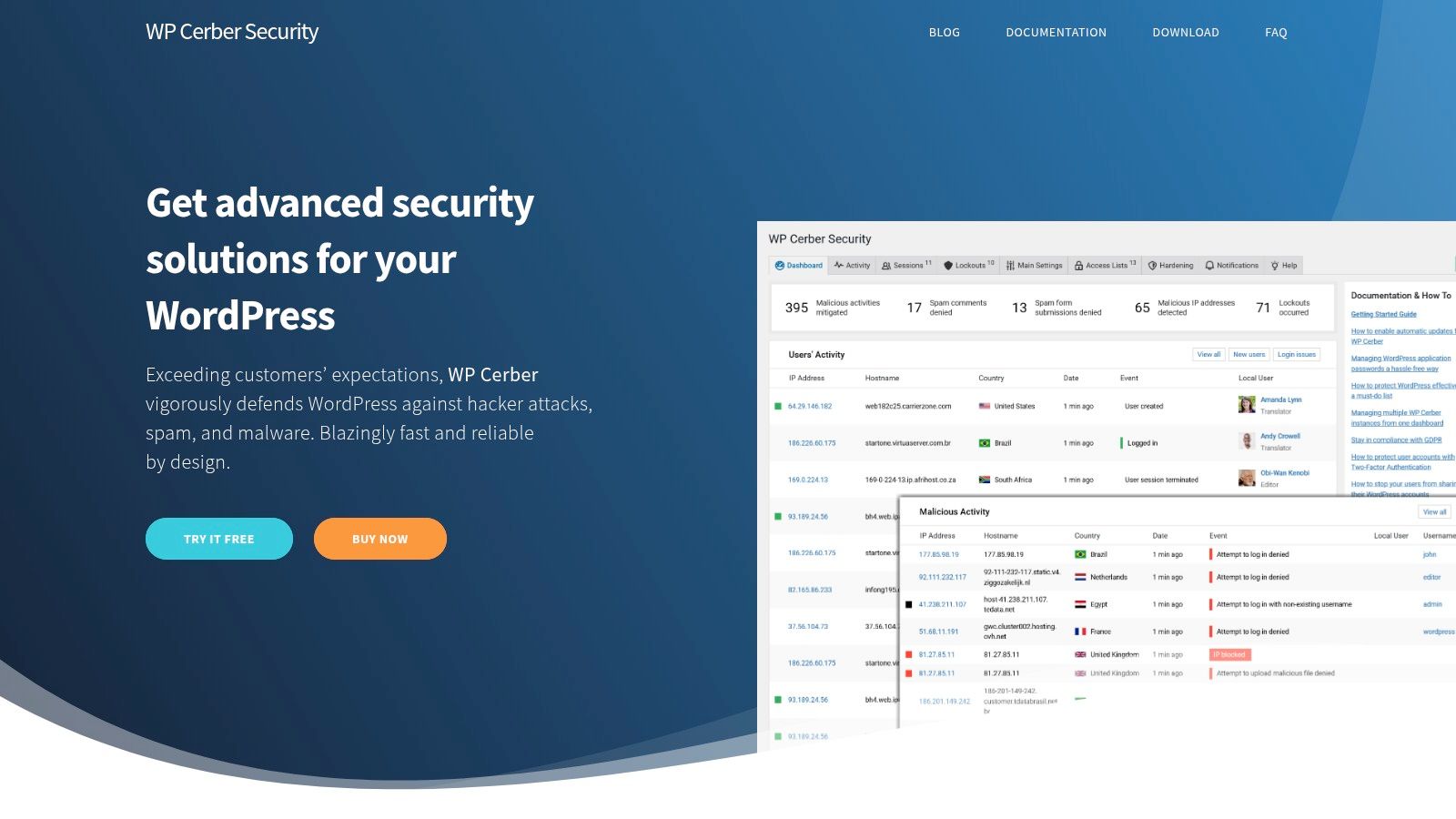
WP Cerber Security doesn’t always get the same mainstream attention as Wordfence or Sucuri, but it deserves consideration when the brief is “lock things down tightly without bloating the stack.” It combines a WAF, anti-spam controls, login rules, GEO restrictions, detailed activity logs, and malware scanning with automatic removal.
On sites with heavy form abuse, repeated login attacks, or specific geographic access requirements, WP Cerber can be very effective. Its controls around REST API, XML-RPC, user enumeration, and submission behavior are useful when you need to tighten exposed surfaces without introducing a giant management layer.
Why engineers pick it
WP Cerber tends to appeal to performance-minded teams because it’s less marketed as an all-purpose “security cloud” and more as a practical access-control toolset. If you know exactly what needs restricting, it gives you the switches to do it.
That’s especially helpful on WooCommerce or lead-gen builds where spam and abusive submissions create both security noise and operational mess. It’s not just about blocking attackers. It’s about reducing junk traffic that wastes staff time.
Some sites don’t need a bigger security suite. They need stricter access policy and cleaner logs.
Caveats before rollout
The distribution model deserves attention. Because update channel trust matters for security tools, teams should verify where they’re sourcing updates and how that aligns with internal policy.
I’d also be more selective about recommending it to organizations that want large-vendor reassurance, formal cleanup services, or broad ecosystem familiarity. WP Cerber is strong in the hands of admins who like granular control. It’s less ideal if your client expects a household name and a polished managed-service story.
7. Shield Security
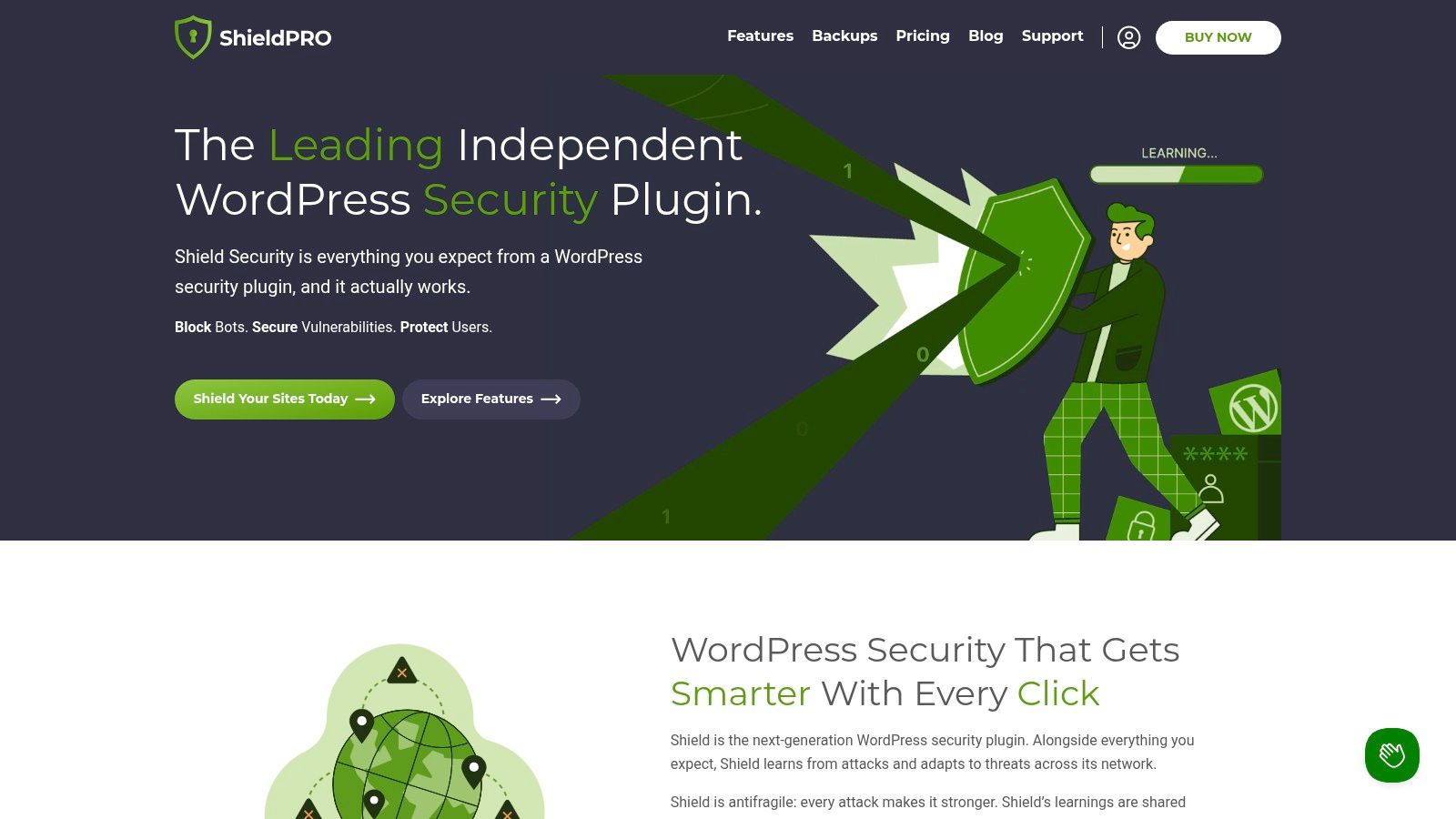
Shield Security is one of the more interesting options for power users and agencies that want control without immediately defaulting to the biggest brands. It offers a WordPress-aware WAF, bot mitigation, 2FA, passkeys, YubiKey support, activity logging, malware scanning, and MainWP integration.
That feature mix is appealing if your team wants centralized workflows and strong login protection, but doesn’t want the same deployment profile as Wordfence. It also aligns with a current need many agencies have. Less alert noise, more actionable controls.
What makes it different
The automation angle is worth paying attention to. WPKube’s discussion of underserved performance and low-noise scanning angles highlights newer approaches such as AI-driven scanning in Shield Security. That won’t replace good process, but it does reflect a real pain point. Security tools that flood teams with low-quality alerts become shelfware fast.
Shield’s MainWP support also matters for agency operations. If you already manage fleets through a central dashboard, that integration is useful and saves a lot of routine friction.
- Good fit for managed fleets: MainWP support helps agencies standardize workflows.
- Good fit for modern auth: Passkeys and hardware-key support are useful on sensitive admin setups.
- Good fit for fine tuning: The custom rules and layered controls reward teams that know what they’re doing.
Where teams struggle
Shield can be a lot to absorb. The same flexibility that makes it attractive can also slow down adoption for non-technical teams or clients who expect a simpler setup.
Brand familiarity is the other hurdle. In procurement or stakeholder discussions, smaller names often face more scrutiny even when the product is technically solid.
8. Patchstack
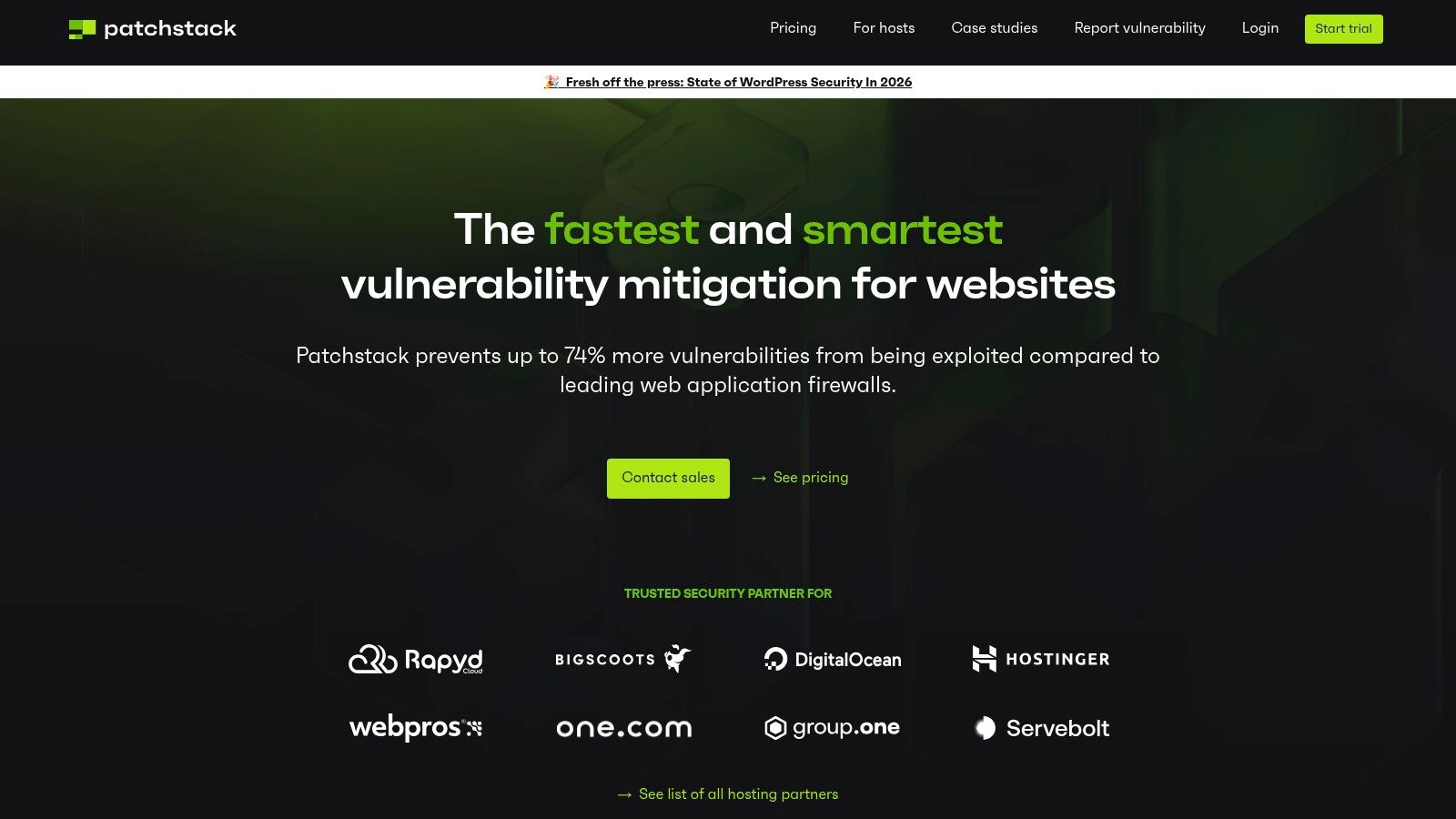
Patchstack is one of the few tools on this list that I’d classify as essential for some teams, but not enough by itself for almost anyone. Its job is vulnerability intelligence and virtual patching. That’s a very different mission from malware cleanup or generalized firewalling.
For agencies and hosts, this model is compelling because the hardest security problem often isn’t “we need another scanner.” It’s “a plugin vulnerability is public, we can’t patch production safely this minute, and we need a protective layer right now.” Patchstack addresses that gap better than broad all-in-one plugins.
Why it matters on custom stacks
This is especially relevant on multisite, headless, and API-heavy WordPress projects where updates can break custom flows. MiniOrange’s analysis of security plugin gaps highlights integration challenges and the value of virtual patching for custom setups, which is exactly where Patchstack earns its place.
That said, virtual patching is not magic. If the site also needs malware scanning, active cleanup, anti-spam controls, or login hardening, you’ll still need companion tools.
Best way to use it
Think of Patchstack as a specialist layer in a broader stack.
- Pair it with a WAF: Virtual patching and request filtering solve different problems.
- Pair it with scanning or cleanup: Patch intelligence won’t remove an existing infection.
- Use it across portfolios: Central visibility is where Patchstack becomes much more valuable than a single-site plugin.
The mistake is expecting one plugin to cover everything. Patchstack is strongest when you already know security should be layered, not monolithic.
9. Defender by WPMU DEV
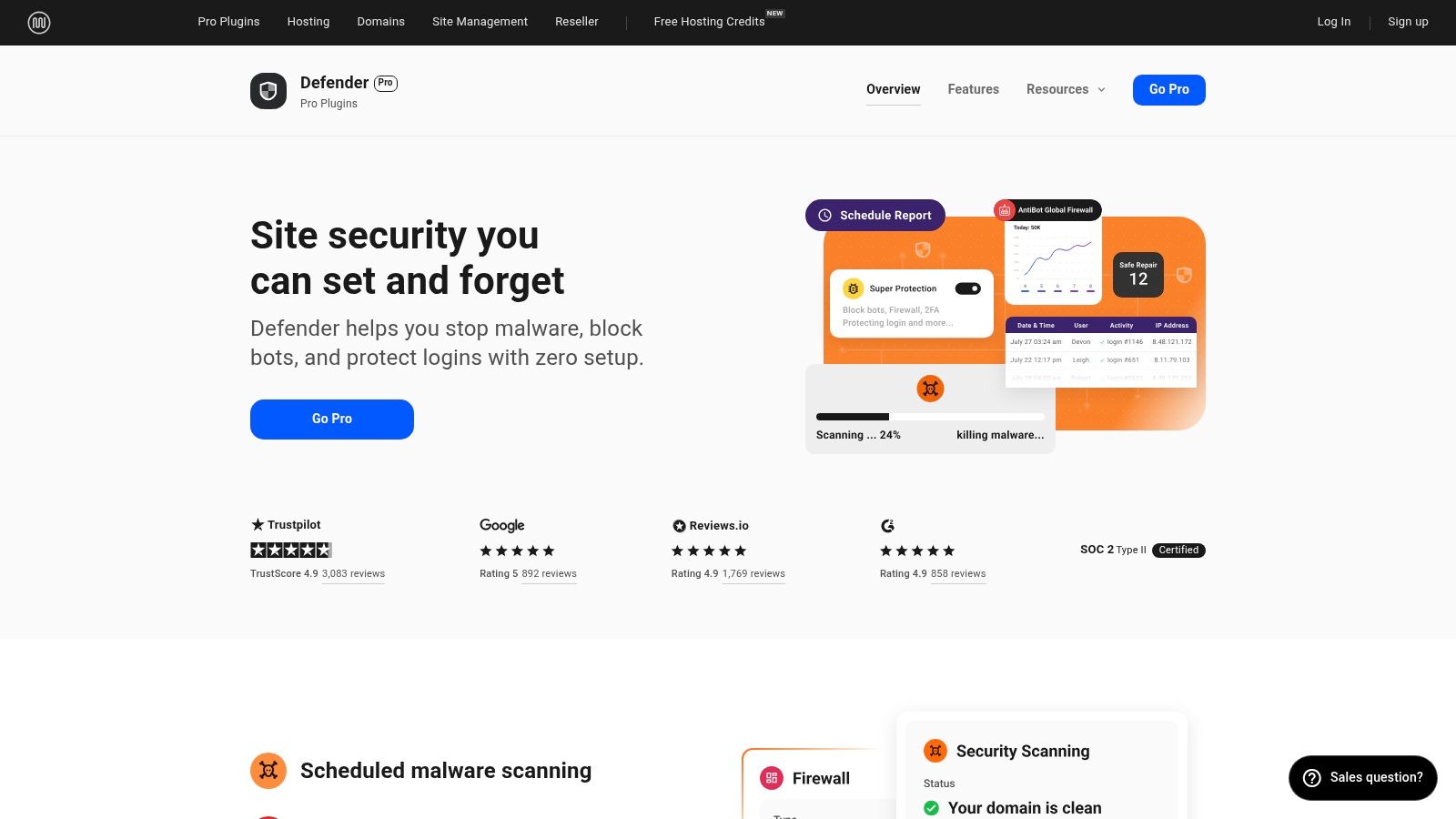
Defender makes the most sense when you’re already inside the WPMU DEV ecosystem. On its own, it’s a capable all-rounder with firewall rules, vulnerability scans, 2FA, login masking, audit logs, and hardening options. In a bundled WPMU DEV workflow, it becomes more attractive because security sits alongside backups, optimization, and centralized site management.
That bundled logic matters for agencies. Fewer vendors can mean simpler billing, support, and operations. If a team already uses WPMU DEV for site management or white-label client delivery, Defender becomes easier to justify than a standalone point solution.
Good in the right context
Defender is solid for small to mid-sized agency fleets, general business sites, and teams that want a straightforward dashboard without too much complexity. It can also work well for agencies that value white-label reporting and client management as much as pure security depth.
Where it’s weaker is deep malware response compared with more specialized cloud-based products. If you’re selecting tools for sites with high risk, frequent attacks, or strict incident response needs, Defender usually needs backup from stronger specialist layers.
Defender is at its best when security is one part of an integrated maintenance stack, not the entire strategy.
Main trade-off
Some of its stronger value depends on WPMU DEV membership rather than a simple standalone purchase. That’s fine if you already buy into the platform. It’s less compelling if you only want one security product and nothing else from the suite.
10. Jetpack Security
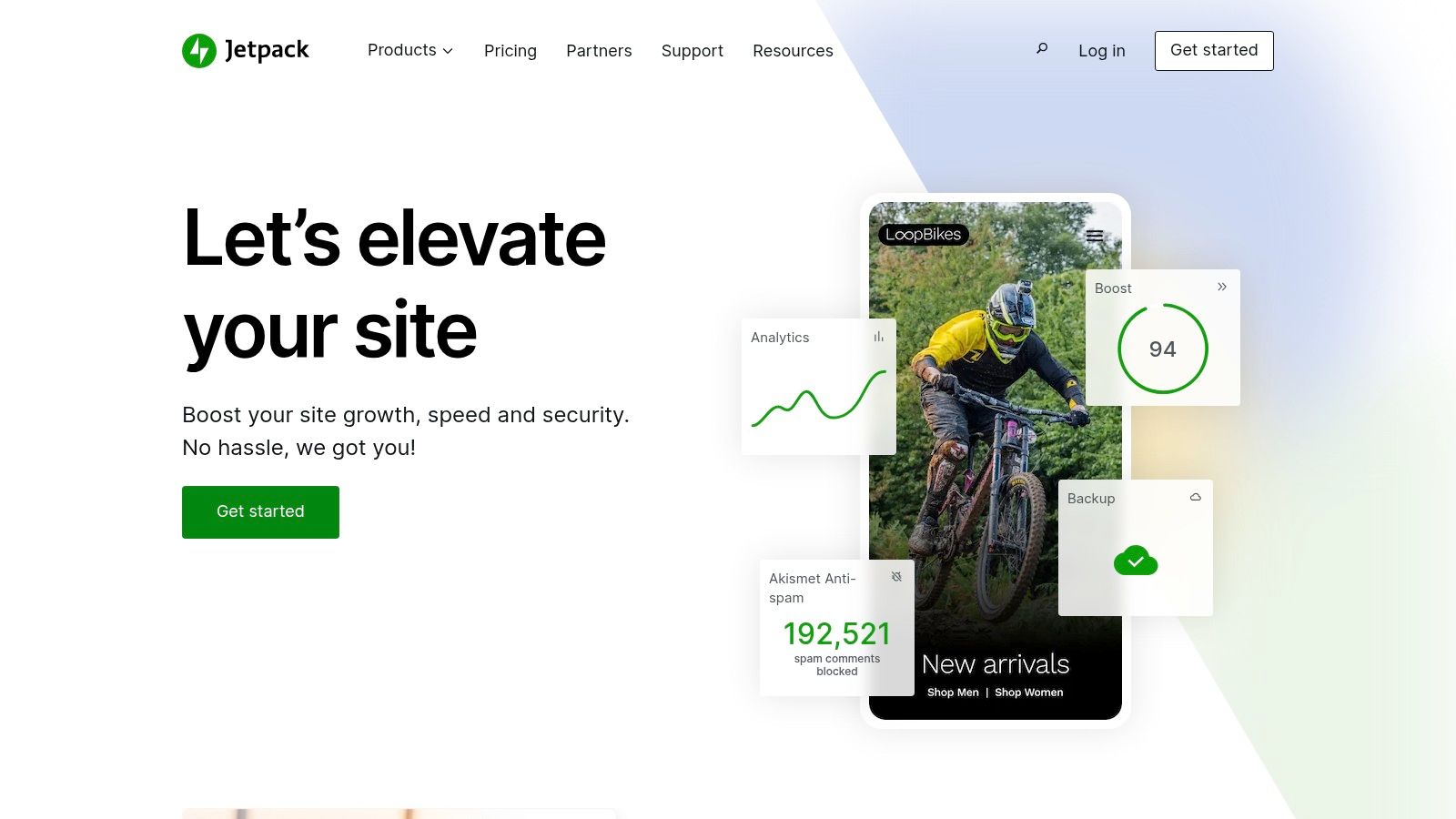
Jetpack Security is often dismissed too quickly by technical teams, but it has a real place. For businesses that want one vendor handling vulnerability alerts, malware scanning, backup and restore, and optional WAF capability, the Jetpack bundle can be a practical choice.
That single-vendor setup is especially attractive for WooCommerce-adjacent teams and organizations that already trust Automattic tooling. The onboarding is generally smoother than more engineer-focused plugins, and VaultPress backup integration adds recovery muscle that many standalone security plugins don’t provide in the same package.
Where it works
Jetpack is best for organizations that prioritize operational simplicity over maximum customization. If your team wants fewer moving parts, easier restore workflows, and a support relationship tied to a familiar WordPress vendor, it’s a valid option.
The standalone Protect feature also lowers the barrier if all you want at first is vulnerability visibility rather than a full security suite.
Where it doesn’t
Jetpack is less appealing on large agency portfolios where per-site economics and WordPress.com dependency become friction points. It’s also not my first pick for highly customized enterprise builds where teams want tighter control over every security component.
For those environments, dedicated combinations such as a cloud WAF, a vulnerability layer, and specialized login hardening usually fit better than an all-in-one vendor bundle.
Top 10 WordPress Security Plugins Comparison
| Solution | Core focus & features | Performance & reliability ★ | Value & Pricing 💰 | Best fit 👥 | Standout ✨🏆 |
|---|---|---|---|---|---|
| Wordfence Security | WAF, malware scanner, 2FA, centralized management | ★★★★, on‑server scans can be resource‑heavy if untuned | 💰 Mid (free tier, premium realtime rules) | 👥 Agencies & site owners needing active threat research | ✨ Large signature DB & bounty program, excellent logging 🏆 |
| Sucuri (Plugin + Platform) | Cloud WAF/CDN, DDoS mitigation, continuous cleanup | ★★★★★ off‑site WAF reduces origin load, requires DNS change | 💰 Higher at scale (paid Platform for full protection) | 👥 High‑traffic, high‑risk sites & mixed CMS fleets | ✨ Off‑site blocking + unlimited cleanups on plans 🏆 |
| Solid Security (SolidWP) | Auth hardening: passkeys, 2FA, brute‑force network protection | ★★★★ Lightweight local controls, Patchstack virtual patches (Pro) | 💰 Mid (Pro for advanced mitigation) | 👥 Editorial teams & multi‑user sites focused on auth | ✨ Passwordless/passkey support, role‑aware policies |
| MalCare | Offsite AI malware scanning, plugin firewall, one‑click cleanup | ★★★★ Low server impact (cloud scans), mixed reinfection reports | 💰 Mid (agency bundles, Woo tiers) | 👥 Incident‑prone sites & WooCommerce stores | ✨ AI‑assisted scans + included cleanup, fast recovery 🏆 |
| All‑In‑One Security (AIOS) | Layered firewall (6G/8G), 2FA, country blocking, scheduled scans | ★★★ Entry‑level impact, weekly premium scans (not real‑time) | 💰 Budget‑friendly (good for small portfolios) | 👥 Small sites/portfolios seeking cost‑effective hardening | ✨ Simple onboarding score, Updraft ecosystem integration |
| WP Cerber Security | WAF, anti‑spam, GEO access control, malware scanner | ★★★★ Low overhead, granular access & behavior rules | 💰 Moderate (straightforward licensing) | 👥 Performance‑minded sites needing fine‑grained controls | ✨ Powerful anti‑spam + detailed activity logs |
| Shield Security | WP‑aware WAF, silentCAPTCHA, ML scanning, MainWP integration | ★★★★ Robust features, steeper learning curve for advanced rules | 💰 Competitive for multi‑site tiers | 👥 Power users & agencies using MainWP workflows | ✨ ML‑aided scans, strong automation & agency tooling |
| Patchstack | Vulnerability intelligence & virtual patching, portfolio dashboard | ★★★★ Complements WAF/scanner, fast virtual mitigation | 💰 Per‑site cost (can add up for large fleets) | 👥 Hosts & agencies needing rapid zero‑day fixes | ✨ Fast virtual patches + research community 🏆 |
| Defender (WPMU DEV) | Firewall, core file scans, 2FA, security headers, centralized mgmt | ★★★★ Good when paired with WPMU DEV suite, solid UX | 💰 Best value with WPMU DEV membership | 👥 Teams using WPMU DEV tools, agencies needing white‑label | ✨ Integrated suite + client billing/white‑label |
| Jetpack Security | Vulnerability scanning, backups (VaultPress), Scan/WAF options | ★★★★ Offsite backups & scans, requires WP.com connection | 💰 Bundled pricing (may be costly at scale) | 👥 Sites/WooCommerce preferring single‑vendor solutions | ✨ All‑in‑one: backups + security, smooth WP.com integration 🏆 |
Your Next Step From Plugin to Proactive Security Posture
The best wordpress security plugins can do a lot. They can block brute-force attempts, harden logins, flag suspicious file changes, surface vulnerable plugins, and in some cases help clean up after an infection. But a plugin is still one layer. It won’t fix weak release practices, poor role management, missing backups, exposed staging sites, or untested update workflows.
That matters most on enterprise WordPress because complexity creates risk in places plugins don’t fully see. Custom WooCommerce checkouts, API integrations, multilingual multisite networks, reverse proxies, headless front ends, and third-party auth flows all introduce edge cases. Security tools can help, but they can also break things if they’re deployed without understanding how the site works.
The right choice depends on the type of risk you’re managing. If you want broad in-dashboard coverage and strong ecosystem familiarity, Wordfence is still one of the safest starting points. If edge filtering and cleanup matter more, Sucuri is stronger. If your biggest problem is vulnerability exposure across many sites, Patchstack deserves a place in the stack. If performance overhead is a concern, cloud-first approaches like MalCare or edge-first filtering deserve closer attention.
For agency-managed sites, I’d keep the selection criteria simple:
- Choose for architecture: Multisite, headless, and WooCommerce setups need compatibility more than feature bloat.
- Choose for workflow: A tool that your team won’t review, tune, or respond to is the wrong tool.
- Choose for incident reality: If the site gets hacked, ask who cleans it, how fast, and what happens next.
- Choose for performance: Security that slows admin operations or hurts conversion paths creates a different kind of business risk.
There’s also a point where plugin selection stops being the main decision. If the site handles payments, customer data, franchise operations, membership access, or major campaign traffic, security needs to be managed as an ongoing engineering function. That includes scheduled reviews, access audits, patch testing, alert triage, backup verification, and an incident response process people can practically follow. If cardholder data or payment environments are involved, broader governance also matters, and PCI DSS compliance is part of that conversation.
In practice, the strongest setups usually look layered. One tool for the edge or firewall. One for vulnerability intelligence. One backup and restore strategy that’s tested, not assumed. Then a human team that knows which alerts matter and which ones are noise.
That’s when hiring an expert agency becomes the better move than adding another plugin. If your site has custom code, multiple environments, third-party integrations, or uptime requirements that affect revenue, you don’t just need software. You need engineers who can evaluate trade-offs, tune controls without breaking production, and respond calmly when something goes wrong.
A plugin can harden a site. A mature security posture keeps the business running.
If your WordPress setup has moved beyond simple plugin installs and into real operational risk, IMADO is the kind of partner to bring in early. Our team handles enterprise WordPress engineering, audits, maintenance, WooCommerce performance, multisite, headless builds, and white-label delivery for agencies that need senior support without the hiring delay.
Let’s build something exceptional
Tell us about your project – we’ll help you launch a fast, scalable, SEO-optimized WordPress platform built for growth.