 Ask Chatgpt to summarize Move From Weebly to WordPress: Your 2026 Migration Guide
 Ask Grok to summarize Move From Weebly to WordPress: Your 2026 Migration Guide
 Ask Claude to summarize Move From Weebly to WordPress: Your 2026 Migration Guide
 Ask Perplexity to summarize Move From Weebly to WordPress: Your 2026 Migration Guide
 Ask Gemini to summarize Move From Weebly to WordPress: Your 2026 Migration Guide

You’re usually not moving from Weebly to WordPress because you’re bored. You’re moving because the site that once felt easy now feels cramped.
That pressure shows up in familiar ways. Marketing wants better landing pages. Search visibility stalls. Product or location pages multiply. The store needs custom checkout logic, cleaner category structures, or integrations that Weebly wasn’t built to support. On a small brochure site, you can work around those limits. On an e-commerce catalog or a multi-location brand site, those workarounds become technical debt.
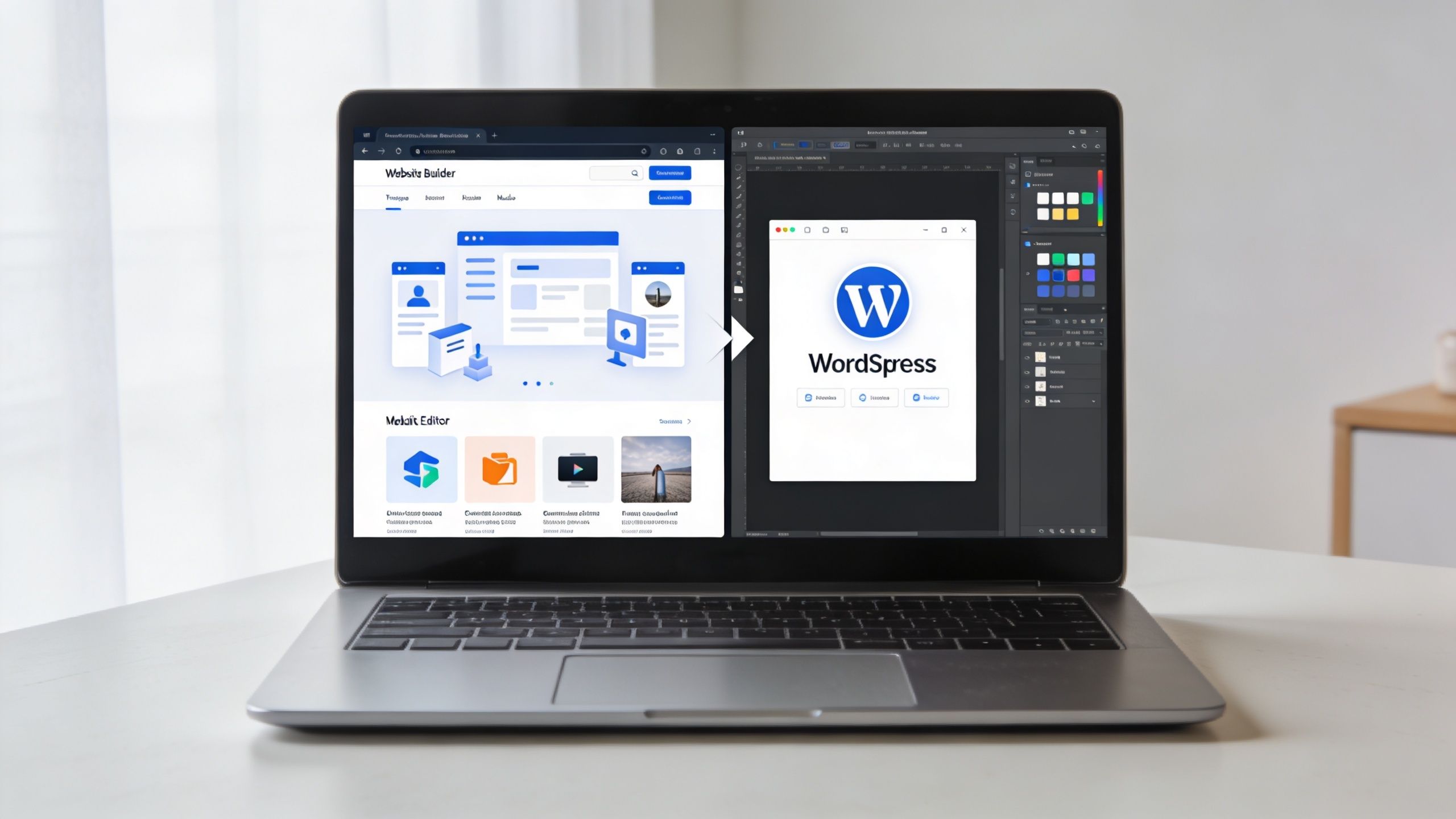
A clean move from weebly to wordpress isn’t a copy-and-paste exercise. It’s a platform migration, an SEO preservation project, and often an architectural reset at the same time. If you handle those pieces in the right order, the move is manageable. If you don’t, the launch can damage rankings, break key paths, and leave the new site harder to maintain than the old one.
Table of Contents
Why Your Business Has Outgrown Weebly
A regional retailer adds 40 new location pages, wants location-specific inventory messaging, and needs category URLs that match how people search. A builder that felt efficient at 20 pages starts fighting the business at 400.
That is usually the clearest sign you have outgrown Weebly. The site can still publish pages, but it no longer supports the way the company needs to grow, market, and sell.
The platform gap shows up in architecture first
Small brochure sites can live with limited flexibility for a long time. E-commerce catalogs and multi-location sites usually cannot.
The friction shows up when the site needs structure, not just content. You need product hierarchies that make sense to users and search engines. You need location pages with unique metadata, local schema, and controlled internal linking. You need templates that your team can reuse without duplicating design mistakes across hundreds of URLs. On Weebly, those requirements often turn into workarounds. On WordPress, they can be built into the system.
That difference gets expensive fast. Teams start spending time compensating for the platform instead of improving conversion paths, search visibility, or publishing speed.
Growth exposes the limits that simple sites can ignore
The common breaking points are predictable:
- Marketing teams need page models, not one-off layouts. Campaign landing pages, resource hubs, and service variants need repeatable templates and cleaner governance.
- SEO teams need control at scale. That includes custom URL structures, stronger metadata management, schema support, redirect control, taxonomy strategy, and a practical way to protect rankings during a rebuild.
- Commerce teams need room for operational logic. Product filtering, variant handling, shipping rules, checkout extensions, ERP or CRM connections, and merchandising workflows get harder to bolt onto a closed builder.
- Multi-location brands need scalable publishing. Each market may need unique copy, hours, map data, reviews, service coverage, and local intent targeting without turning the site into a maintenance mess.
- Performance work gets more technical. Core Web Vitals improvements usually require better control over themes, scripts, image handling, caching, and hosting behavior than a lightweight builder is designed to offer.
If any of that sounds familiar, the migration is usually less about aesthetics and more about infrastructure.
WordPress gives you architectural choices Weebly does not
For a growing business, WordPress is not one thing. It can be a conventional CMS with a flexible theme stack. It can be a multisite setup for franchises, regional brands, or separate business units. It can support a headless build when frontend performance, app-like experiences, or publishing across multiple channels justify the added complexity.
Those options matter because different businesses outgrow Weebly in different ways. A single-location service company may only need better editorial control and stronger SEO tooling. A retailer with hundreds of products and many markets may need custom post types, serious redirect planning, faceted navigation, and a hosting stack built for traffic spikes. A franchise brand may need governance rules that keep local teams productive without letting every location improvise its own website.
If you are evaluating a broader website conversion to WordPress, that architectural decision should happen early. It affects content modeling, URL mapping, template strategy, permissions, and launch risk.
The move should solve operational problems
A migration only pays off if it fixes something concrete. Better content governance. Better search preservation. Better page speed. Better integration support. Better room to scale without rebuilding again in a year.
I rarely recommend cloning a Weebly site pixel for pixel. That approach carries old problems into a new platform. A better migration uses the move to clean up weak URL patterns, thin location pages, duplicated product content, brittle forms, and design shortcuts that were tolerable when the site was smaller.
If the business is growing, the website needs to function like a managed system. Not a collection of pages held together by exceptions.
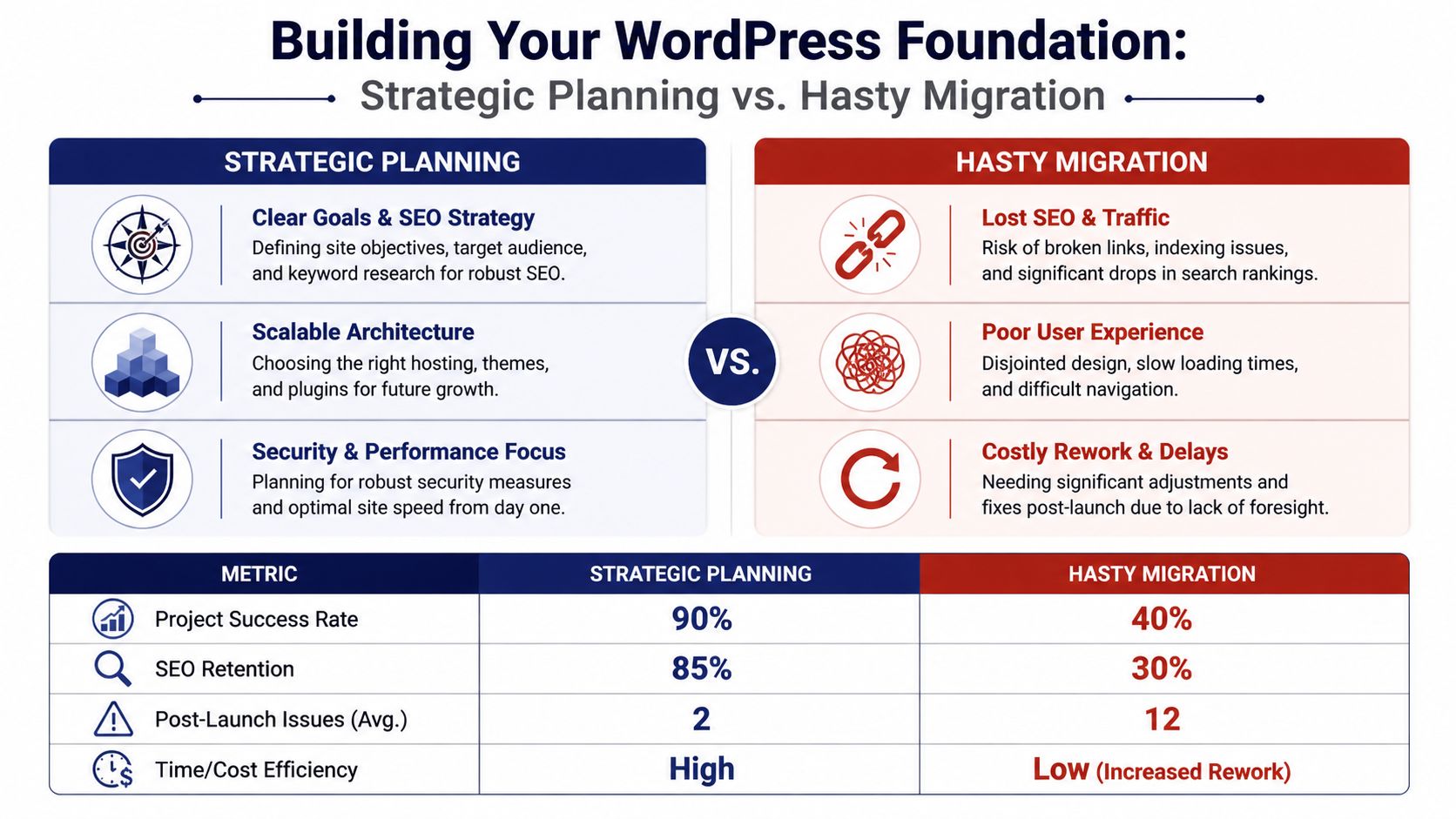
Strategic Planning and Your WordPress Foundation
Before anyone exports content, build the foundation. Teams that rush the early decisions usually pay for it later in rework, redirect mistakes, and avoidable launch stress.
The first essential step is a full inventory of the current Weebly site. Save page content, download media, capture navigation, document forms, list app dependencies, export whatever SEO details you can access, and record every live URL. If the site has stores, location folders, or hidden landing pages, include those too. You can’t map what you haven’t documented.
Pick hosting based on workload, not on a low headline price
A lot of migration problems start with underpowered hosting. The site imports fine, but staging is clumsy, caching is weak, and the environment isn’t built for clean deployments.
A practical way to think about hosting:
| Hosting type | Best fit | Trade-off |
|---|---|---|
| Shared hosting | Small brochure sites with light change frequency | Cheapest entry, but less control and less headroom |
| VPS | Teams that need more server control or custom stack behavior | More flexibility, more operational responsibility |
| Managed WordPress hosting | Businesses that want staging, backups, performance tooling, and smoother maintenance | Higher cost, but easier operations |
For most business migrations, managed WordPress hosting is the safer default. It reduces friction during staging, launch, and rollback. That matters more than shaving a little off monthly hosting cost.
Choose the right WordPress architecture
The bigger decision is architectural. Most businesses shouldn’t overcomplicate this, but they also shouldn’t assume every site belongs on one standard install.
Single site
This is the right fit for most companies. One brand, one editorial workflow, one store, one main domain strategy. It’s simpler to run, simpler to secure, and simpler to train editors on.
Multisite
If you manage franchises, regional sites, or many locations with shared governance, multisite can make sense. It gives you centralized control while still letting teams operate separate sites or sections. It’s useful when content patterns repeat but local teams still need publishing autonomy.
Headless or hybrid
This is for ambitious products, custom front ends, or teams with strong engineering resources. It can enable highly customized experiences, but it adds build complexity, preview complexity, and more moving parts. Don’t choose headless because it sounds advanced. Choose it only if the front-end requirements demand it.
Most migrations succeed because the architecture is boring in the right way. It fits the business, the team, and the maintenance reality.
Build around future editing and growth
Your theme and plugin decisions should reflect how editors will work six months from now, not how developers feel on launch day. Modern block themes and structured Gutenberg patterns usually outperform heavily customized page-builder setups in maintainability.
For teams planning a broader platform rebuild, this guide on website conversion to WordPress is a useful companion because it frames migration as a systems decision, not just a content transfer.
A solid foundation includes:
- A staging environment where the full migration gets tested before cutover
- A permalink strategy decided before content import
- A plugin shortlist limited to essentials, not “maybe useful later” tools
- A content model for pages, posts, products, locations, and reusable sections
- A rollback plan in case launch issues appear
If those items feel slow, that’s normal. They’re also what keep the launch from becoming expensive chaos.
Methods for Importing Weebly Content and Media
There isn’t one best import method. There’s a best method for the type of site you have.
If the site is small and mostly blog content, an automated path can save time. If the site includes high-value sales pages, product detail pages, custom layouts, or messy old formatting, manual migration usually produces a better result.
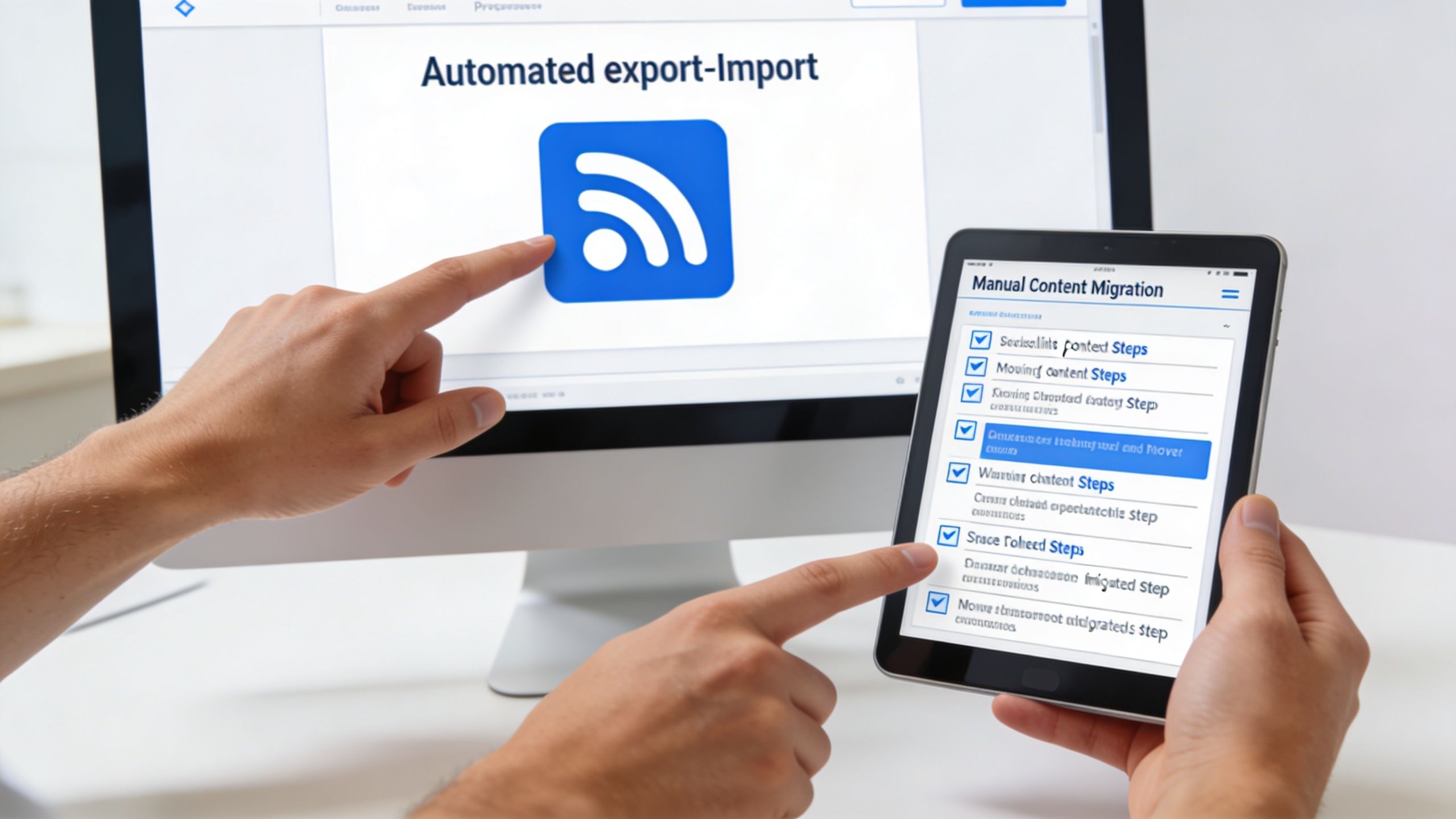
Automated import works best for simpler sites
The automated route usually relies on RSS export and WordPress import tools. For straightforward blog content, that’s often enough to get the bulk of text and some media across quickly.
Automated RSS exports can achieve 90-95% content fidelity for text and media but often truncate feeds with more than 10-25 items, according to WP Oven’s migration guide. That’s the important caveat. The method is efficient, but it’s not complete on many real-world sites.
Automated import is a good fit when:
- The site is content-light and doesn’t have many pages or products
- The layouts are simple and you expect to restyle most of them anyway
- You’re comfortable cleaning up missing images, excerpt issues, and formatting drift
- The priority is speed over precision
Typical workflow:
- Install WordPress on the new host.
- Set the permalink structure before importing.
- Export RSS from Weebly.
- Run the WordPress importer.
- Reassign authors and pull attachments where possible.
- Audit every imported item manually.
A related resource for edge cases involving old static files and imported structures is this guide on converting HTML to WordPress.
Manual migration is slower but cleaner
On business-critical sites, manual migration is often the professional choice. You rebuild the content in WordPress page by page, using the code editor where needed, instead of trying to force Weebly’s markup to survive the trip.
WP Oven notes that a manual copy-paste method using the browser’s code editor can strip Weebly’s inline styles, reducing code bloat by up to 60% and ensuring 100% content control. That matters. Imported builder markup often brings old classes, inline styles, and layout artifacts you don’t want in the new stack.
Migration rule: Use automation to accelerate low-risk content. Use manual rebuilding on revenue pages, service pages, location pages, and product templates.
A manual approach is usually better for:
- Core service pages
- Franchise or location landing pages
- WooCommerce product and category builds
- Conversion-focused landing pages
- Any page where layout, accessibility, or structured content matters
A video walkthrough can help if you want to see how the migration flow typically works before choosing your method.
A practical decision framework
| Site condition | Better approach | Why |
|---|---|---|
| Small blog with standard posts | Automated | Faster first pass |
| Marketing site with custom sections | Manual | Better layout fidelity |
| Store with products and category logic | Manual | Better control over structure |
| Mixed site with blog plus key revenue pages | Hybrid | Import the blog, rebuild the money pages |
The mistake is treating the entire site as one migration type. Most successful projects are hybrid. They automate what’s safe and rebuild what matters.
Recreating Your Site Design and Functionality
A Weebly rebuild usually fails for one reason. The team tries to copy the old site too closely, page by page, widget by widget, and carries the old constraints into WordPress.
A better rebuild starts with the business model. A brochure site needs reusable marketing sections and clean templates. A store needs product architecture, faceted navigation, checkout rules, and performance discipline. A multi-location business needs location templates, local schema, internal linking rules, and a publishing workflow that does not turn into manual repetition six months later.
That is why design work comes after structure.
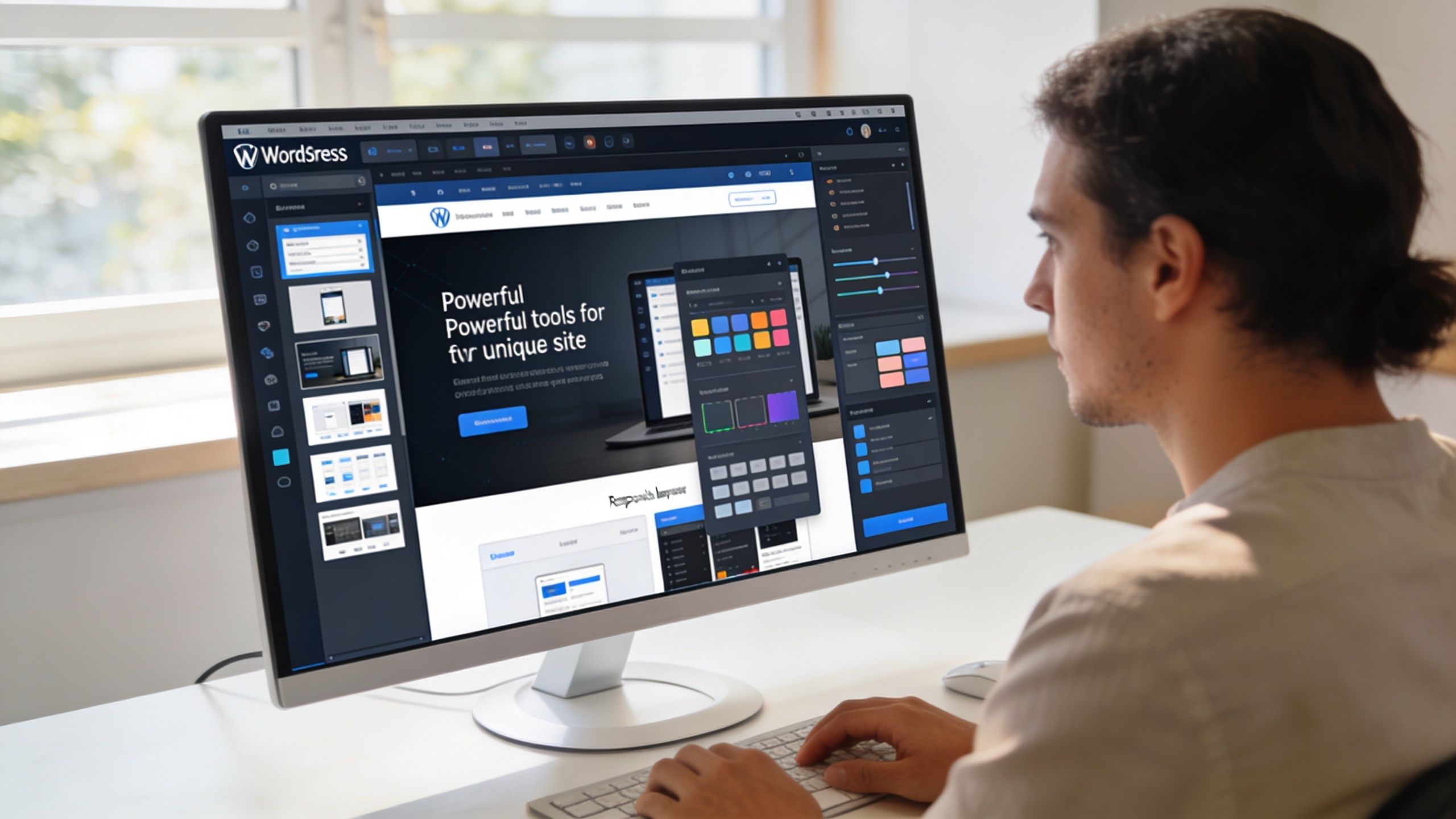
Build a system editors can maintain
In WordPress, the win is not getting a close visual match. The win is getting a maintainable system of patterns, templates, and content rules that editors can use without breaking layout consistency or hurting performance.
Start by identifying repeatable components across the site. Hero sections, trust bars, service grids, store promo blocks, location intros, FAQ modules, review sections, and CTA rows should become reusable patterns or custom blocks. For brands publishing many city, service-area, or franchise pages, this resource on how to create multiple WordPress pages is useful because scale depends on the content model, not just page volume.
Use a build order that protects the architecture:
- Define global styles first so typography, spacing, buttons, forms, and utility classes stay consistent
- Create reusable patterns next for sections marketing and content teams will use repeatedly
- Build templates after that for pages, posts, products, categories, and location entries
- Finish with exceptions for pages that need custom layout or campaign-specific behavior
That sequence prevents a common migration mistake. Teams often custom-build the homepage first, then discover later that nothing else scales from it.
Replace Weebly features with WordPress architecture
Weebly apps often hide architectural decisions. WordPress exposes them. That is a good thing if you make those decisions deliberately.
Forms should move to a dedicated form stack with routing, validation, spam control, and CRM handoff that matches the business process. SEO needs a plugin that gives control over titles, meta rules, schema, XML sitemaps, and archive behavior. Stores belong on WooCommerce when commerce is a core revenue channel. Structured sections such as location data, service attributes, FAQs, and product specifications should live in fields, taxonomies, and blocks instead of being hard-coded into page layouts.
Teams using block themes should review Full Site Editing in WordPress because it changes theme building from a developer-only task into a template system editors can use.
Ask a harder question during the rebuild. What is the right WordPress model for this content, and who needs to manage it next quarter?
E-commerce and multi-location sites need a different rebuild plan
Here, simple migration advice becomes insufficient.
For WooCommerce, the design layer is secondary to the catalog model. Define product types, attributes, variation logic, category depth, search behavior, filter rules, shipping classes, tax settings, and checkout flow before the visual polish starts. If those decisions are wrong, the site will look fine in screenshots and still create daily friction for merchandising, SEO, and operations.
The same applies to multi-location sites. If each office, clinic, showroom, or franchise page is built as an isolated custom page, the site becomes expensive to maintain and inconsistent to expand. A better setup uses a repeatable template, structured location fields, shared components, and local content zones that editors can update safely. For larger portfolios, that may point to custom post types, multisite, or a headless front end. The right answer depends on who publishes content, how many locations exist, and whether teams need centralized governance or local autonomy.
Performance has to be designed in
Weebly migrations often improve flexibility and accidentally worsen speed. That happens when teams stack a heavy theme, multiple page-builder plugins, uncompressed media, and scripts loaded on every page.
Core Web Vitals should influence the rebuild from the start. Choose a lighter theme foundation. Keep the block library tight. Set image sizing rules. Load only the scripts required for each template. Review mobile layouts with real product grids, store filters, and location modules instead of idealized mockups. On e-commerce and location-heavy sites, those template decisions affect crawl efficiency, user engagement, and conversion rates long before anyone debates color palettes.
A WordPress rebuild should give you more control, not more maintenance. If the new setup cannot scale across products, locations, campaigns, and future SEO requirements, the migration is only half finished.
Preserving SEO and Preventing Traffic Loss
A Weebly migration can look fine in staging and still cut organic traffic the week after launch. I see this most often on stores with layered category paths and on multi-location sites where years of city and service pages have accumulated backlinks, rankings, and duplicate URL variants that nobody documented.
Redirects sit at the center of the work, but architecture decisions usually determine whether those redirects hold up. If the new WordPress build changes product hierarchies, location folder structures, canonicals, pagination, or internal linking logic at the same time, search engines are forced to re-evaluate too many signals at once.
URL mapping breaks on edge cases, not homepage pages
The obvious pages are easy to redirect. The risk lives in old Weebly URL patterns, legacy .html endpoints, duplicated slugs, filtered catalog URLs, image attachment pages, and location pages that were created manually over several years.
Start with a full crawl of every indexable URL on the current site. Then assign a clear outcome to each one:
| Old URL status | New action |
|---|---|
| Direct equivalent exists | Redirect old URL to the matching new URL |
| Page is merged into a stronger page | Redirect to the best replacement with the same intent |
| Page is intentionally retired | Return the correct status code instead of forcing a homepage redirect |
| Pattern changed across products or locations | Create rule-based redirects only after testing real samples against the new structure |
That document becomes the migration control sheet. Without it, teams end up patching redirects after rankings slip.
For e-commerce sites, review more than product pages. Category archives, faceted URLs, old search-result pages, pagination, tag archives, and discontinued product paths often create the post-launch mess. For multi-location businesses, the weak spots are usually city pages, practitioner or office pages, service-in-city combinations, and old blog posts that earned local links.
Redirects preserve value only if the destination still matches intent
A 301 from an old ranking page to a loosely related category page is not a win. It may pass some equity, but it often loses rankings because the new page no longer satisfies the same query set.
That matters on larger sites. If a Weebly store had separate URLs for brand, product type, and local inventory pages, collapsing them into a simpler WordPress structure may help administration and still hurt search visibility. The same applies to multi-location businesses that compress detailed local pages into a generic “locations” hub. Cleaner architecture is good. Removing useful search intent is not.
I usually separate migration redirects into three groups:
- One-to-one redirects for pages with a true replacement
- Consolidation redirects for thin or overlapping content that should be merged
- Rule-based redirects for repeated patterns such as legacy product or location URLs
Rule-based redirects save time, but they need testing against edge cases. One bad regex can redirect hundreds of URLs to the wrong destination or create loops that waste crawl budget.
SEO retention depends on signals beyond redirects
Metadata, canonicals, hreflang if used, schema, XML sitemaps, robots directives, and internal links all need review against the new architecture. I also check whether WordPress is generating archives, attachment URLs, parameter pages, or duplicate taxonomy paths that Weebly never exposed. Those indexation leaks are common after plugin-heavy rebuilds.
For monitoring, rankings alone are too narrow and raw traffic is too slow. AI SEO Tracker’s visibility insights are a useful model for watching whether the site is holding visibility across its keyword set while Google processes the move.
If your team needs a release process that ties SEO checks to launch operations, use a WordPress go-live checklist for website launches so redirects, indexing controls, analytics, and QA get verified in one workflow.
Core Web Vitals and crawl efficiency affect recovery speed
Search performance after migration also depends on how the new site behaves. A page that redirects correctly but loads slowly, shifts during render, or depends on heavy client-side scripts can lose ground even when the URL map is accurate.
On e-commerce builds, watch template weight on collection pages, filter behavior, variant handling, and image delivery. On multi-location sites, review repetitive modules, embedded maps, review widgets, and local schema output. These templates often become the heaviest pages on the site and the hardest for search engines to crawl efficiently at scale.
Check Search Console daily after launch. Look for coverage changes, redirect errors, soft 404s, duplicate pages, and spikes in crawled but not indexed URLs. Those are early warnings that the migration preserved the design but missed the search architecture.
The Final Launch Checklist and Monitoring Plan
Launch day should feel procedural, not dramatic. If it feels dramatic, too much is still unresolved.
The safest approach is to treat launch as the final step in a tested workflow. The site should already be complete on staging, content-approved, and QA’d across devices before anyone touches the live switch.
Pre-launch checks that actually matter
Use a checklist that reflects business risk, not just developer convenience.
- Forms and lead routing. Submit every important form and confirm delivery, confirmations, spam protection, and any CRM handoff.
- Store paths. Test add-to-cart, checkout flow, transactional emails, account functions, and tax or shipping logic if applicable.
- Internal links. Check menus, footer links, CTA buttons, breadcrumbs, related content, and any manually inserted links.
- Indexing controls. Make sure staging noindex settings aren’t carried into production.
- Mobile behavior. Review templates, navigation, sticky elements, and media blocks on real devices.
- Accessibility basics. Check heading order, keyboard navigation, alt text coverage, and focus states.
- Performance review. Audit major templates, not just the homepage.
For teams that want a structured release process, this WordPress go-live checklist is a useful operational reference.
Manage the cutover like an operations task
Before launch, reduce the domain TTL in advance so the switch propagates faster. Then schedule the cutover in a window when your team can actively monitor the site, not at the end of someone’s workday when nobody is available to fix issues.
A good launch runbook includes:
- Final content freeze on the old site
- Fresh backup capture
- Database and media verification on staging
- Redirect activation
- Production push or domain cutover
- Smoke testing on live
- Search Console and analytics verification
Launch is not the finish line. It’s the start of the monitoring window.
Watch the first days closely
The first days after launch are when hidden issues surface. Watch analytics for sudden landing-page drops, unusual bounce patterns on key templates, and changes in conversion paths. Watch Search Console for crawl errors, excluded pages, and indexing shifts.
Have a rollback plan ready before launch, not after something breaks. Even if you never use it, the existence of a rollback path forces cleaner deployment discipline.
When to Partner with a WordPress Agency
Some Weebly migrations are reasonable DIY projects. A small blog, a lightweight brochure site, or a simple content refresh can often be handled in-house if the team is organized and patient.
The risk profile changes when the site is tied to revenue, operations, or search visibility in a meaningful way.
DIY is fine when the stakes are low
A self-managed migration is usually realistic if:
- the site is small
- the URL structure is simple
- there’s no serious e-commerce complexity
- the team can tolerate manual cleanup
- rankings are not heavily dependent on a large legacy content footprint
In that case, the main challenge is execution discipline. Inventory the site, choose the right import method, rebuild cleanly, and don’t improvise redirects.
Agency support becomes the smarter option in harder scenarios
Professional help is usually worth it when any of these are true:
| Condition | Why it raises the risk |
|---|---|
| Complex WooCommerce requirements | Product logic, checkout behavior, and integrations are hard to rebuild casually |
| Multi-location or franchise structure | Architecture, permissions, and local SEO mapping get more complicated |
| Custom forms or app behavior | Feature parity often requires bespoke implementation |
| Heavy organic traffic dependence | Redirect errors and indexation problems become expensive fast |
| Multilingual or multisite needs | Governance and deployment complexity increases sharply |
The main value of an experienced WordPress team isn’t just speed. It’s judgment. Knowing what to automate, what to rebuild manually, what to preserve exactly, and what should be redesigned because the old setup was the problem.
If downtime, lost rankings, or broken checkout paths would hurt the business, the migration is no longer just a technical task. It’s a risk-management project.
That’s the dividing line. If you’re moving a basic site, DIY can work. If you’re moving an ambitious brand, a store, or a multi-location platform, senior engineering support usually costs less than fixing a bad launch.
If you need that level of support, IMADO helps brands, retailers, and agencies move from Weebly to WordPress with senior engineering oversight, scalable architecture, SEO-aware migration planning, and production-grade launch discipline.
Let’s build something exceptional
Tell us about your project – we’ll help you launch a fast, scalable, SEO-optimized WordPress platform built for growth.